Gallery
See what others have created
s1emens
@s1emens
Scheduling
Design a scheduling flow for booking an event, meeting, or task in a product UI. Start from the point where the user chooses to schedule something and carry them through date selection, time selection, optional details, and final confirmation. Make the path feel linear, with no ambiguity about what has been set and what still needs input.
Use the right control for each decision: calendar for date, time picker or time list for time, and a compact form for title, notes, location, or attendees if needed. Show the selected values clearly in the UI, not just inside the control. If the flow includes recurring scheduling, surface that as a separate choice instead of burying it in advanced settings.
Include the key states that make the flow usable in real life: empty, selected, invalid, conflict, review, and success. If a time is unavailable or overlaps with another event, explain the problem near the field and offer the next available option. Keep entered data intact when the user goes back to edit.
Finish with a confirmation screen that summarizes the scheduled item: what, when, and any important details. The primary action should be to confirm or create the schedule, with a clear secondary path to edit before committing.
What to deliver
- Design the scheduling flow from intent to confirmation.
- Include date, time, and details entry screens.
- Show progress or step state across the flow.
- Add confirmation and edit states before final submission.
- Include validation and recovery for missing or conflicting times.
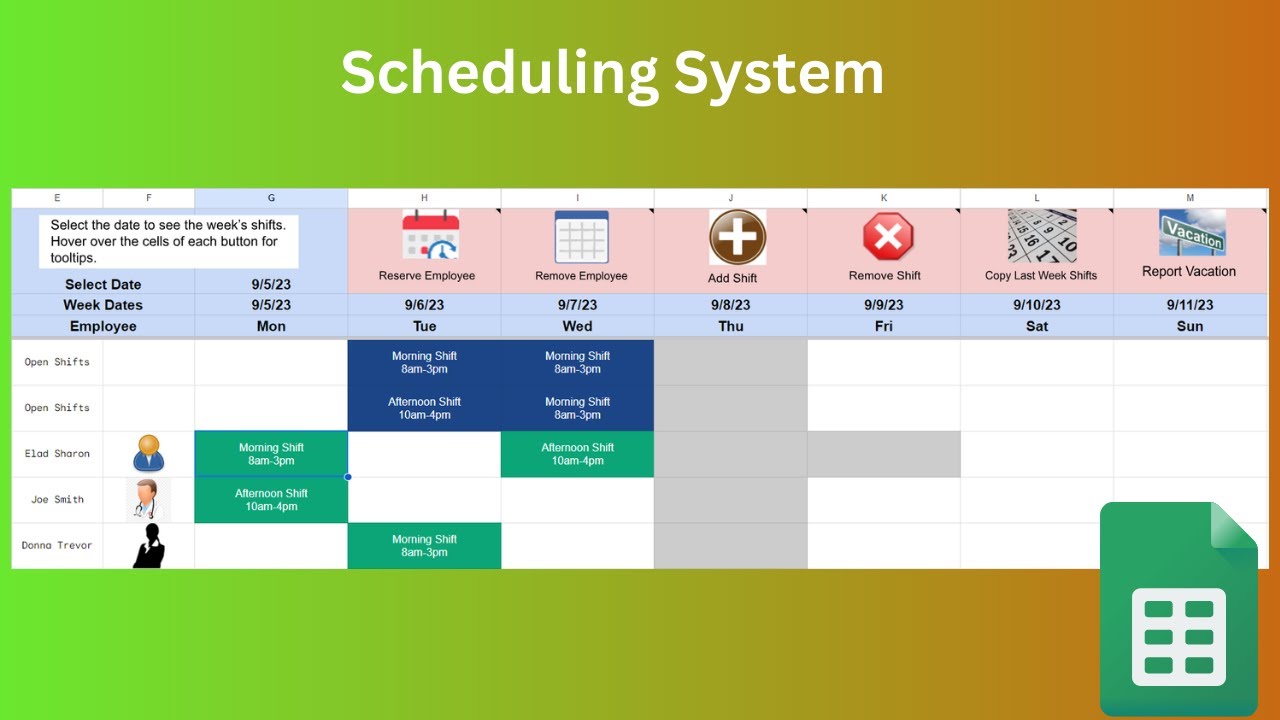
Remember that color coding and iconography can be powerful tools to indicate different types of events or tasks in a scheduling interface. They not only add to the aesthetic but also enhance usability.