Gallery
See what others have created
keykey
@keykey
Import & Export
Design a paired import and export experience for a product that moves structured data in and out of the app. Treat import and export as two related flows with shared rules, clear labels, and separate outcomes.
For import, show the user where the data comes from, what file types are accepted, and what happens after upload. Include a place to map columns or confirm fields before the import runs. If the file is invalid or incomplete, surface the problem next to the affected control and keep the uploaded file in place so the user can fix it without starting over.
For export, let the user choose format, scope, and destination before generating the file. Keep the default choices obvious, and make it clear whether the export is for the current view, selected records, or everything. If a setting is not available for the chosen format, disable it or explain why.
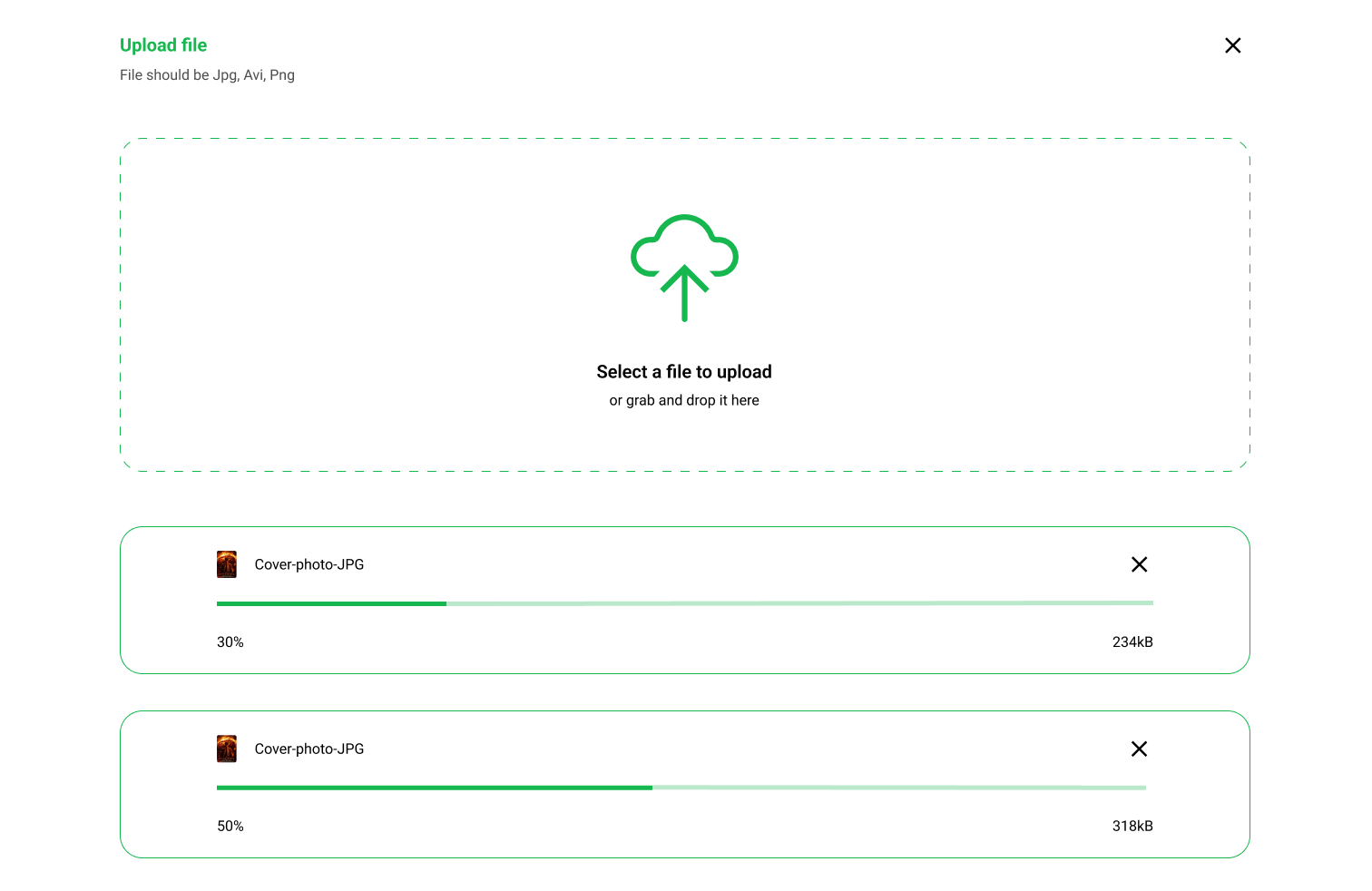
Show the full transfer lifecycle: idle, validating, in progress, complete, and failed. Progress should show what is happening now, and completion should confirm where the file went or what was imported. When something fails, give the user the reason and the next action directly in the interface.
What to deliver
- Design an import panel with source selection, file picker, and primary import action.
- Design an export panel with format, scope, and destination controls.
- Show validation for unsupported files, missing fields, and conflicting settings.
- Include progress, completion, and failure states for both flows.
- Add inline help for mapping columns or choosing export options.
Color code your import and export buttons to visually differentiate these actions at a glance, enhancing user navigation.