Gallery
See what others have created
sara_gorecka
@sara_gorecka
Avatar group
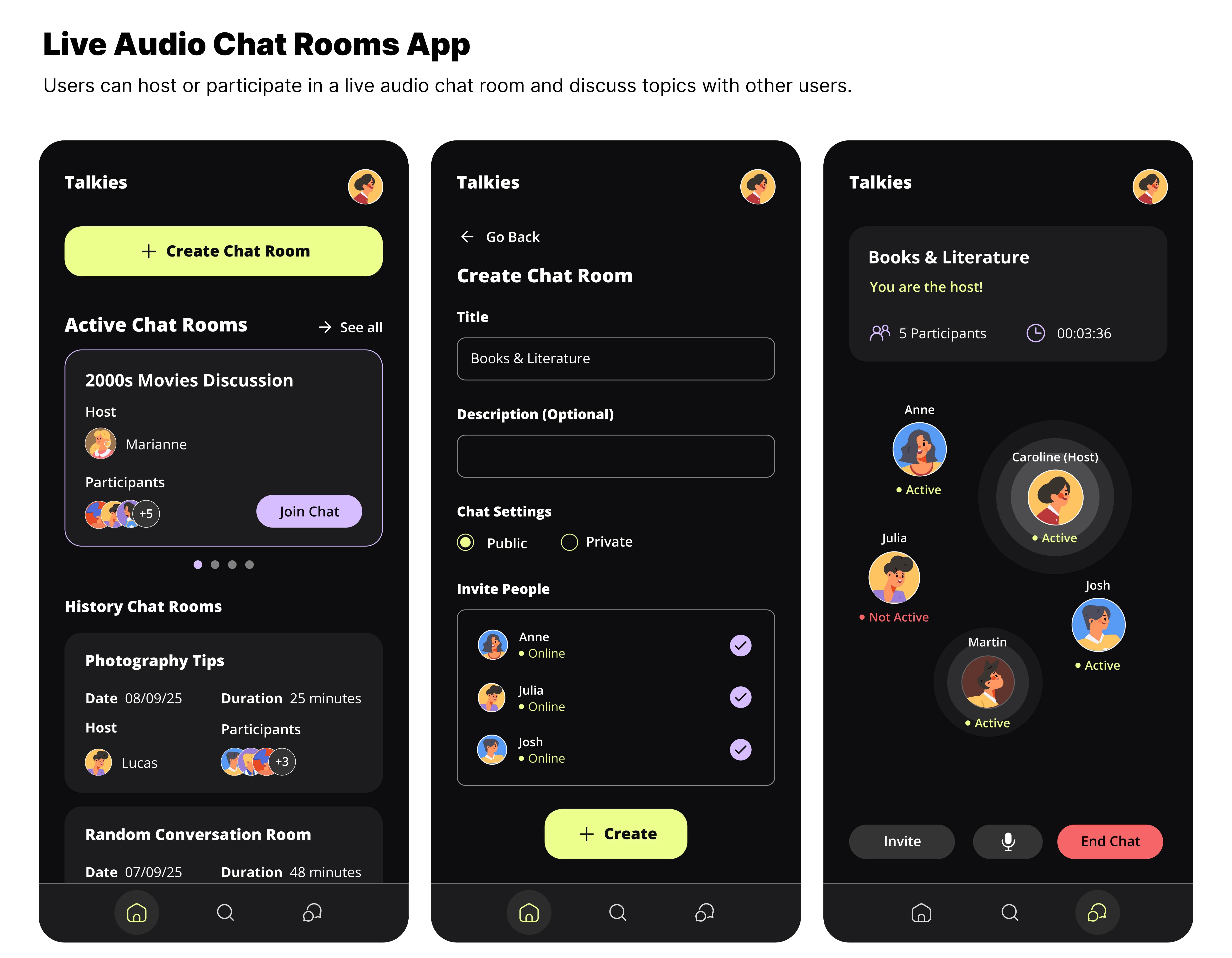
Design an avatar group component for a social or chat surface where several people need to be shown together in a tight space. The component should work for 3–6 members and still read cleanly when space is limited.
Show how avatars overlap or stack, how the visual order is set, and what happens when there are more people than fit. Include a clear overflow treatment such as a "+3" badge or a condensed last slot, not a vague truncation.
Each avatar may carry presence state: online, offline, busy, or in a call. Make those states legible at a glance, and keep the component usable for keyboard and pointer interaction. If an avatar is interactive, show hover and focus states that do not break the group layout.
The group should feel like a single component, not a row of separate circles. Use spacing, borders, and labels to make membership and hierarchy obvious, and make sure the design still works in light and dark contexts.
What to deliver
- Design a 3–6 person avatar group component
- Show overlap, stack order, and avatar count overflow
- Add presence badges for online, offline, busy, and in-call states
- Include hover or focus treatment for each avatar
- Provide a compact label or count for hidden members
Keep it lively! Animate avatar entrances and exits to energize the group dynamics visually.