Gallery
See what others have created
abi1607
@abi1607
Color Picker
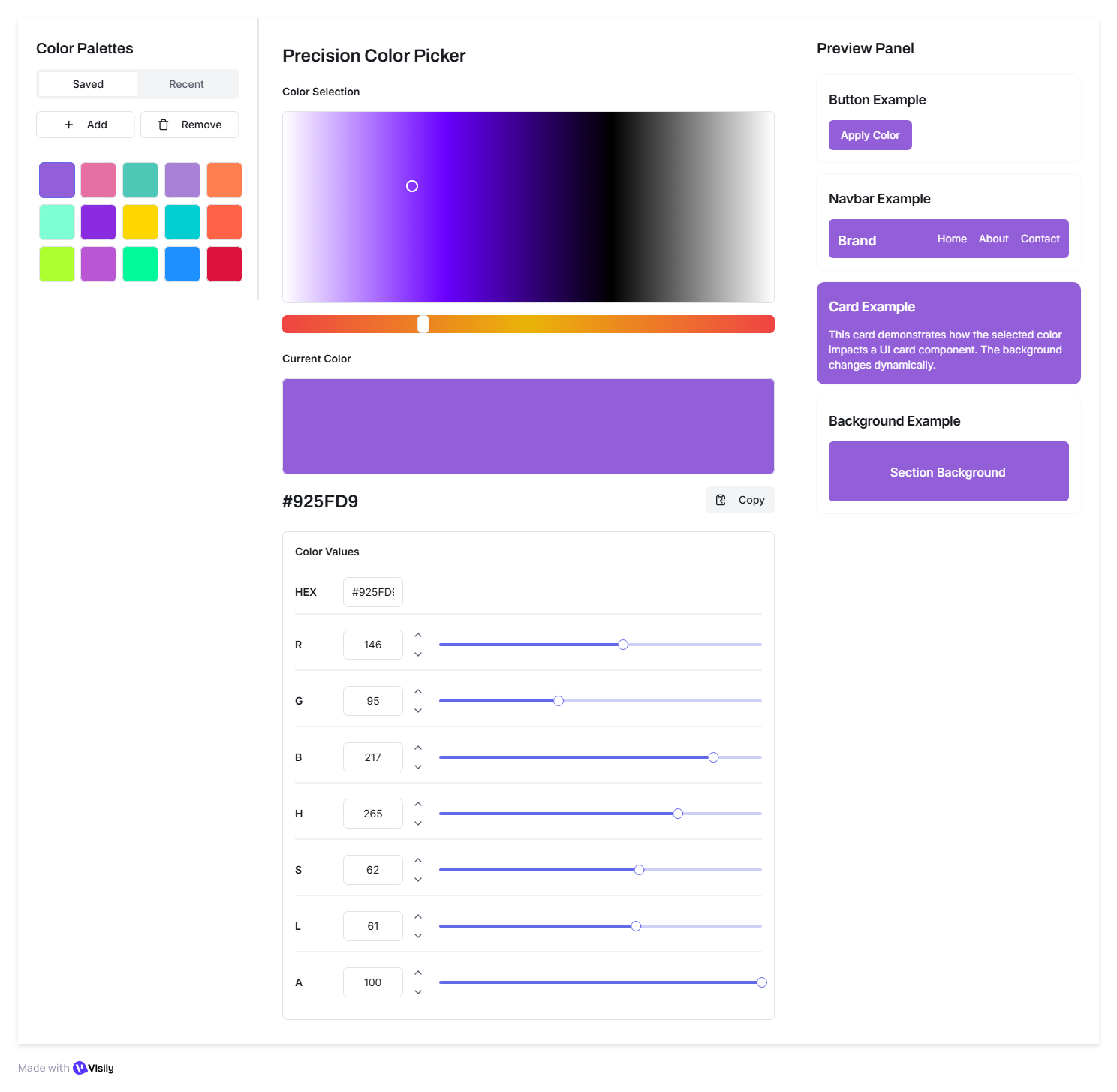
Design a color picker for a design tool panel. The default state should show a large saturation/value field, a hue control, a live preview swatch, and a clear readout of the selected color. The user should be able to start by clicking in the canvas, then refine the result with sliders or direct numeric entry.
Support HEX, RGB, and HSL input with two-way sync. When a value changes in one format, the others should update immediately. Keep the active format obvious, and make it easy to copy the current code with one action and visible confirmation.
Include a swatch tray for saved colors and recent picks. These should be compact, labeled, and usable without opening a separate menu. Show how a user adds the current color to favorites, returns to a recent color, and removes a saved swatch.
Cover error and accessibility states: invalid text input, values outside the supported range, keyboard nudging for sliders, and focus states that make the active control obvious. The picker should still make sense when color differences are subtle or when a user never touches the canvas.
What to deliver
- Design the main picker with hue/saturation area, value slider, and current color preview
- Add numeric inputs for HEX, RGB, and HSL with live sync between formats
- Show saved swatches and recent colors in a compact, scannable tray
- Include copy-to-clipboard and confirm state for the active color code
- Handle invalid input, out-of-gamut values, and keyboard-driven adjustment states
Incorporate a preview feature where users can test how the selected color looks within different templates or UI elements.