Gallery
See what others have created
unpublishedhanging
@unpublishedhanging
Emails & Messages
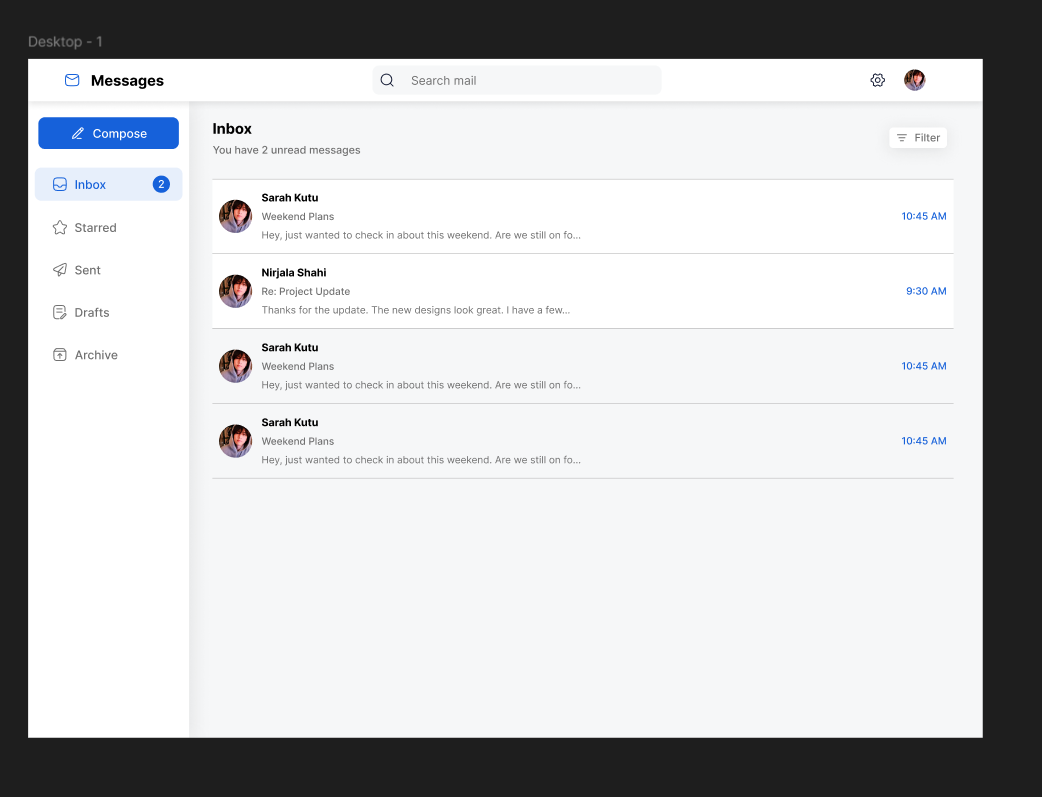
Design a messages screen that covers both inbox-style email and chat-style conversations, but keep the structure clear: a left or top list for threads, and a detail view for the selected thread. Show the information people need to decide what to open next — sender, subject or contact name, preview text, time, unread state, and any priority markers.
In the thread view, show a readable message stack with clear separation between participants, timestamps, and attachments. The composer should sit at the bottom with a single primary send action, plus lightweight controls for attachments, emoji, and quick reply if needed. Keep the typing area visible and easy to return to after scrolling.
Add fast message management: search, filters, and actions like archive, delete, mark unread, star, mute, or swipe equivalents on mobile. Use badges, presence dots, and read receipts only where they help users act faster. Make the next step obvious at every state, including empty inbox, no search results, and failed send.
What to deliver
- Design the inbox list with sender, subject/preview, timestamp, and unread state.
- Design the conversation view with message thread, composer, and send action.
- Include message actions for archive, delete, mark unread, and reply.
- Add search and filter controls for unread, starred, and recent.
- Show notification badges and presence/status indicators where relevant.
Inject personality with subtle animations when users send or receive new messages to delight them and enhance the user experience.