Gallery
See what others have created
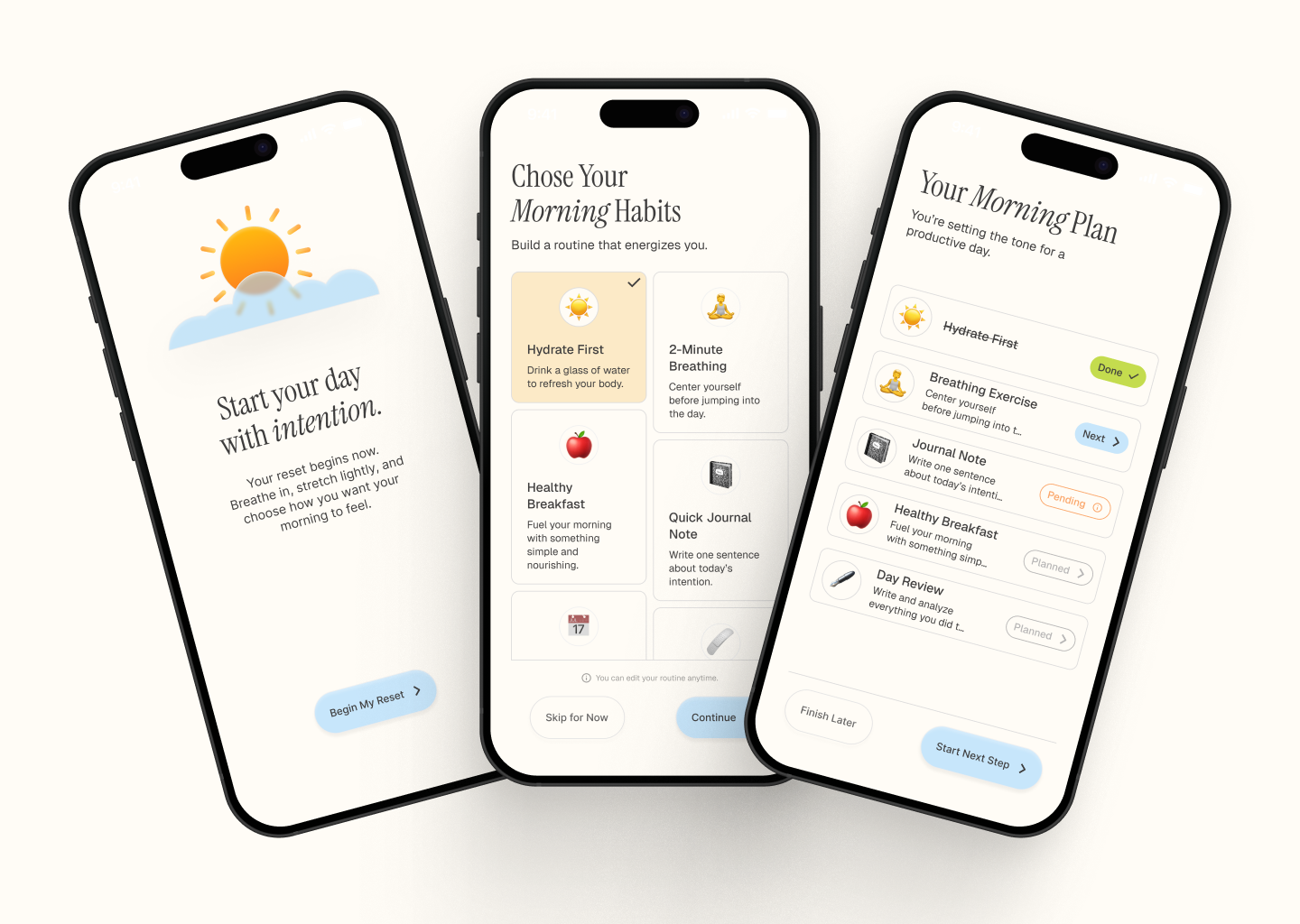
designeraleksa
@designeraleksa
Stories
Design a vertical stories experience for a mobile app. Treat each story as a sequence of full-screen panels that move quickly and rely on visuals first, text second. The user should understand where they are in the sequence, what controls exist, and how to move forward without guessing.
Use a clear top progress indicator, a visible close/exit control, and tap zones for previous/next. Keep interactive UI out of the center of the frame so the content stays readable. If a story includes links, stickers, or a CTA, make the action obvious without blocking the main image or video.
Show a realistic story flow, not just one screen: loading or first-frame state, a live story panel, a paused state, and an end state with the next action. If the story is promotional, editorial, or portfolio-based, the layout should still feel native to the same system. The experience should work one-handed and feel fast to scan, skip, or finish.
What to deliver
- Design a 3–5 panel story sequence with clear progression.
- Add tap targets for next, previous, and pause/play.
- Show one strong focal point per panel with minimal on-screen text.
- Include a final panel with a clear call to action or exit path.
Incorporate visual cues to guide users through the story, engaging them without overwhelming with text.