Gallery
See what others have created
martinskalik
@martinskalik
Turning On/Off
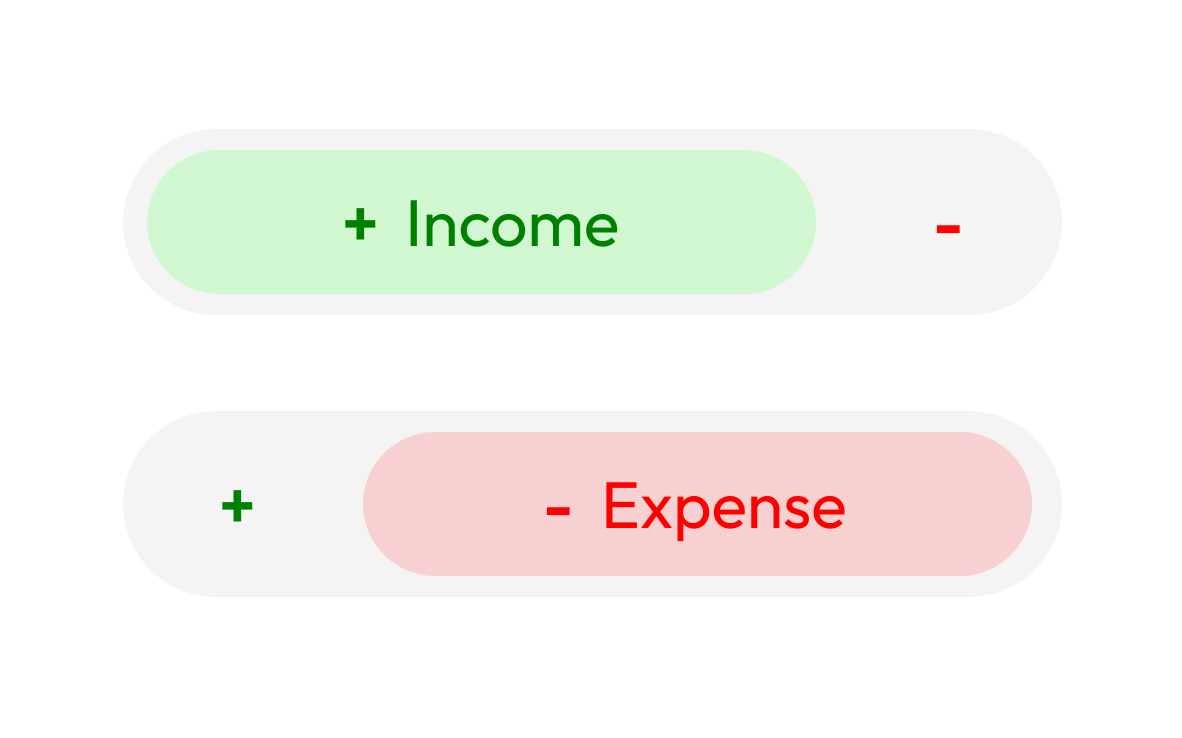
Design a simple binary control for turning a setting on and off. Show the control in both states, with clear labeling so the user can tell what is enabled before they tap it. This is not a style exercise; it should read like a real product control that could be dropped into a settings screen.
Show the interaction from off to on and from on to off. Include the pressed, transitioning, and settled states so the change feels deliberate. Use motion, color, or icon change only if it helps clarify the state shift.
Keep the control usable on touch devices: visible hit area, clear contrast, and no ambiguity between the active and inactive states. If you include supporting text, make sure it updates with the state instead of repeating it blindly.
What to deliver
- Design the on/off control in its default state.
- Show the control after it has been switched on and off.
- Include the interaction feedback during the state change.
- Add labels or supporting text that make the current state explicit.
- Show at least one accessible touch-friendly version.
Make the interaction delightful! Adding a subtle animation when the state changes can make the experience more engaging and satisfying for the user.