Gallery
See what others have created
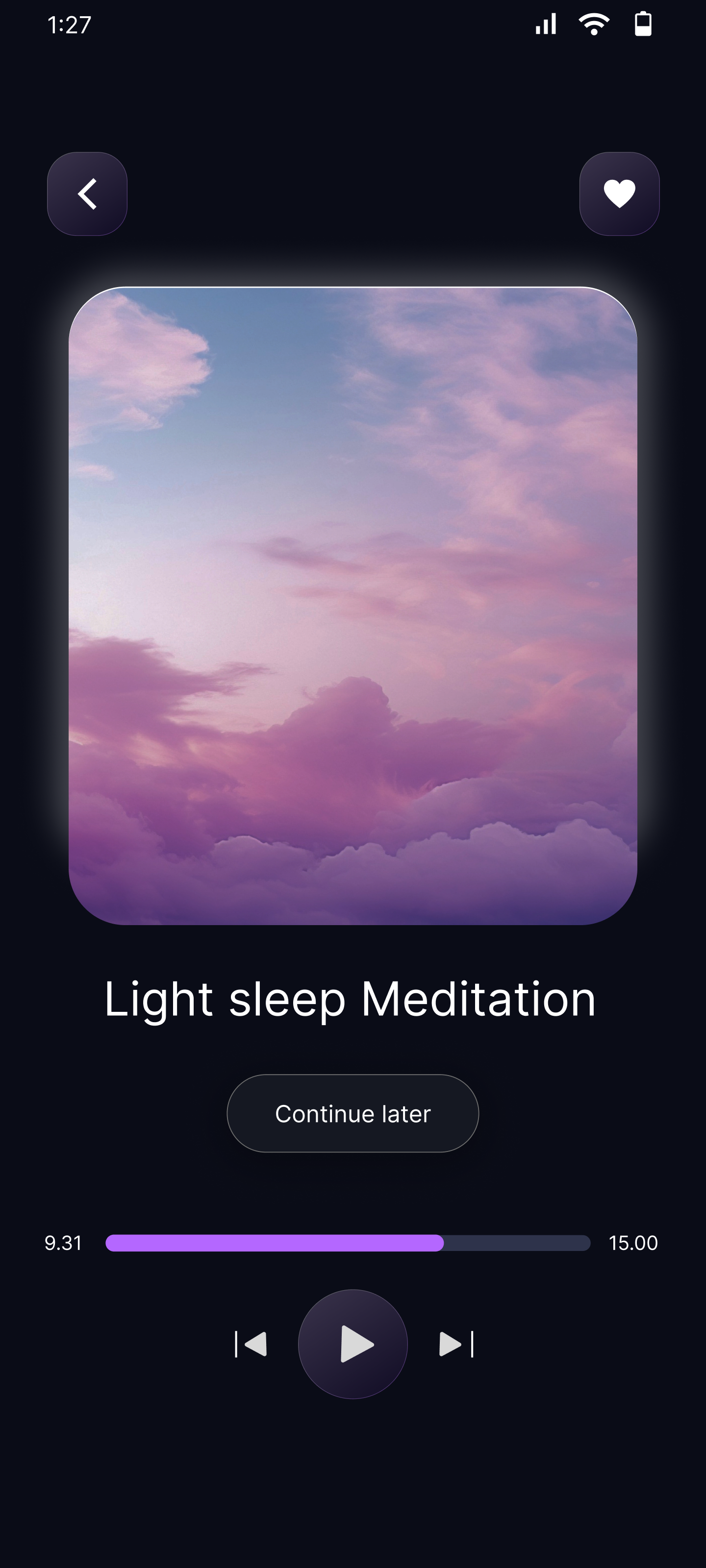
sidelongslug
@sidelongslug
Song & Podcast Detail
Design a detail screen for a single song or podcast episode. Use a clear header with cover art, title, artist or host, and a small set of metadata such as release date, duration, album or show name, and genre or episode number.
Put playback first. The primary play/pause control should be dominant and easy to hit, with supporting controls nearby for skip, like/save, share, and more actions. If you include a scrubber, make the current position and total duration readable at a glance.
Below the player, add the content that helps someone decide what to do next: a short description or track notes, comments or reviews, and a related section for similar episodes, the rest of the album, or the next track in queue. Keep the layout clean so the detail view feels focused on listening, not browsing.
What to deliver
- Design the detail header with artwork, title, creator, and key metadata.
- Place a primary play/pause control above supporting actions.
- Show a progress area with current position, duration, and scrub state.
- Add secondary actions for like/save, share, comments, and more options.
- Include a related-content section for next tracks or similar episodes.
Inject personality into your design by using unique icons and thoughtful placement to encourage user engagement.