Gallery
See what others have created
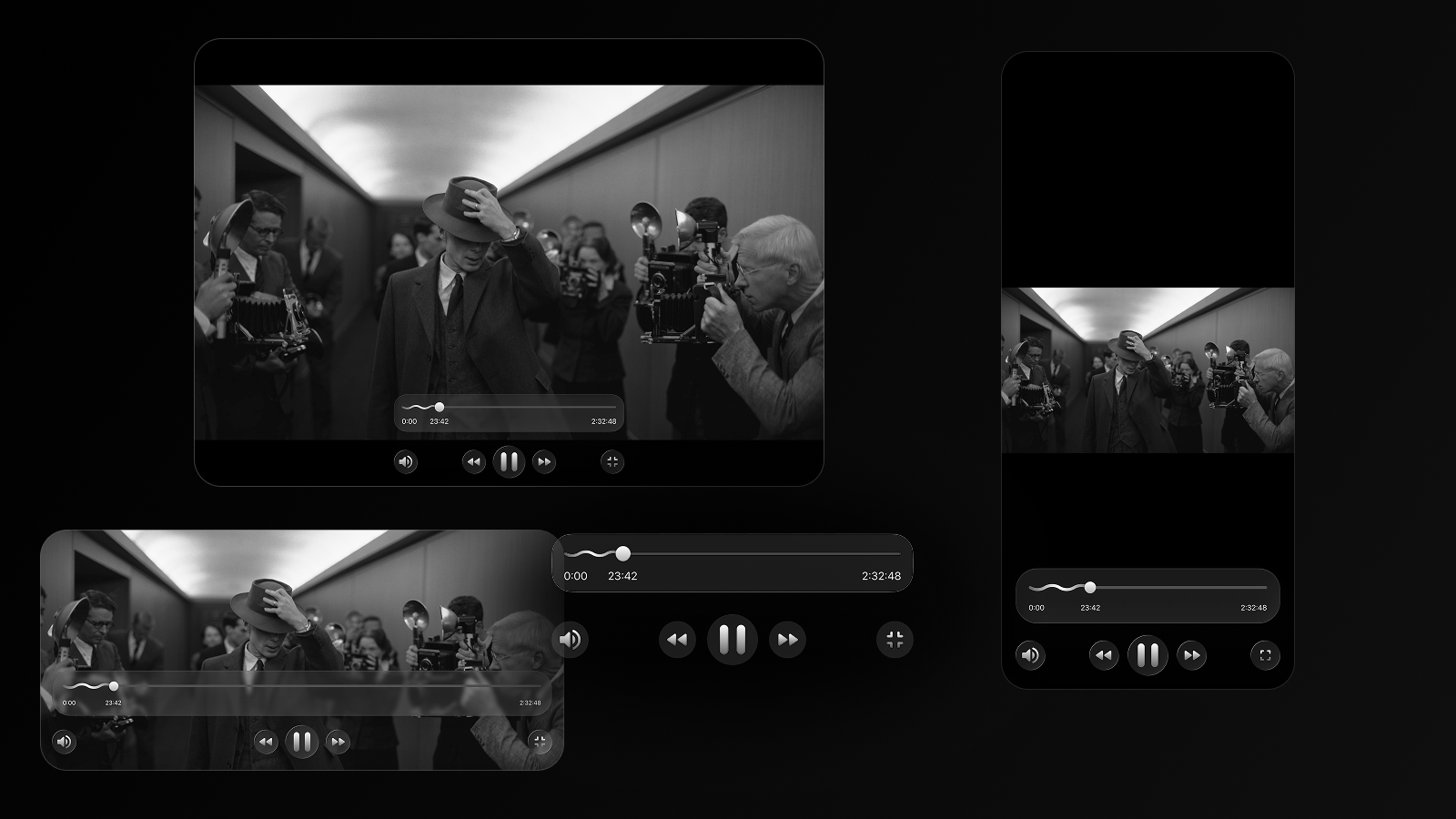
designeraleksa
@designeraleksa
Playing video
Design a video player for a single piece of content in motion. Treat the video surface as the main canvas and the controls as a temporary layer that appears when needed, then fades back so the content stays in focus.
Include play/pause, scrubber, elapsed and total time, volume, captions, and full-screen. Show how the control bar behaves on hover, tap, and keyboard focus, and make the active control state obvious without adding visual noise.
Cover the moments users expect to hit: loading, buffering, paused, playing, ended, and playback failure. Each state should tell the user what is happening and what they can do next, without resetting their place in the video.
Adapt the layout for mobile and desktop. On smaller screens, keep touch targets large and controls reachable; on larger screens, preserve a clean hierarchy so the video stays dominant and the interface does not feel crowded.
What to deliver
- Design a video player with play/pause, scrubber, timecode, volume, and full-screen controls.
- Show controls in both idle and active states, with clear visibility over the video surface.
- Include buffering, paused, ended, and playback-error states.
- Adapt the layout for mobile and desktop without losing control reachability.
- Show hover, focus, and touch-friendly control behavior.
For a dynamic and engaging experience, consider adding subtle animations to your video controls, such as smooth transitions for the play/pause button or a mini-preview when scrubbing through the progress bar.