Gallery
See what others have created
genericwick
@genericwick
Calling
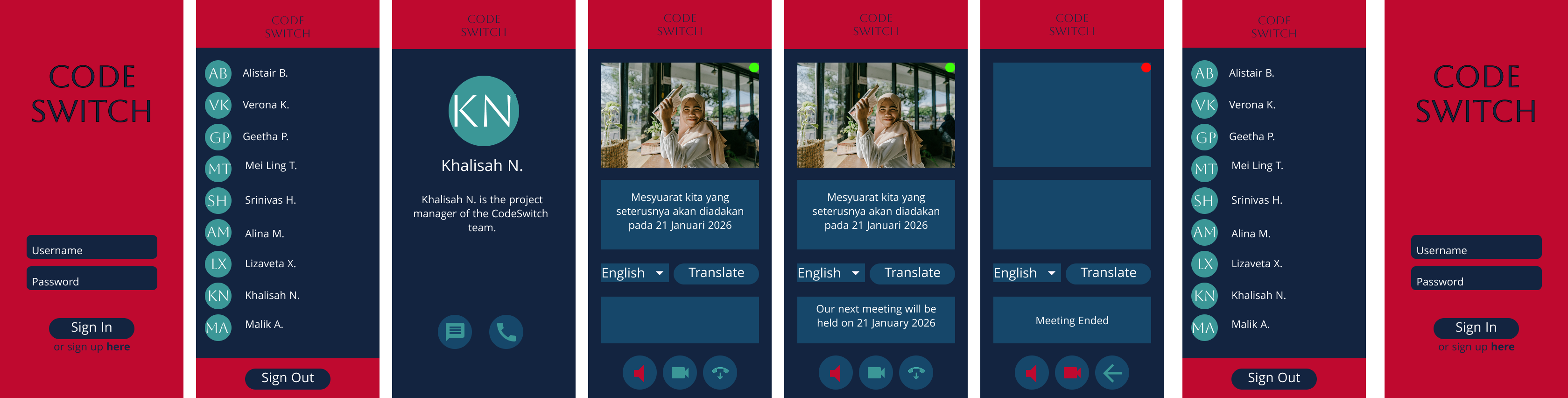
Design a calling flow for a mobile app. Focus on the moments a user needs to start a call, manage the call in progress, and recover when something goes wrong. Keep the experience tight: the contact, call type, and start action should be obvious before the first tap.
Show the active call screen with the controls people reach for most: mute, speaker, video, keypad, and end call. Keep the main status visible at the top so the user can tell whether the call is connecting, live, on hold, or reconnecting. If you include video, show where the local preview and remote feed live on the screen.
Include one pre-call check state for microphone/camera access or device selection, plus one failure or interruption state such as poor connection, permission denied, or missed call. End the flow with a clear call summary that shows duration and the next action, such as calling back or sending a message.
What to deliver
- Design the call start screen with contact identity, call type, and one clear start action.
- Design the active call screen with mute, speaker, video, keypad, and end-call controls.
- Show at least one pre-call permission or device check state.
- Show one in-call state for hold, poor connection, or reconnecting.
- Show the call-ended state with duration and next action.
For an engaging 'Calling' flow, consider unique features like background blur or virtual backgrounds. These not only add privacy but also a touch of personality to the calling experience.