Gallery
See what others have created
designflairy
@designflairy
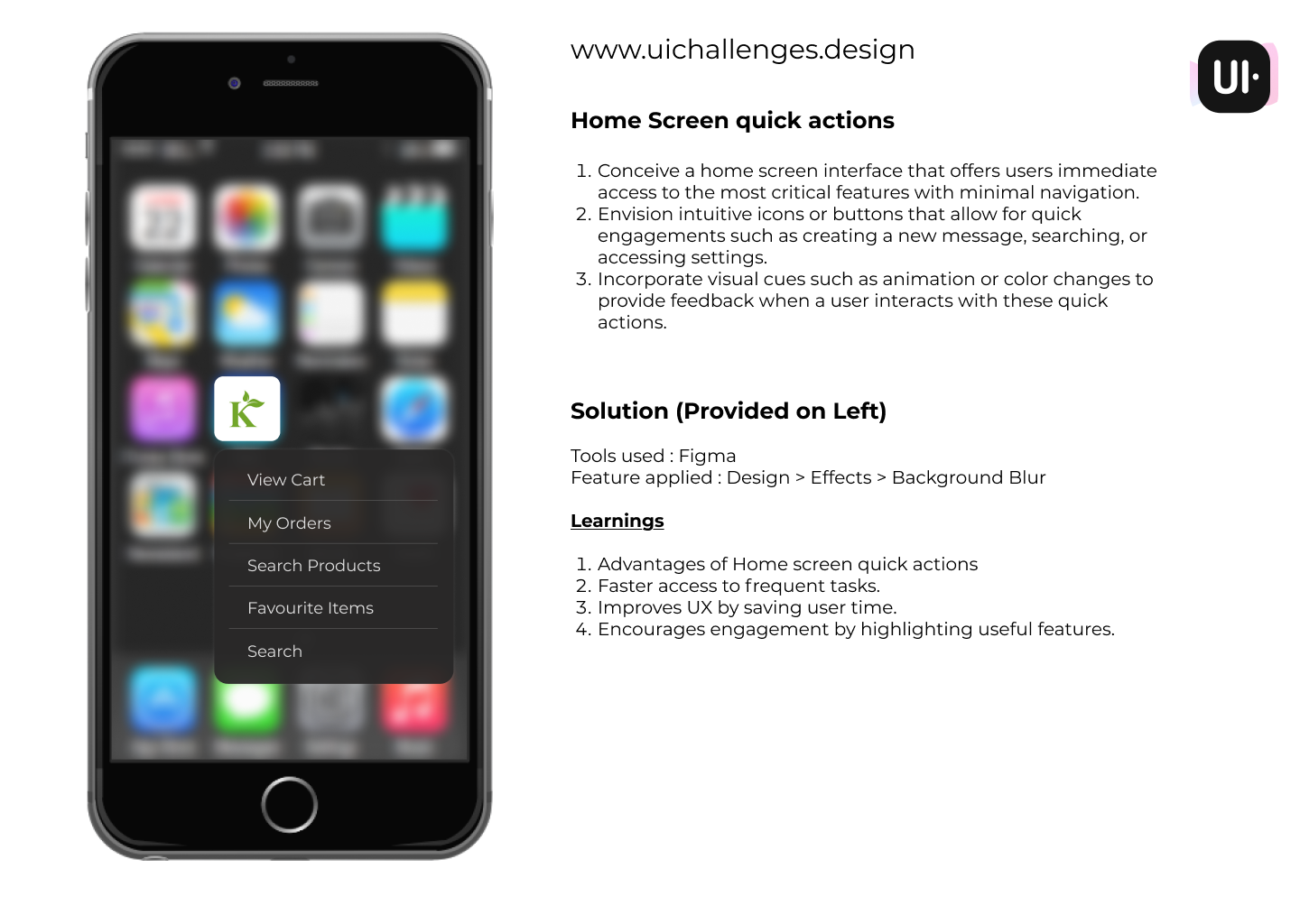
Home Screen quick actions
Design a home screen for a product dashboard that gives users direct access to their most common tasks. The screen should feel useful before any interaction: one clear main area, then a small set of quick actions placed where the thumb or cursor can reach them fast.
Choose 3–5 actions that fit the product context, such as new message, search, create item, review alerts, or open settings. Each action should be readable on its own, with an icon and label, not icon-only. If an action is less common or destructive, make that difference visible in hierarchy and styling.
Show what happens on press or tap: active state, immediate feedback, and the transition into the next screen or panel. Include at least one disabled or unavailable action so the layout still makes sense when a feature is missing, restricted, or waiting on data.
Treat the quick actions as a real system, not decoration. The spacing, size, and feedback should make the shortcuts easy to scan, hard to mis-tap, and consistent across all states.
What to deliver
- Design a home screen with a clear primary area and a compact quick-actions row
- Create 3–5 action buttons for the most-used tasks
- Show default, hover/pressed, disabled, and loading states for each action
- Include labels or tooltips so each icon is understandable without context
- Add a feedback pattern for tap confirmation and task launch
Maximize efficiency by positioning quick actions within thumb's reach on mobile devices, ensuring a seamless user experience.