Gallery
See what others have created
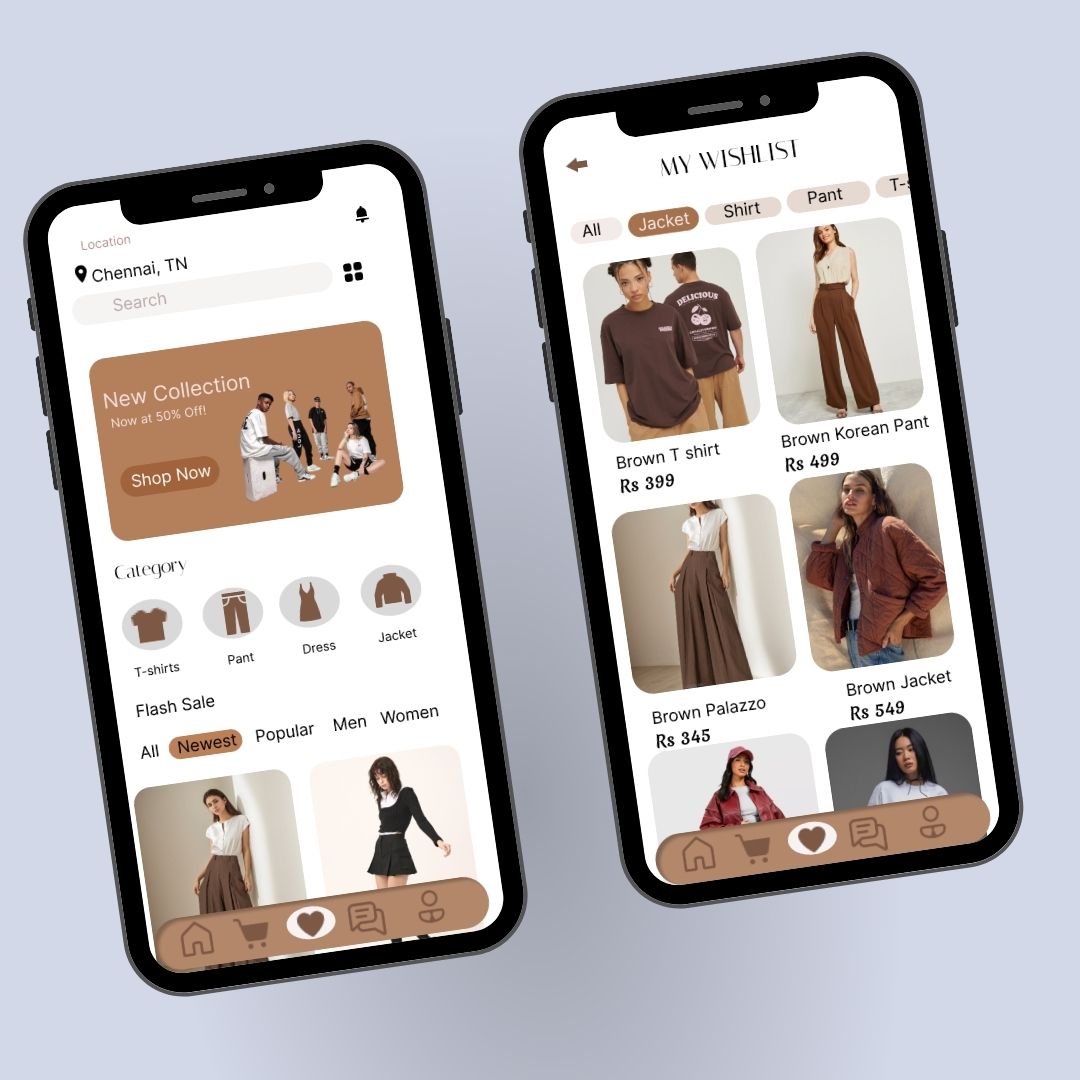
dzynxs
@dzynxs
Favorite & Pin
Design a favorite/pin pattern for a content feed. Each item needs a clear save control that works in both the default and active state, with a small but obvious visual change when tapped. The control should fit beside the item without stealing attention from the main content.
Include the saved-items destination where users can review everything they’ve pinned or favorited. Show how saved content is grouped, how users return to the original item, and how they remove something from the list. The saved state should feel lightweight, not like a separate workflow.
Cover the empty state for a new user with no saved items yet. The screen should explain what favorites/pins are for and point to the first action. If you use animation or color change, keep it subtle and readable.
What to deliver
- Design the item-level favorite/pin control.
- Design the saved state for an active favorite/pin.
- Design a favorites/pins collection view.
- Show the empty state when nothing is saved.
- Add a clear undo/remove action for saved items.
Interactivity is key! Animate the 'Favorite' or 'Pin' icon to delight users — a little bounce, spin, or fill can make the action feel rewarding.