Gallery
See what others have created
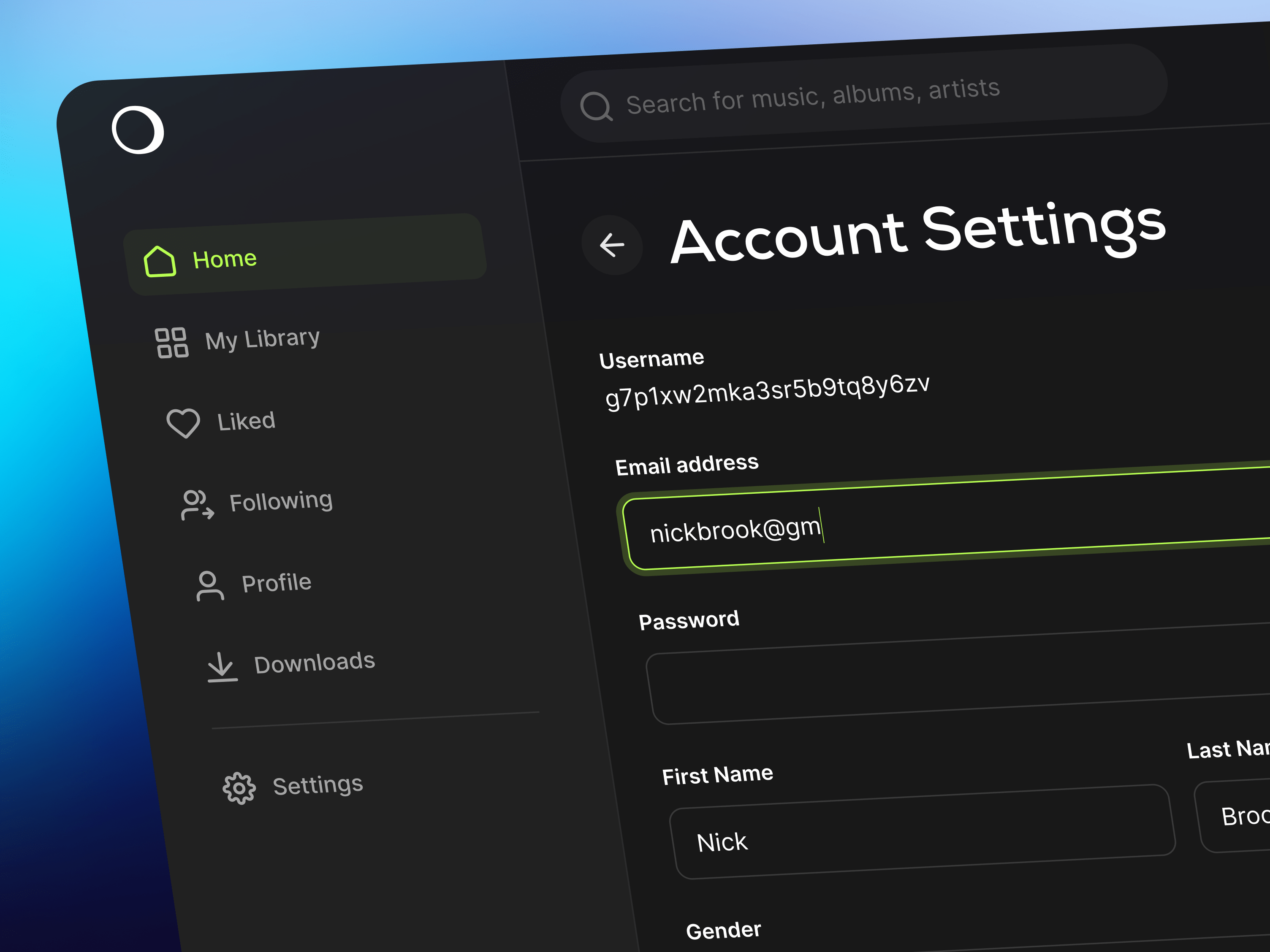
raspingmonarchy
@raspingmonarchy
My Account & Profile
Design a My Account & Profile screen for a web app where users can review and update their personal details without getting lost in settings noise. Treat it as a single account hub: the top of the page should identify the user clearly, then the rest of the layout should break into focused sections with one job each.
Include editable personal information, password and security controls, privacy settings, and notification preferences. Each section should be scannable on its own, with obvious affordances for edit, save, and cancel. If you use tabs or a side nav, keep the active section visible and make the current location easy to understand at a glance.
Show the important interaction states: inline validation, success confirmation, unsaved changes, and error recovery. If a user changes a password or updates an email, the screen should explain what happened and what needs attention next. Keep destructive or sensitive actions separated from routine profile edits, and make keyboard focus and form behavior feel deliberate.
What to deliver
- Design the account overview header with avatar, name, email, and edit entry point.
- Lay out profile sections for personal info, password, privacy, and notification preferences.
- Include inline edit states, save/cancel actions, and field validation.
- Show confirmation, error, and unsaved-changes states for profile updates.
- Add account security actions like change password and sign out of other devices.
Highlight the most frequently accessed features, like profile edits and password updates, ensuring they are prominent and effortless to use.