Gallery
See what others have created
royallyscrewd
@royallyscrewd
Filter & Sort
Design a list screen with filtering and sorting controls for a real set of items, such as products, files, jobs, or posts. The main view should show the results list, the current sort, and any applied filters without forcing the user to reopen the controls.
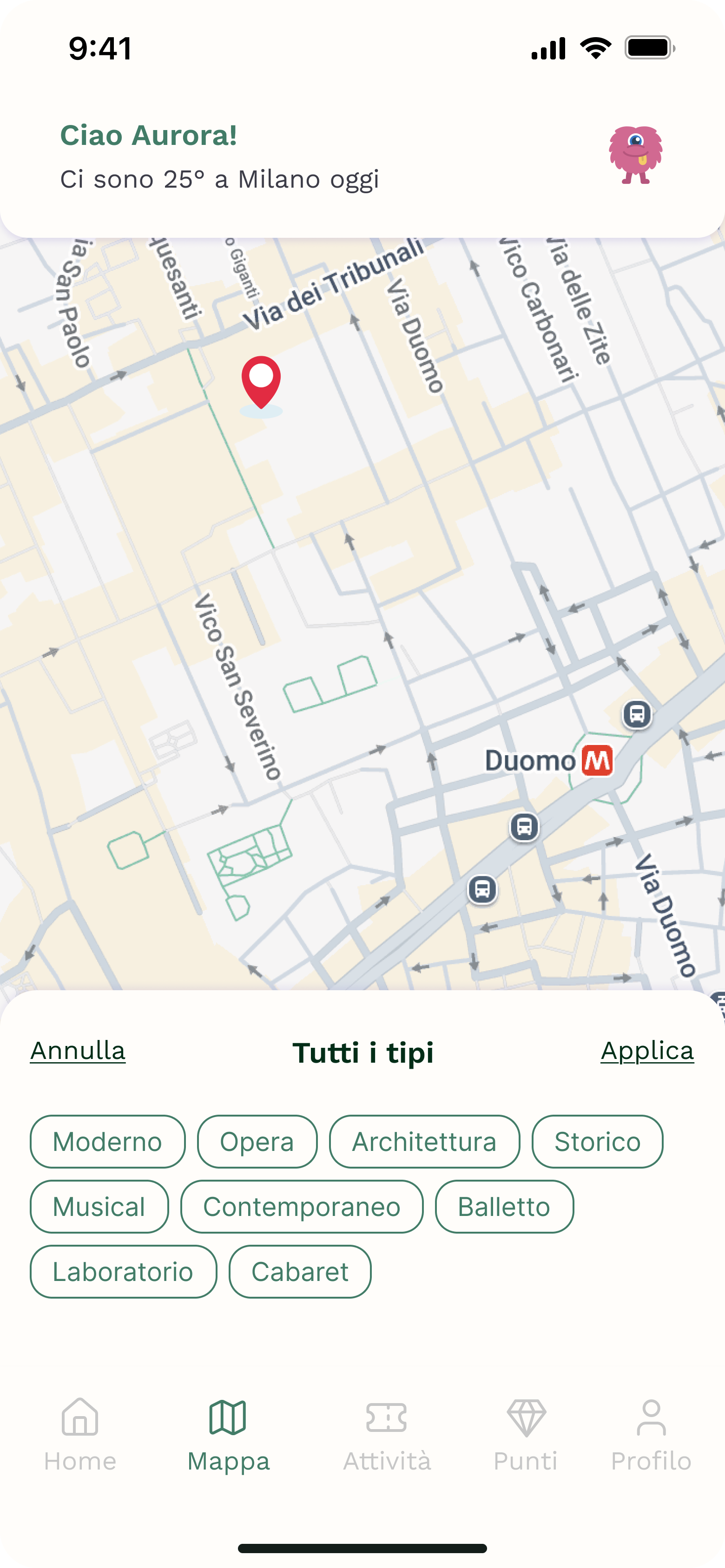
Place the primary filter entry point where it is easy to reach from the list. Use a panel, drawer, or sheet for the filter controls, with grouped options that match the data: checkboxes for multi-select categories, toggles for binary filters, and a clear sort choice. Keep the labels plain and specific.
Show what happens after a selection is made. The list should update, applied filters should be visible as chips or pills, and the user should be able to remove one filter or reset all of them in one step. Include a no-results state that tells the user what to change to get results back.
What to deliver
- Design a list screen with a filter bar and sort control.
- Show filter options in a panel or sheet with clear sections.
- Include applied filter chips and a visible reset action.
- Show the sorted list state after selections are applied.
- Add empty and no-results states with a way to recover.
Add a 'clear filters' option to quickly reset user choices, enhancing the usability of your design.