Gallery
See what others have created
nightlysuite
@nightlysuite
Blog Page
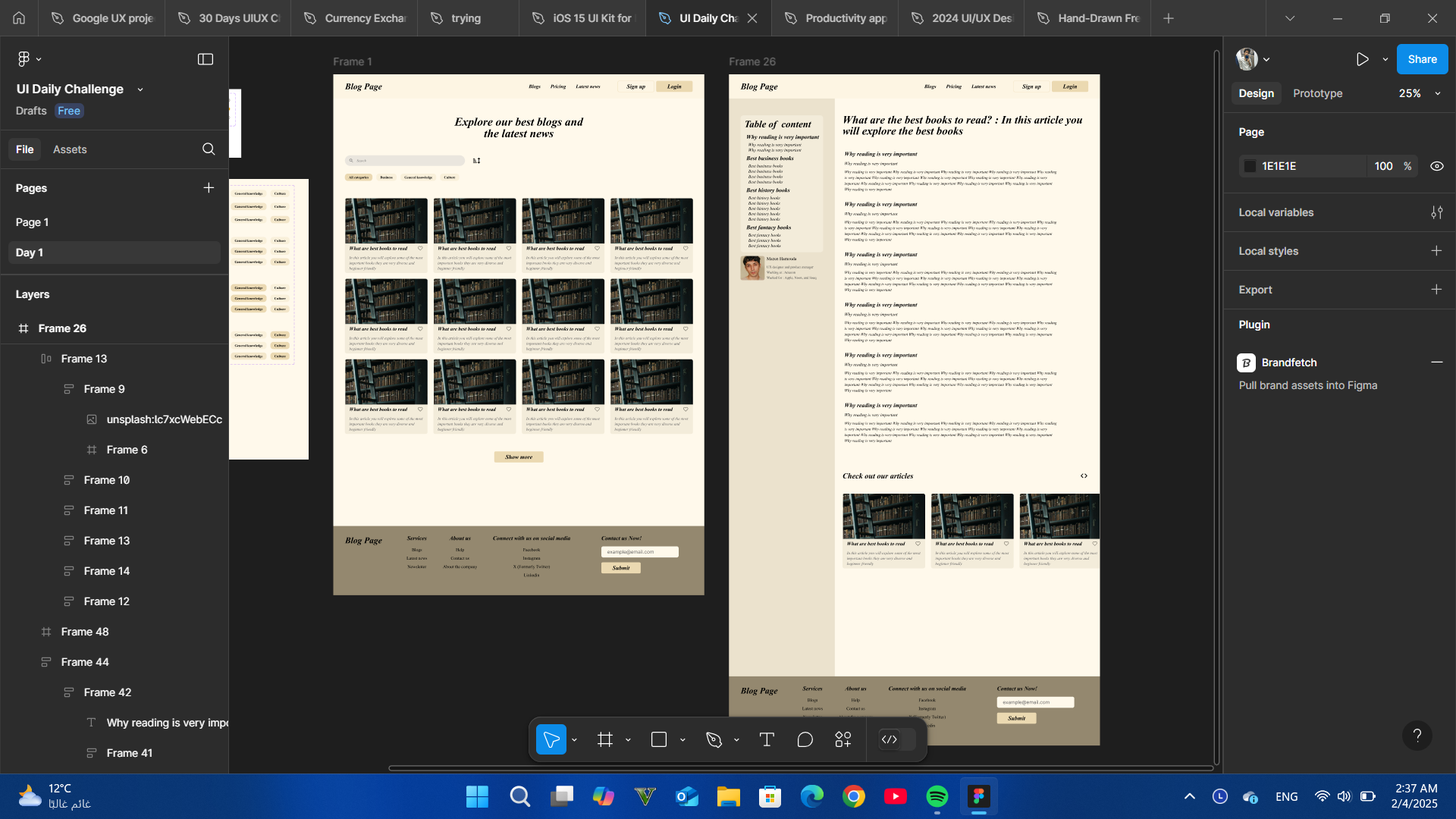
Design a blog page that helps readers scan, filter, and open posts without friction. Treat it as a content hub, not a generic article page: the top of the screen should establish the site name, a clear page title, and one primary browsing path.
Use a featured post at the top or in the first grid position, then a list of secondary posts underneath. Each card should include a title, short excerpt, author, publish date, category or tag, and image or thumbnail. Make the hierarchy obvious so the featured story stands apart from the rest.
Add one browsing control set that fits the layout: category chips, a left sidebar, or a compact filter bar. If you include a sidebar, use it for search, popular tags, recent posts, or newsletter signup — not all of them. Keep the reading area dominant, and make sure the page still works when images are missing or text runs long.
What to deliver
- Design the blog landing page with header, featured post, and post feed
- Show a clear category or tag filter for browsing posts
- Include post cards with title, excerpt, author, date, and thumbnail
- Add a sidebar or secondary rail for search, popular posts, or newsletter signup
- Design the article preview and comment entry states
Keep the user engaged by designing an eye-catching 'Featured Post' section that highlights popular or recent articles.