Gallery
See what others have created
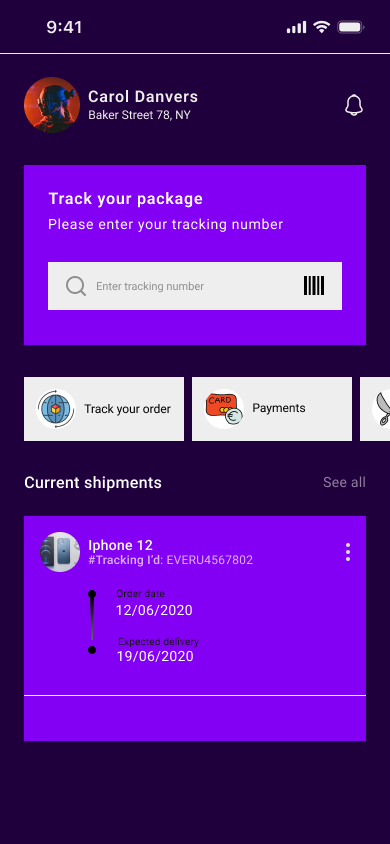
astutethong
@astutethong
Logging & Tracking
Design a logging flow for a product that records one recurring activity, such as workouts, meals, water intake, mood, or expenses. Pick one use case and build the UI around it end to end.
Show the entry point, the form, and the confirmation state. The form should fit the data type: quick tap inputs for simple counts, structured fields for time-based or numeric entries, or a short note field if context matters. Make it obvious what is required and what is optional.
Include the moment after submission: saved, edited, or corrected. The user should get immediate confirmation, see the new entry reflected in the tracker, and have a clear way to undo or update the log if they made a mistake.
If the flow includes progress tracking, show how recent entries roll into a timeline, chart, or summary card. Keep the relationship between input and tracked result clear so the user can see the value of logging right away.
What to deliver
- Design the log entry flow from trigger to saved state.
- Show the tracking form with all required fields and input types.
- Include at least one review/confirm step before submission.
- Show the saved entry state with clear feedback and next action.
- Add an edit or undo path for a recent entry.
Enliven the hi-fi mock with dynamic elements! Show a sample 'success' toast when data is correctly logged, or a subtle animation to celebrate a milestone reached in the tracking flow.