Gallery
See what others have created
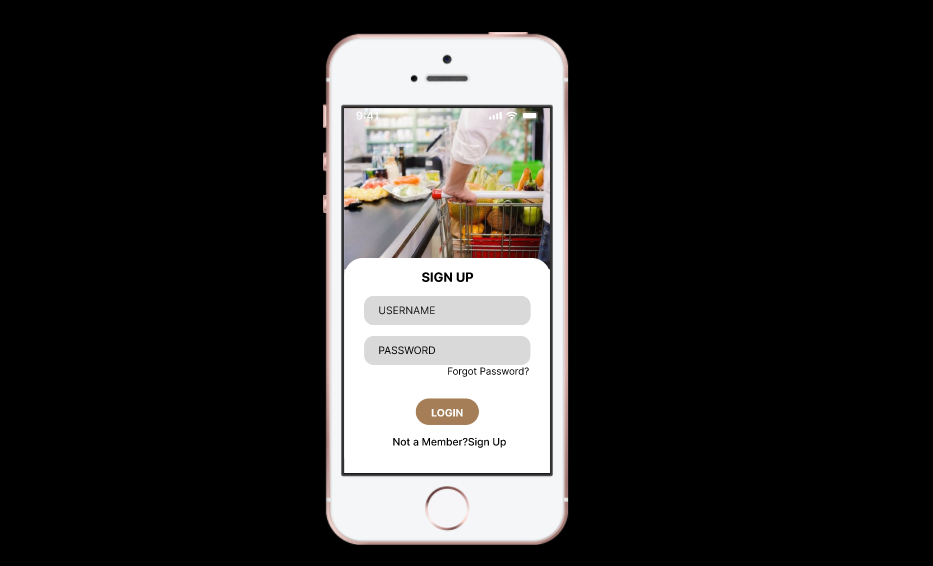
saniazarnain
@saniazarnain
Forgot Password
Design the forgot-password flow for a login screen. Keep it to the minimum needed to recover access: one identifier field, one primary action, and a clear secondary path back to sign in.
Start with the request screen. The user should be able to enter an email address or username, submit the form, and see inline validation before the request is sent. If the field is empty or invalid, show the error in place and keep the input value intact.
After submission, show a confirmation state that tells the user a reset link was sent, where it was sent, and what to do if the message does not arrive. Include a resend action and a way to return to the login screen without losing context.
Design the loading and failure states too. While the request is processing, make the button state clear. If the request fails, explain the problem in plain language and offer a retry path that does not force the user to retype their identifier.
What to deliver
- Design the forgot-password entry screen with a single email or username field and one primary action.
- Show inline validation and helper text for invalid or missing input.
- Design the success state that confirms the reset email was sent and tells users what to do next.
- Include a resend option and a clear path back to sign in.
- Add empty, loading, and error states for the request flow.
Infuse personality into the design by using friendly language and warm visuals to make the experience less stressful for users.