Gallery
See what others have created
lilio
@lilio
Contact Page
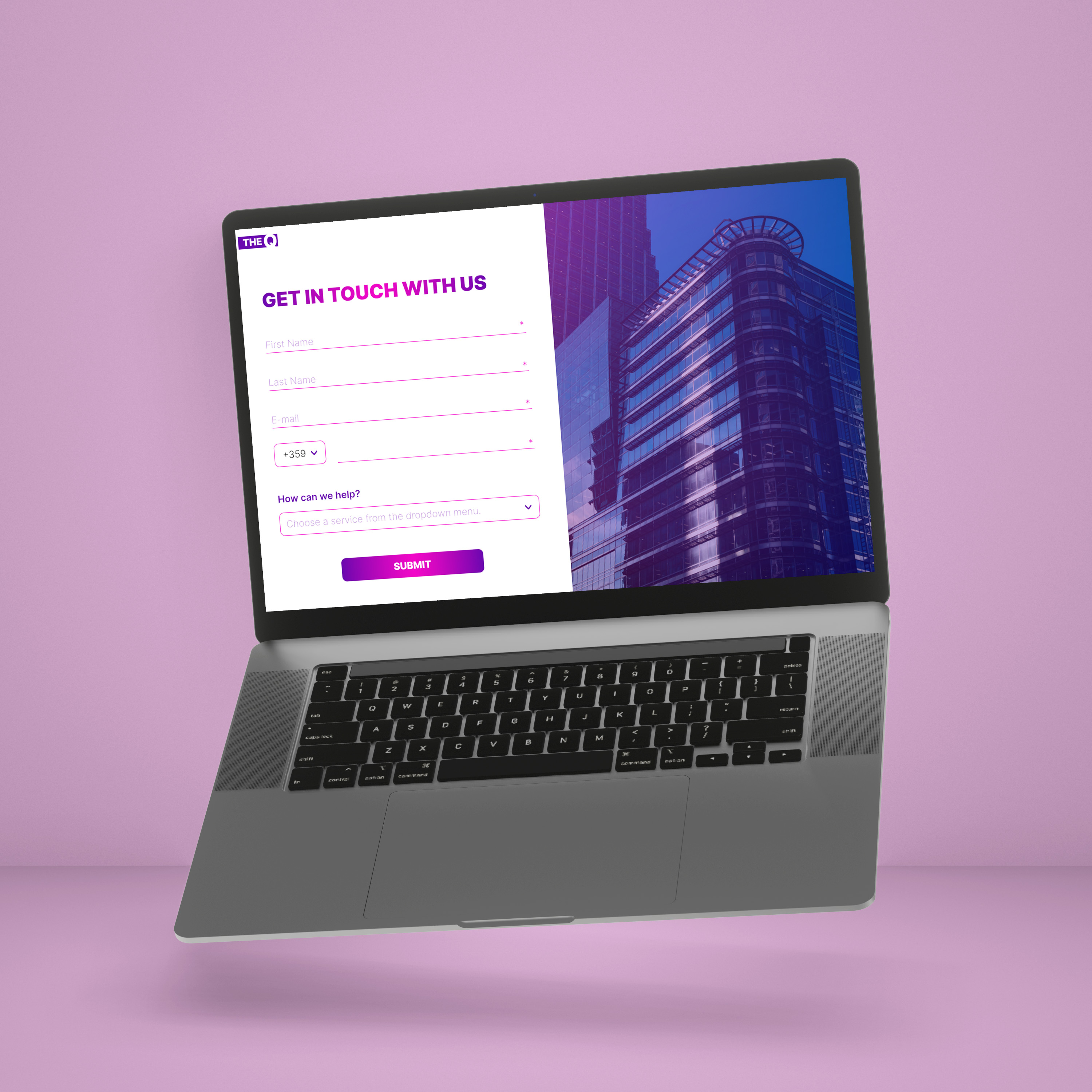
Design a contact page that gives visitors two clear paths: send a message or use direct contact details. The page should make the primary action obvious, with the form taking the lead and support info sitting close by.
Include fields for name, email, subject, and message, plus a single submit button with a clear label. Show phone, email, and location in a separate contact block so users do not have to hunt for alternatives if they do not want to fill out the form.
Add a map or location preview only if it helps the page, not as decoration. If social links are included, keep them grouped and secondary to the form.
Make the mobile version stack cleanly, keep labels visible, and preserve comfortable tap targets. The page should feel easy to complete on a phone without zooming or backtracking.
What to deliver
- Design the contact form with name, email, subject, and message fields
- Add a clear primary submit action and a visible secondary contact option
- Show direct contact details for phone, email, and location
- Include social links and an optional map or location preview
- Adapt the layout for mobile with stacked fields and easy tap targets
Add an interactive map feature that allows users to directly pinpoint the company's location. This not only adds functionality but also encourages engagement.