Gallery
See what others have created
muktharayo
@muktharayo
Chat Bot
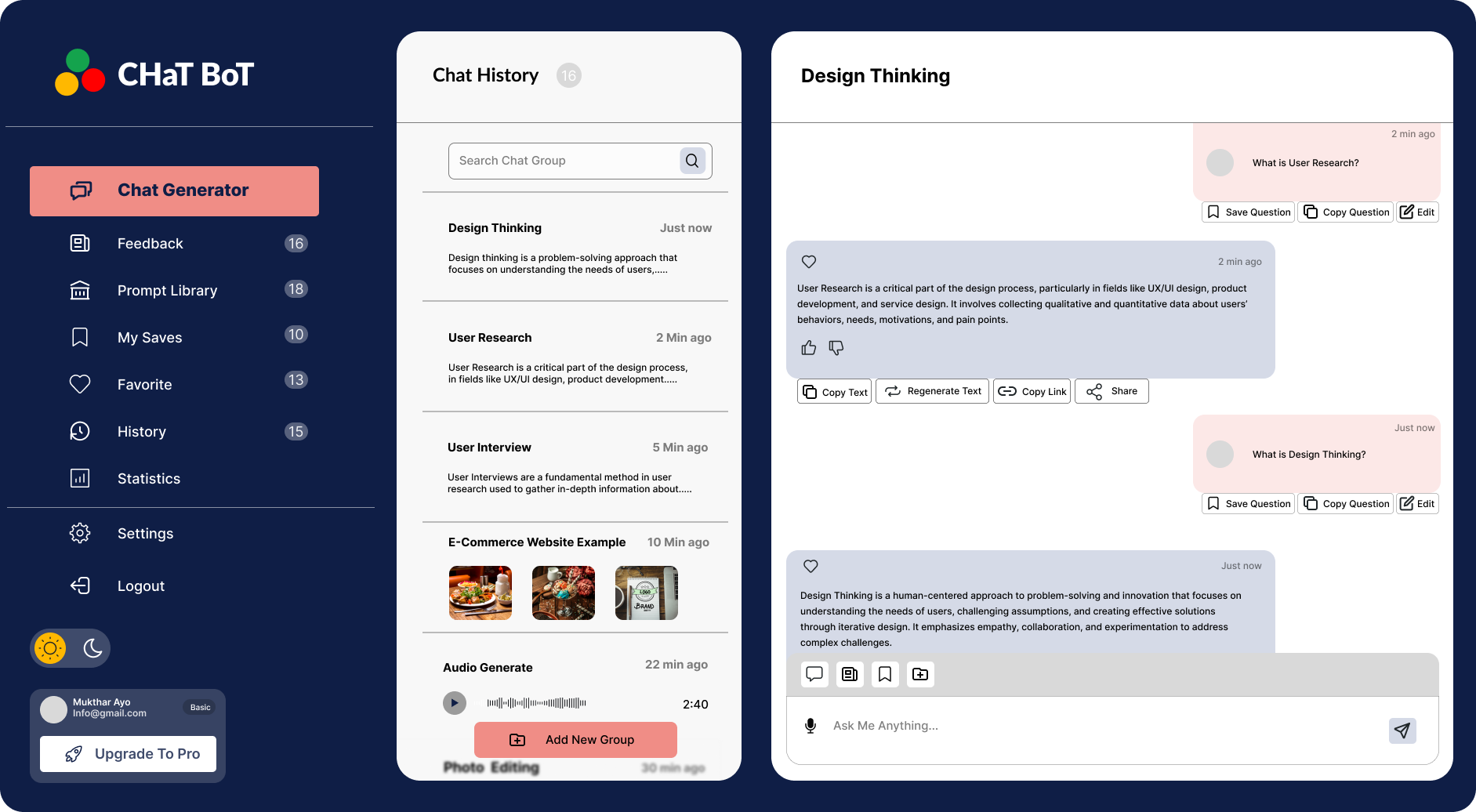
Design a single chat-bot screen for one task, such as support, booking, or recommendations. The interface should feel like a real conversation, not a generic messaging app with a bot label on top. Pick one use case and make the bot’s job clear from the first message.
Show the full thread layout: bot intro, user replies, message bubbles, timestamps, and a composer anchored at the bottom. Include quick-reply chips for common responses, plus a text field for open-ended input. The screen should make it obvious how to continue the conversation without hunting for controls.
Show the important states a user will hit: bot typing, sent, failed send, and a way to stop the chat or hand off to a human. Keep the bot’s tone consistent through copy, avatar, and system messages. If you add voice input, make it secondary and easy to ignore.
What to deliver
- Design the chat thread with bot and user message bubbles
- Include a composer with text input, send action, and attachment or quick-reply affordances
- Show bot typing, delivered, and failed message states
- Add a clear exit or handoff action for leaving the chat or reaching a human
- Define one bot persona through tone, avatar, and system messages
Highlight the bot's personality with creative use of typography, color, and conversational cues.