Gallery
See what others have created
lukasptacnik
@lukasptacnik
Guides & Tutorials Page
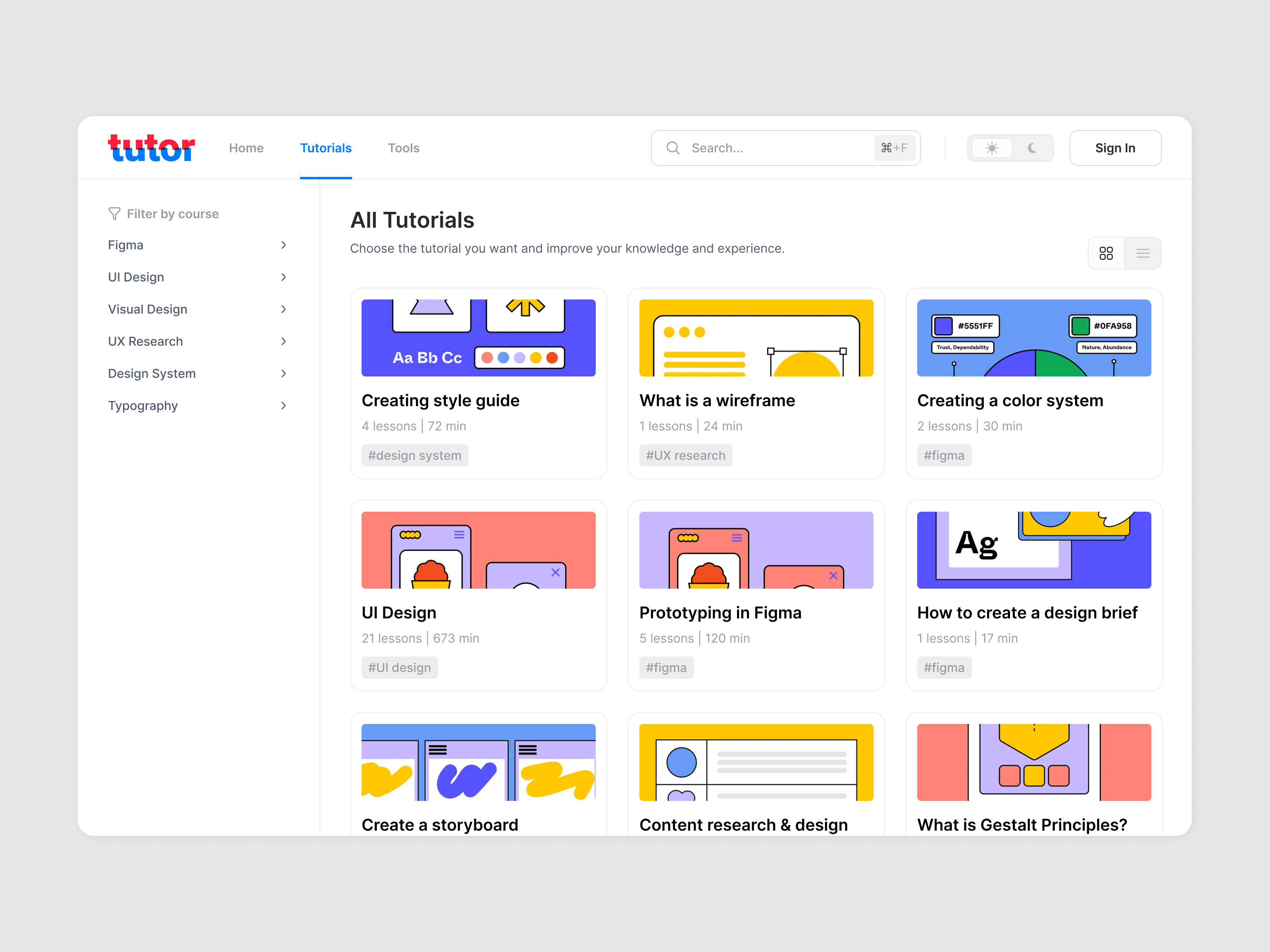
Design a Guides & Tutorials page for a product help center or learning hub. The page should help users move from “I need help” to a specific article, video, or tutorial without hunting through the full library.
Start with a strong header: page title, one-line description, and a search field that supports natural queries like “connect Slack” or “set up billing.” Under that, show filters for topic, format, and difficulty, with visible active states and a clear reset action. The content area should prioritize a featured section, then a browsable grid or list of guides with enough metadata to compare options quickly.
Each card should show title, short summary, format, estimated time, and difficulty. Include a bookmark control on the card itself and a saved-items area or tab for returning users. If the page supports tutorials, make the difference between read-only guides and step-based tutorials obvious in the UI.
Cover the states that matter: loading, empty library, no search results, and bookmarked items. Each state should tell the user what to do next, whether that is clearing filters, trying a broader topic, or starting with a featured guide.
What to deliver
- Design the page header with a clear page title, short intro, and primary search field.
- Show topic and difficulty filters that narrow the list without hiding the active state.
- Lay out featured guides, tutorial cards, and a saved/bookmarked section.
- Include card metadata for format, duration, and skill level.
- Design empty, loading, and no-results states with a clear next step.
Elevate the learning experience by implementing a 'progress tracking' feature to visually indicate to users how far they've advanced in a particular tutorial or learning path.