Gallery
See what others have created
lukasptacnik
@lukasptacnik
Table tree
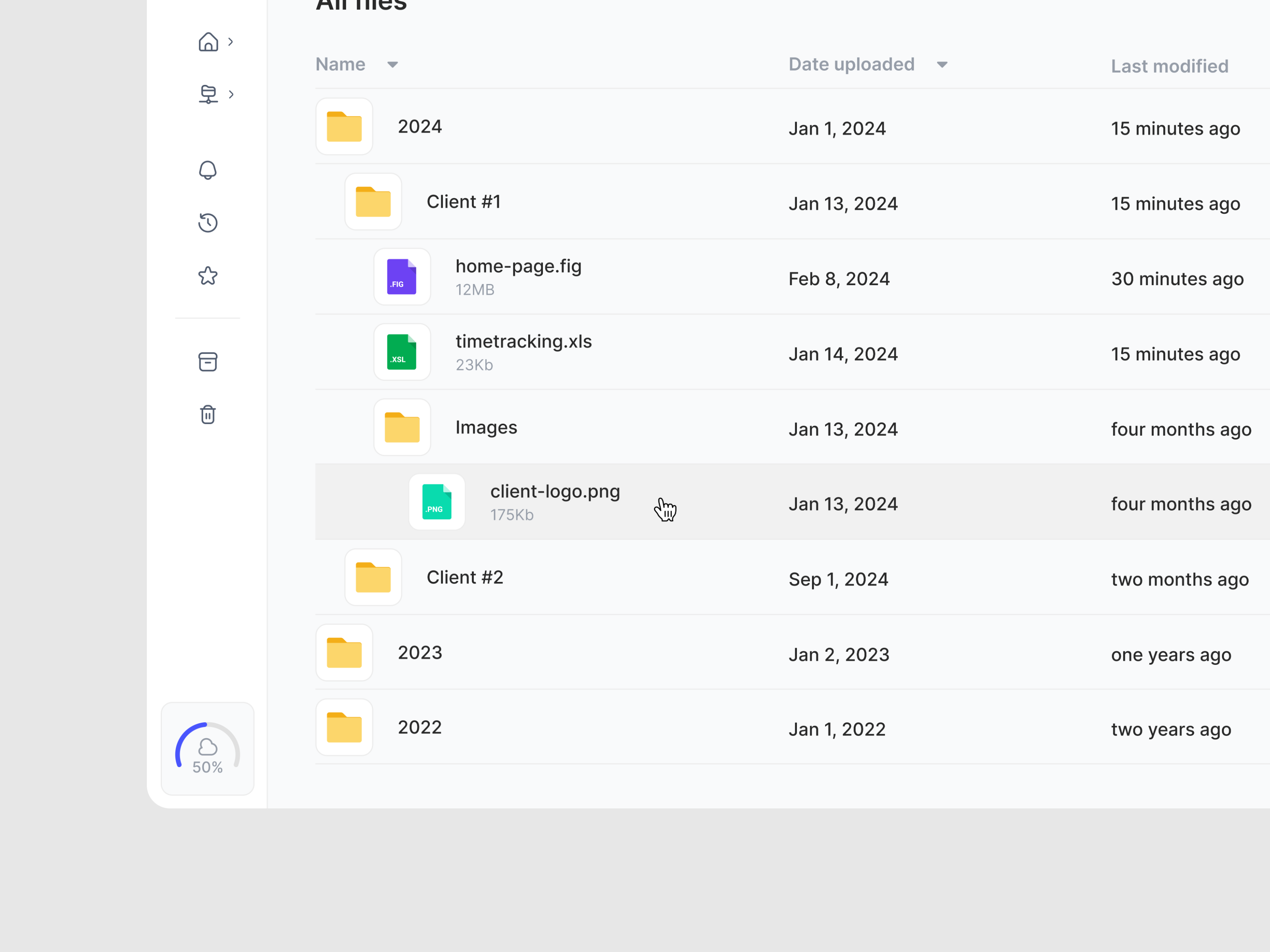
Design a tree table for browsing nested records in a dense admin view. Each row represents an item in a hierarchy, with standard columns for name, type, owner, status, and last updated. Parent rows can expand inline to reveal children without breaking column alignment.
Make the hierarchy legible through indentation, connector lines or nesting cues, and a clear disclosure control on every expandable row. The first column should carry the tree affordance; the rest of the row should read like a normal table so users can scan and compare values quickly.
Show the key interaction states: collapsed, expanded, selected, hover, and disabled. If a branch is loading, keep the row in place and indicate progress where the expansion happened. If a node has no children, it should not look expandable.
Include a compact version for tighter layouts and a mobile treatment that preserves the hierarchy without turning the table into an unreadable grid. The result should feel like a table first, with tree behavior layered in—not a generic list with extra icons.
What to deliver
- Design a table layout with hierarchical rows and nested indentation.
- Add expand/collapse controls for parent rows with at least two depth levels.
- Show row metadata in aligned columns without losing the tree structure.
- Include selected, hover, and disabled states for rows and toggles.
- Design an empty and partially loaded state for collapsed branches.
Employ subtle animations for expanding and collapsing branches to enhance user experience and provide immediate visual feedback.