Gallery
See what others have created
lukasptacnik
@lukasptacnik
Switching Account
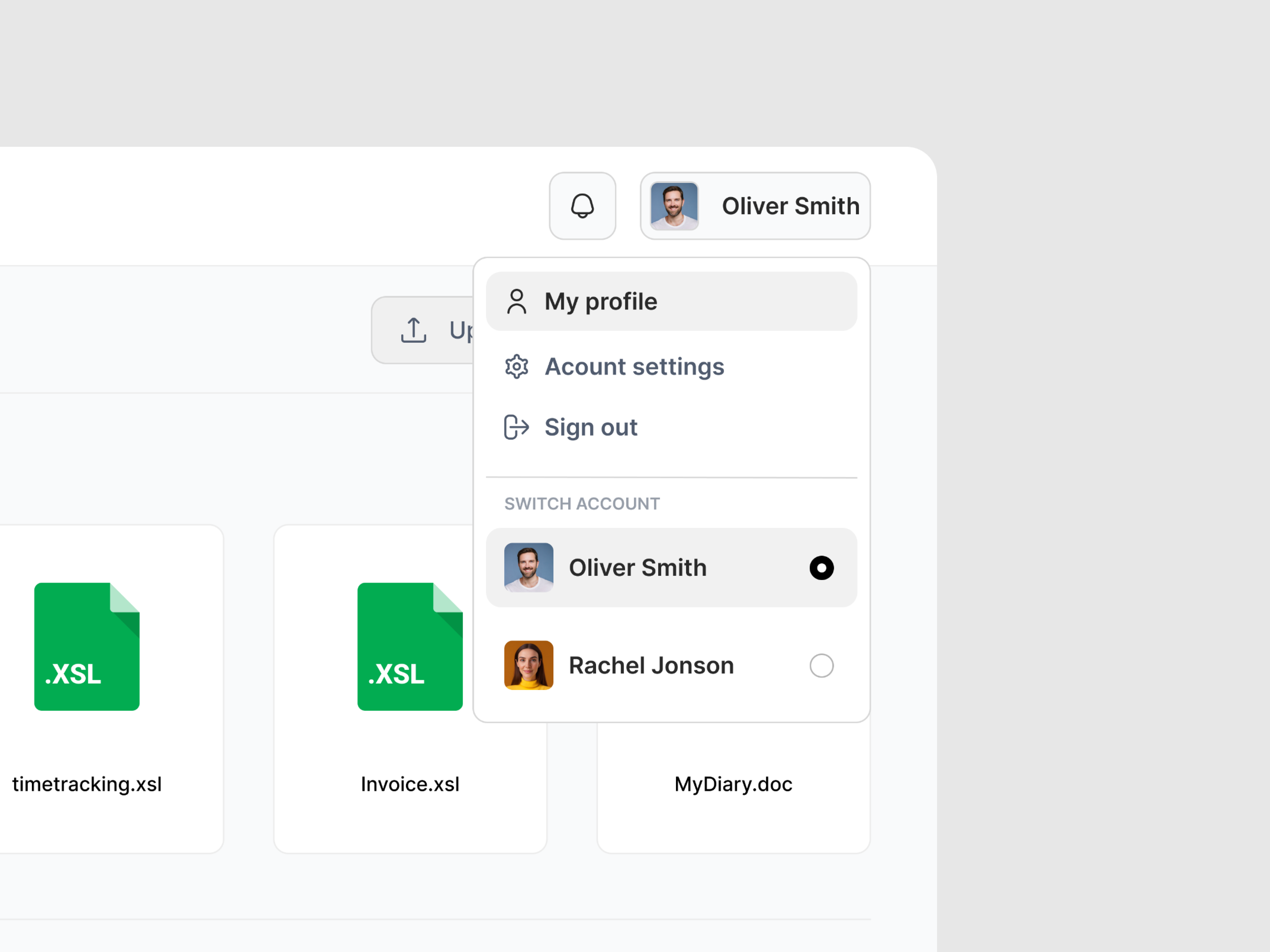
Design the account switching flow for a product that supports multiple work or personal profiles. Start from the place users actually switch accounts: the profile menu, avatar dropdown, or account settings entry point. Show how the current account is labeled, how other saved accounts are listed, and where the user goes to add a new one.
The picker should make the active account unmistakable. Use clear identity cues such as name, email, workspace, or avatar, and separate the current account from the others. If a switch requires re-authentication, show that step in the flow instead of hiding it behind a generic loading state.
Include the full handoff for switching, not just the menu. Show what happens after the user taps another account: confirmation if needed, a brief transition state, and the final screen once the new account is active. Also cover the path for adding a new account and a blocked or unavailable account state so the user always has a next step.
Keep the design focused on trust and control. The user should be able to tell where they are, what changed, and how to go back if they picked the wrong account.
What to deliver
- Design the account switch entry point from profile or menu.
- Show the account picker with current account clearly marked.
- Include add-account and sign-in to another account states.
- Design the switch confirmation and completion state.
- Show an error or blocked state for unavailable accounts.
For some fun, imagine your design as the entrance to a magical library, where each account is a different genre section—switching accounts is like walking into a whole new world of stories!