Gallery
See what others have created
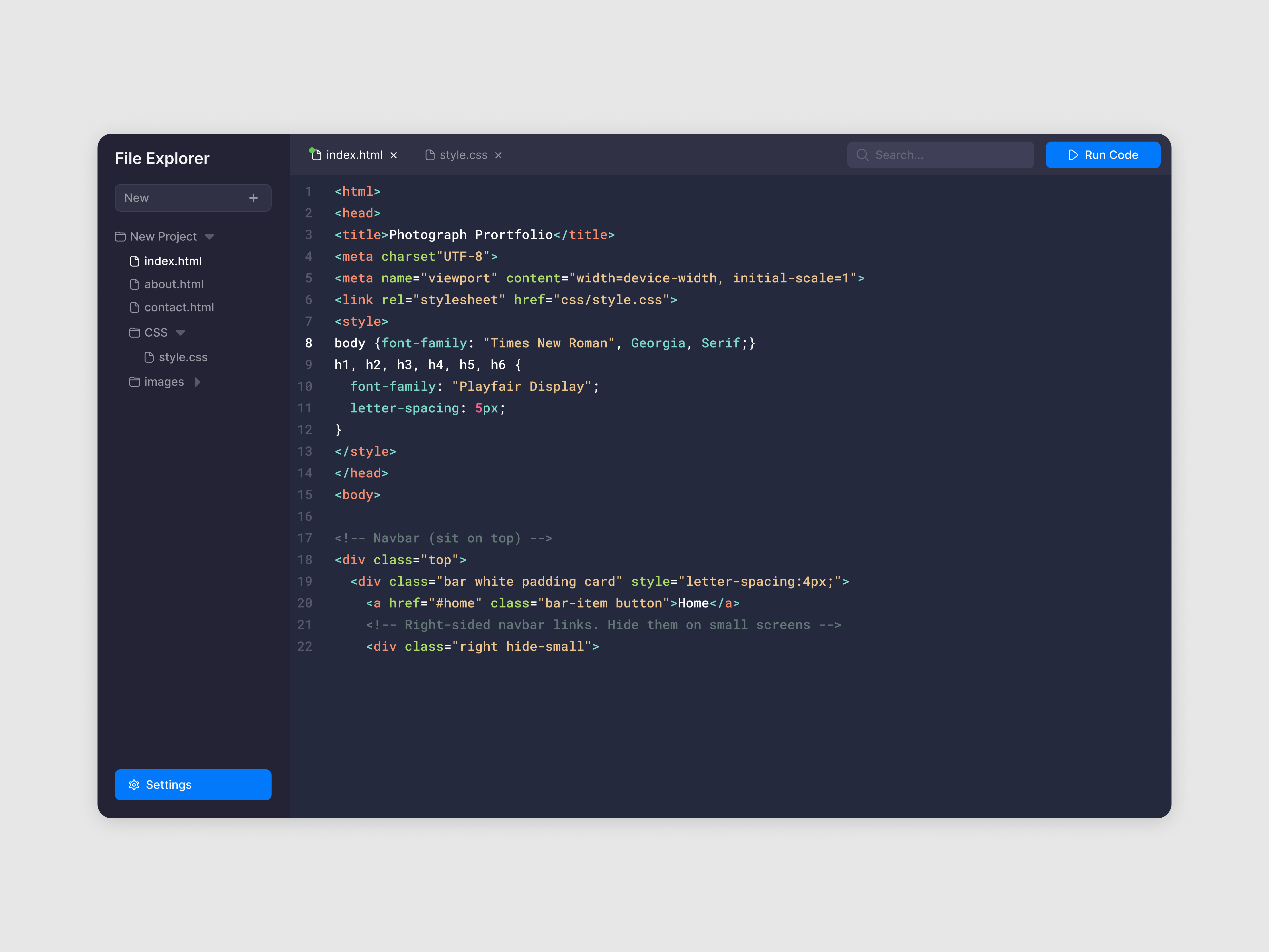
lukasptacnik
@lukasptacnik
Code Editor
Design a code editor screen for writing and reviewing front-end code. The main area should support tabs, a file tree or quick switcher, line numbers, syntax highlighting, and a visible cursor state. Keep the writing surface dominant; controls should stay compact and out of the way.
Add a live preview pane beside or below the editor so changes can be checked without leaving the screen. The preview should show the current result, while the editor preserves focus and scroll position. Include a clear way to switch between split view and single-pane view.
Show inline validation where code breaks: gutter markers, line-level error messages, and a summary of issues in the toolbar or side panel. Errors should point to the exact location and keep enough surrounding code visible to fix them quickly.
Round out the screen with search, replace, keyboard shortcuts, and file actions like save, rename, and run. Include empty, loading, and error states for the preview so the layout still makes sense when nothing is rendered or the build fails.
What to deliver
- Design the editor canvas with tabs, line numbers, syntax highlighting, and a visible caret.
- Add a split preview pane that updates alongside the code.
- Show inline errors, warnings, and the affected line state.
- Include file navigation, search, and basic editor controls in a compact toolbar.
- Design empty, loading, and error states for the preview and editor.
Incorporate a dark mode option to reduce eye strain for users during long coding sessions.