Gallery
See what others have created
fury
@fury
Canceling Order & Refunding
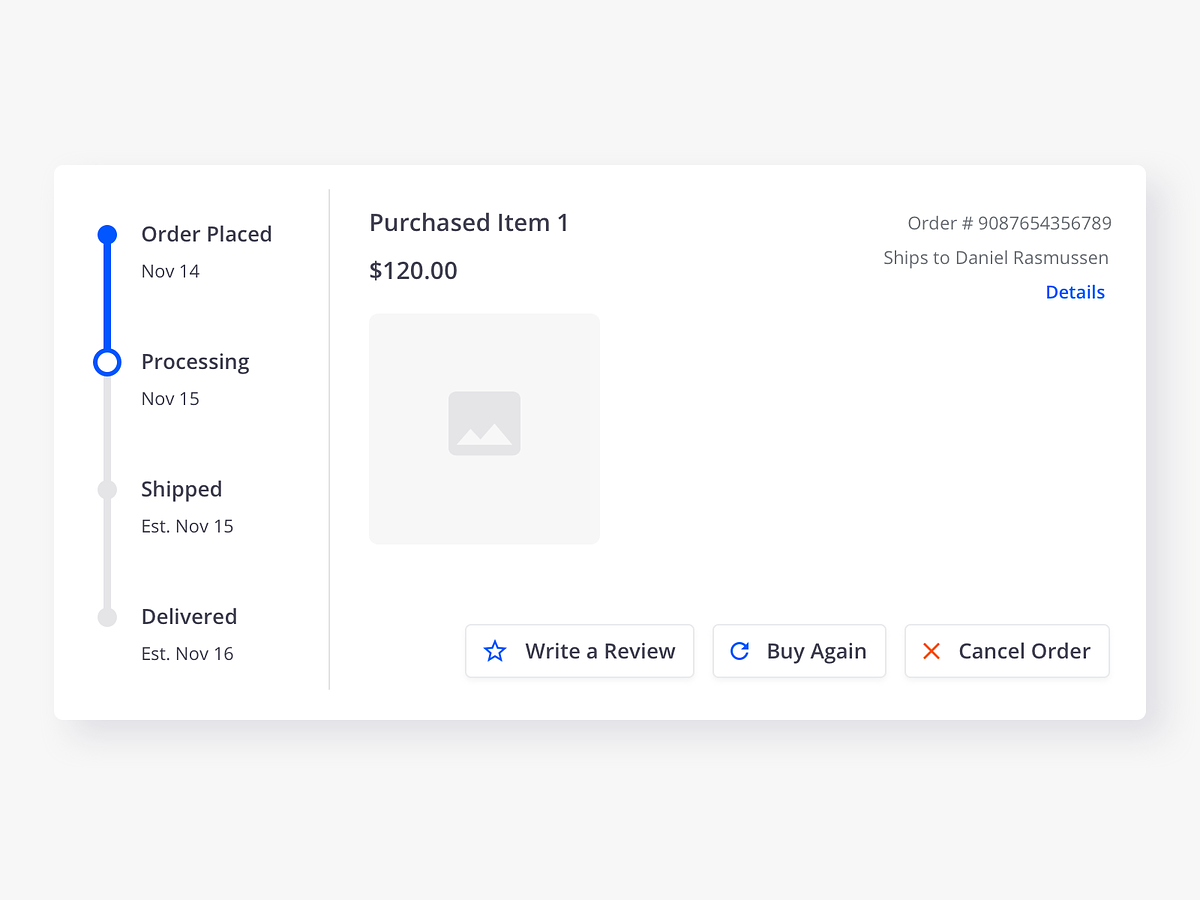
Design the cancellation flow from order details through refund confirmation. Start where a customer manages a specific order and decides to cancel it. The entry point should show the order status, what can still be canceled, and whether a refund is full, partial, or unavailable.
The next screen should explain the cost of canceling before the user commits. Show refund amount, any restocking or processing fees, the payment method that will be credited, and the expected timeline. If the order is already shipped or partially fulfilled, replace the cancel action with the correct alternative path instead of hiding the restriction.
Include a final confirmation step that makes the action explicit and easy to review. After cancellation, show a status page that confirms what happened, when the refund starts, and how the user can track it. If the refund is delayed or needs review, surface that state with a clear next step and support link.
What to deliver
- Design the order details entry point with a clear cancel action.
- Show the cancel review step with refund amount, fees, and timing.
- Include the confirmation step with the final irreversible action.
- Design the post-cancel status screen with refund timeline and receipt.
- Add error, unavailable, and already-shipped states with next steps.
Make the 'Canceling Order & Refunding' flow feel secure by using reassuring language, visual cues such as icons, and progressive disclosure to handle complex information without overwhelming the user.