Gallery
See what others have created
yossie
@yossie
Trash & Archive
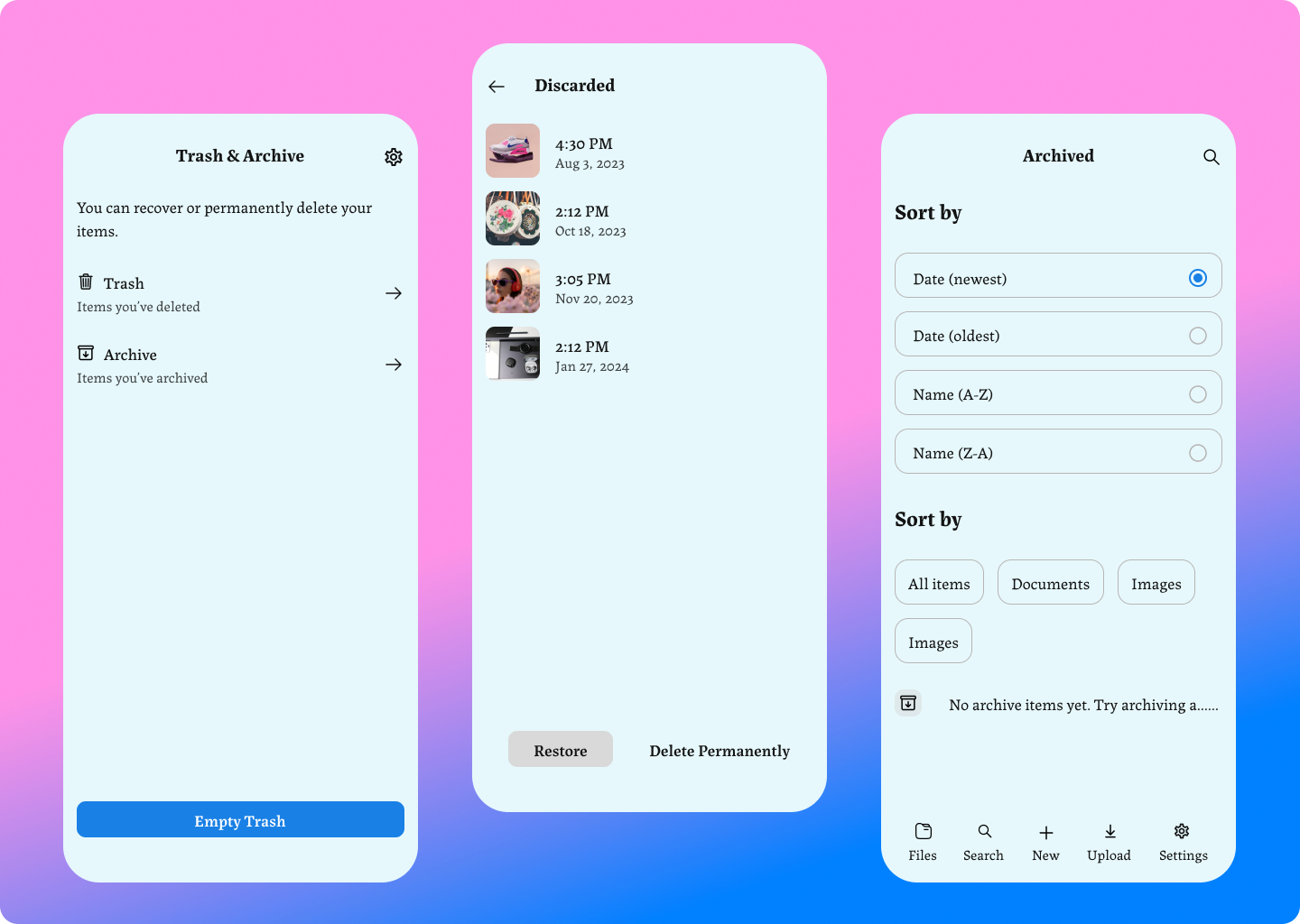
Design the Trash and Archive screens for a product where users can remove items temporarily, store them for later, and recover them when needed. Treat this as two separate destinations with different intent: Trash is for deleted items awaiting permanent removal, Archive is for inactive items the user may want back later.
Show the item list, row actions, bulk selection, and the top-level controls for each screen. Make it obvious which items can be restored, which can be permanently deleted, and which belong in archive. Include timestamps or metadata that help users understand what is old, what is recent, and what is about to be removed.
Cover the key states: empty trash, trash with recoverable items, trash full or near limit, and archive with stored items. Add a confirmation step for permanent delete that makes the consequence clear without forcing the user to re-learn the screen. If you include filters or sorting, keep them secondary to the core actions.
The design should feel practical and fast to scan. Item names, status, and actions should be readable before any destructive choice is made. Use visual hierarchy to separate safe recovery from irreversible deletion.
What to deliver
- Design the trash list view with item rows, timestamps, and restore/delete actions.
- Design the archive view with archived items and a clear restore path.
- Show empty, populated, and full trash states.
- Include bulk select and bulk actions for both views.
- Add a confirmation state for permanent delete.
Incorporate a 'sweep' animation to intuitively demonstrate the trash action, and a 'vault' metaphor for archiving, to delight users with visual storytelling.