Gallery
See what others have created
lukasptacnik
@lukasptacnik
Account Setup
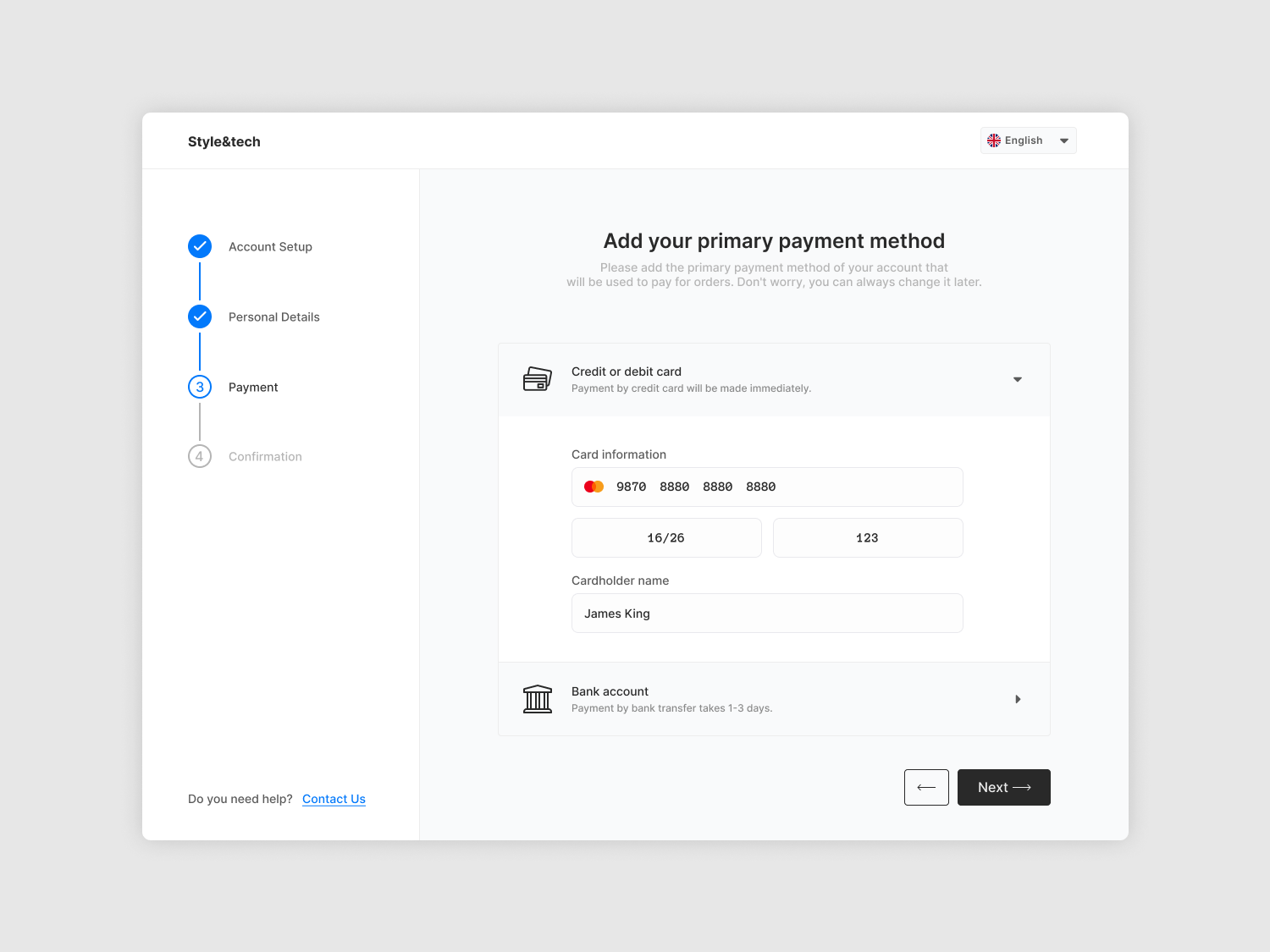
Design a high-fidelity account setup flow for a new user creating an account in a product. Treat this as the first real interaction with the product: the screen should feel calm, direct, and easy to complete on mobile or desktop.
Include the core fields needed to create an account: name, email, password, and confirmation or verification step if needed. If the flow is multi-step, show how each step is labeled, how the user moves forward, and how they get back without losing entered data. Password rules should be visible before submission, not hidden behind an error.
Add clear progress feedback so users know how far they are in the process. This can be a step indicator, progress bar, or completion checkmarks, but it should stay readable and not compete with the form itself. Show at least one helpful empty state, one validation error state, and one success state after submission or verification.
Write the interface like a product screen, not a marketing page. Keep labels specific, helper text short, and primary action obvious. The result should make the next step feel obvious, reduce hesitation, and avoid surprises at the point of account creation.
What to deliver
- Design the full account setup flow from start to finish.
- Include name, email, password, and verification states.
- Show inline help for password rules and field requirements.
- Add progress feedback for multi-step completion.
- Design error, retry, and success states.
Sprinkle in micro-interactions, like a subtle animation when users complete a field correctly to keep the experience engaging.