Gallery
See what others have created
elmvsry
@elmvsry
Video Player
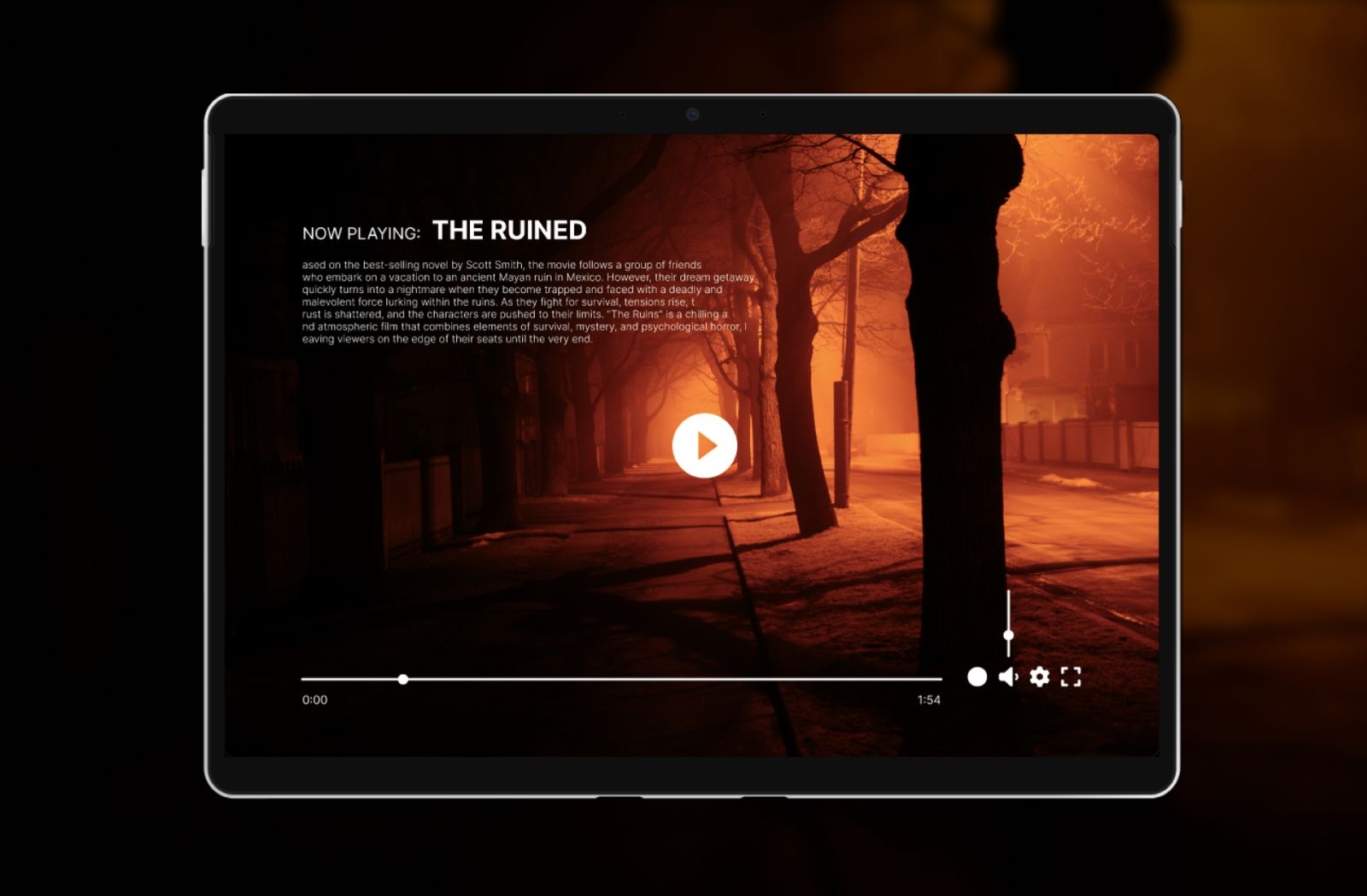
Design a video player component for desktop web with a strong default state: video canvas, title or source label, and a single control bar anchored below or overlaid on the player. The main row should prioritize play/pause, scrubber, and time readout, with volume, captions, settings, and fullscreen placed as secondary actions.
Treat the timeline as the core interaction. Show current position, buffered range, and total duration clearly enough to scrub accurately. Include hover or drag feedback on the scrubber, plus a visible active state for captions and any selected playback speed or quality setting.
Build the player around real usage states, not just the happy path. Show loading, paused, playing, ended, and error states. When playback fails or the media is unavailable, keep the message inside the player and offer the next step there, such as retry or change source.
What to deliver
- Design the default player frame with video canvas, controls, and title area.
- Place play/pause, scrubber, volume, captions, settings, and fullscreen in a clear control bar.
- Show hover and idle control visibility states.
- Include buffered, current-time, and remaining-time indicators on the timeline.
- Design loading, paused, ended, and error states with next actions.
Incorporate visual feedback for user actions, like subtle animations when buttons are pressed, to make the experience more engaging.