Gallery
See what others have created

misaka
@misaka
Video Call Interface
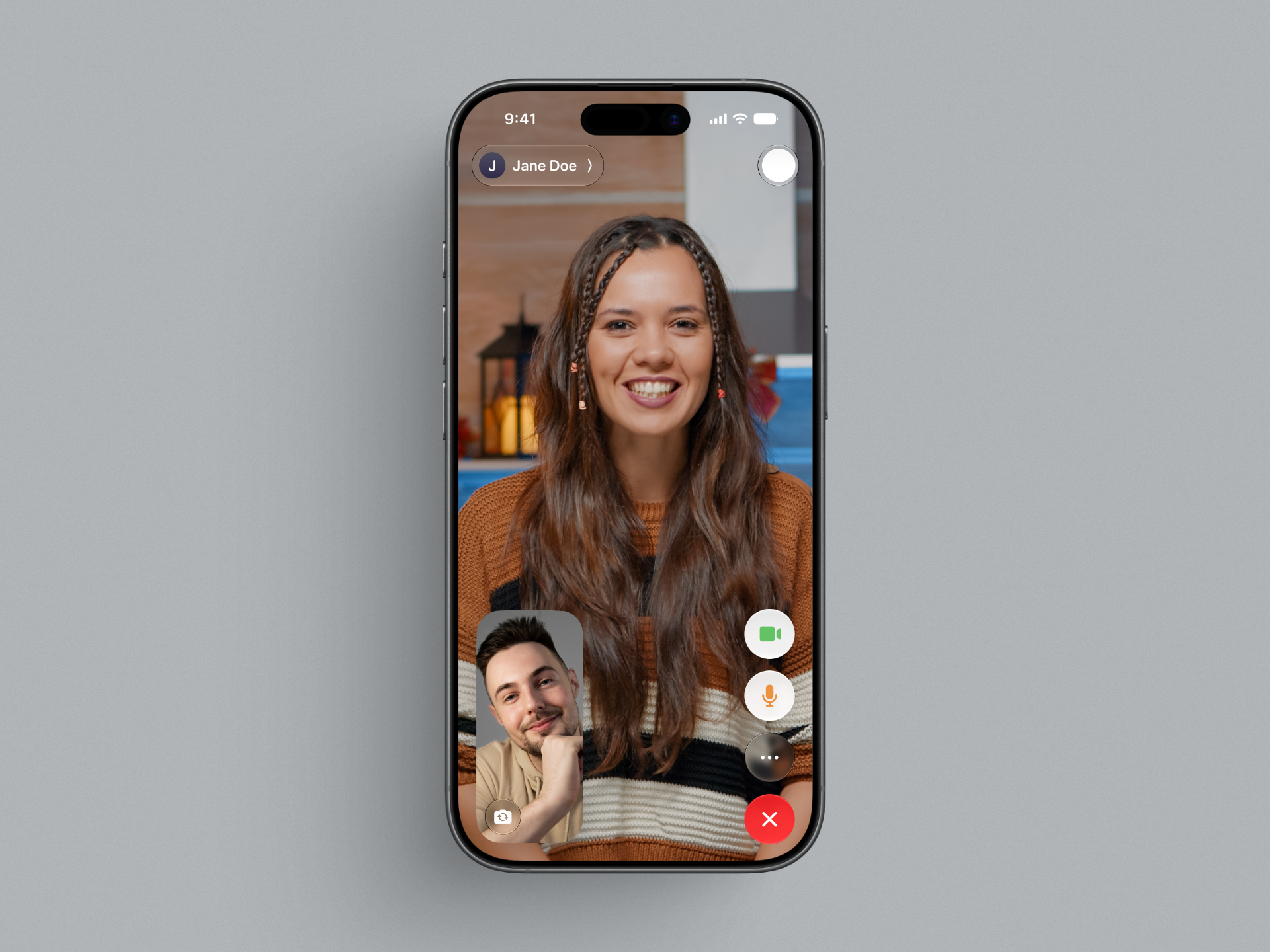
Design the in-call screen for a mobile video call. The remote participant’s video is the main canvas, with a small local self-view pinned on top so the user can check framing without losing the call.
Place the core controls where thumbs can reach them during an active call: mute, end call, and any minimal supporting actions you choose to include. The layout should feel stable while video is moving underneath it.
Treat the screen as something used one-handed, often under time pressure. Controls need to be visible over live video, but not fight it; the call should still read as a video-first experience.
The interesting part is the balance between presence and control: the user needs to stay engaged with the other person while still feeling confident they can manage audio and hang up instantly.
What to deliver
- Design the active call state with remote video, local preview, and call controls.
- Place mute and end call in thumb-reachable positions on the screen.
- Show how the local preview is presented without blocking the main feed.
- Define the visual treatment for controls over moving video.
- Include the in-call idle state when no gestures or control changes are happening.
Make the local preview visually distinct from the remote feed with a subtle frame, label, or live indicator so the user never confuses the two videos.