Gallery
See what others have created

pariisaui
@pariisaui
Android Quick Settings Panel
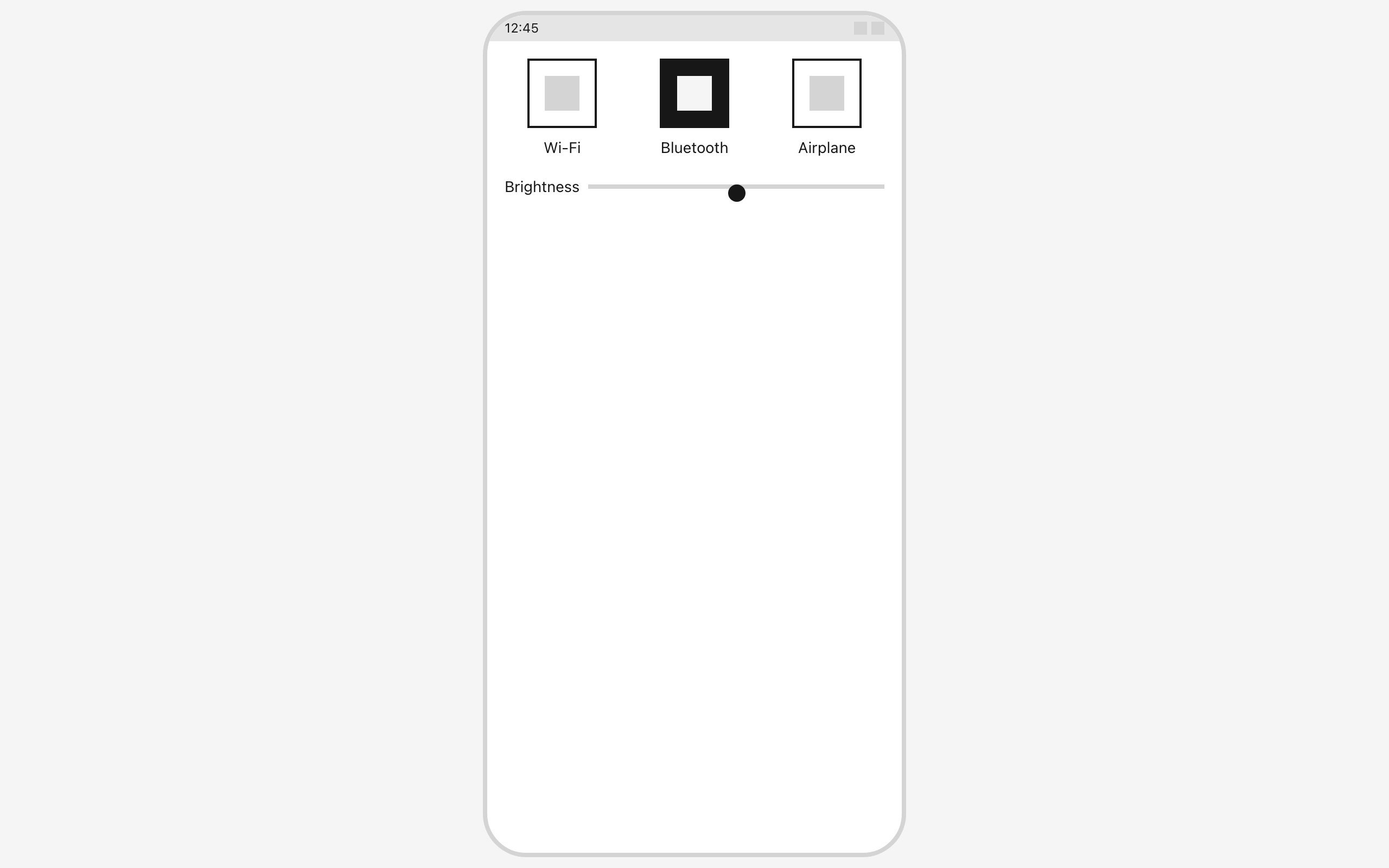
Design the Android quick settings panel as it appears inside the notification shade. This is the expanded grid of system toggles users pull down for fast control, not a settings page.
Show Wi‑Fi, Bluetooth, and a brightness slider as the core controls. The layout should feel native to Android: compact, touch-first, and built for one-handed use.
The panel needs to communicate state at a glance. Each tile should make on/off or connected/disconnected status obvious without opening anything else.
Brightness should read as a continuous control inside the same surface, with clear current level and a handle that is easy to grab from the shade.
What to deliver
- Design the expanded quick settings panel in its default state.
- Place Wi‑Fi, Bluetooth, and brightness in a grid that matches Android system rhythm.
- Show active and inactive tile states for the toggles.
- Indicate the current brightness level and draggable thumb position.
- Include the panel header area if needed for context, but keep the focus on the controls.
Use visual differences that work in a quick downward glance: filled vs outlined tile states, short labels, and a slider thumb that stays visible against both light and dark shade backgrounds.