Gallery
See what others have created

misaka
@misaka
Photo Collage / Layout Maker
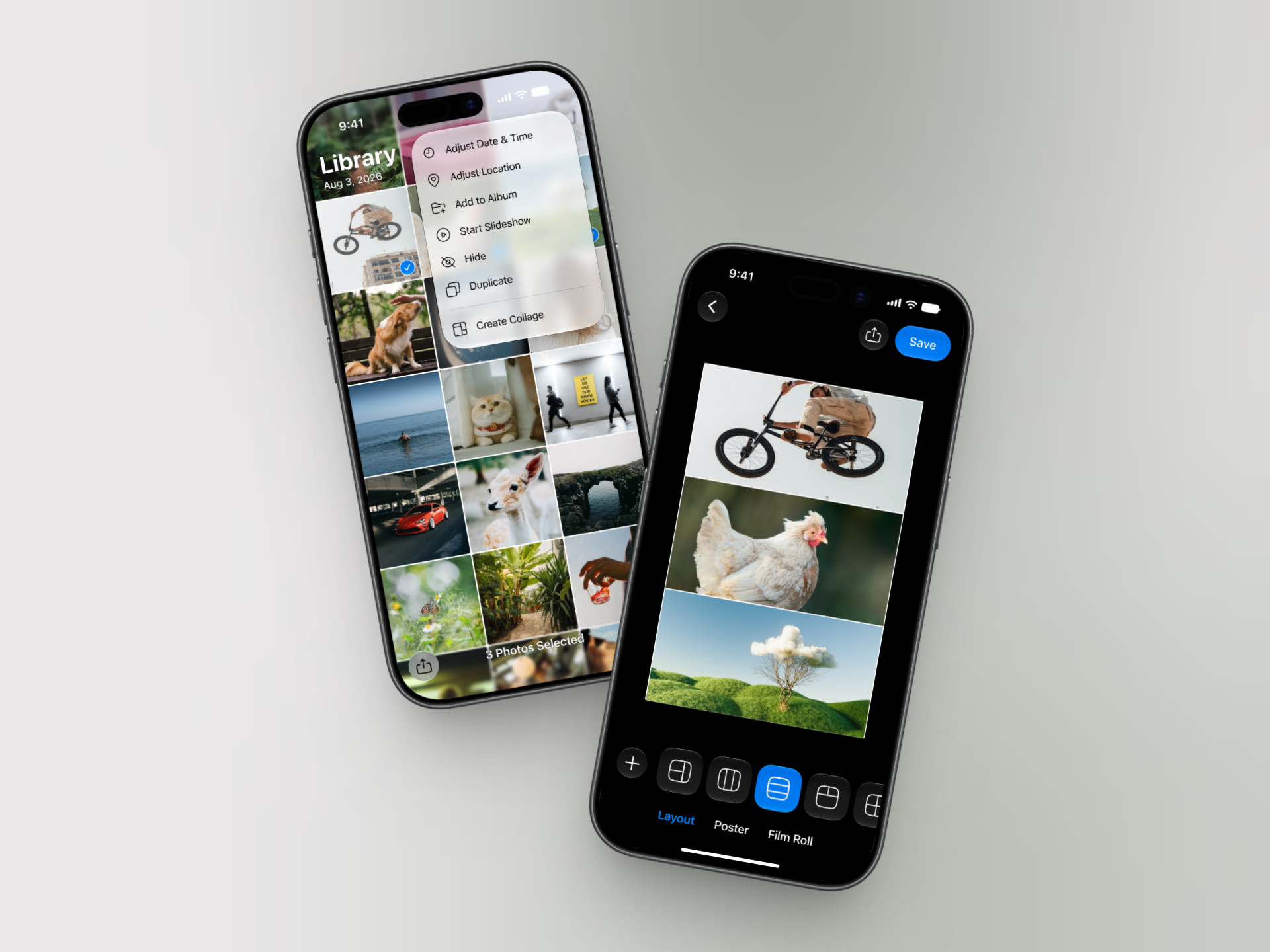
Design the default collage layout maker on mobile. The screen starts with a visible grid template and a clear place to drop photos into each cell.
The user should understand the current template, the number of slots, and how the collage will crop or fit before they place anything. This is a camera-and-media flow, so the preview needs to feel immediate and tactile.
After photos are added, spacing and aspect controls should stay close to the canvas and read as editing tools, not settings. The layout should make it easy to see what changes affect the whole collage versus a single tile.
Think about how the screen behaves while the collage is still incomplete. Empty slots, filled slots, and the main edit controls all need to coexist without hiding the structure of the template.
What to deliver
- Design the default collage canvas with a selected grid template.
- Show empty slots, drop targets, and photo placeholders in the grid.
- Place spacing and aspect controls near the canvas with clear live feedback.
- Include a state for partially filled collages.
- Define how a user switches templates without losing placed photos.
Show the template’s crop behavior directly in the empty grid cells so users can predict what will be lost when a photo is dropped in.