Gallery
See what others have created
sheeshable
@sheeshable
Permission Rationale Dialog
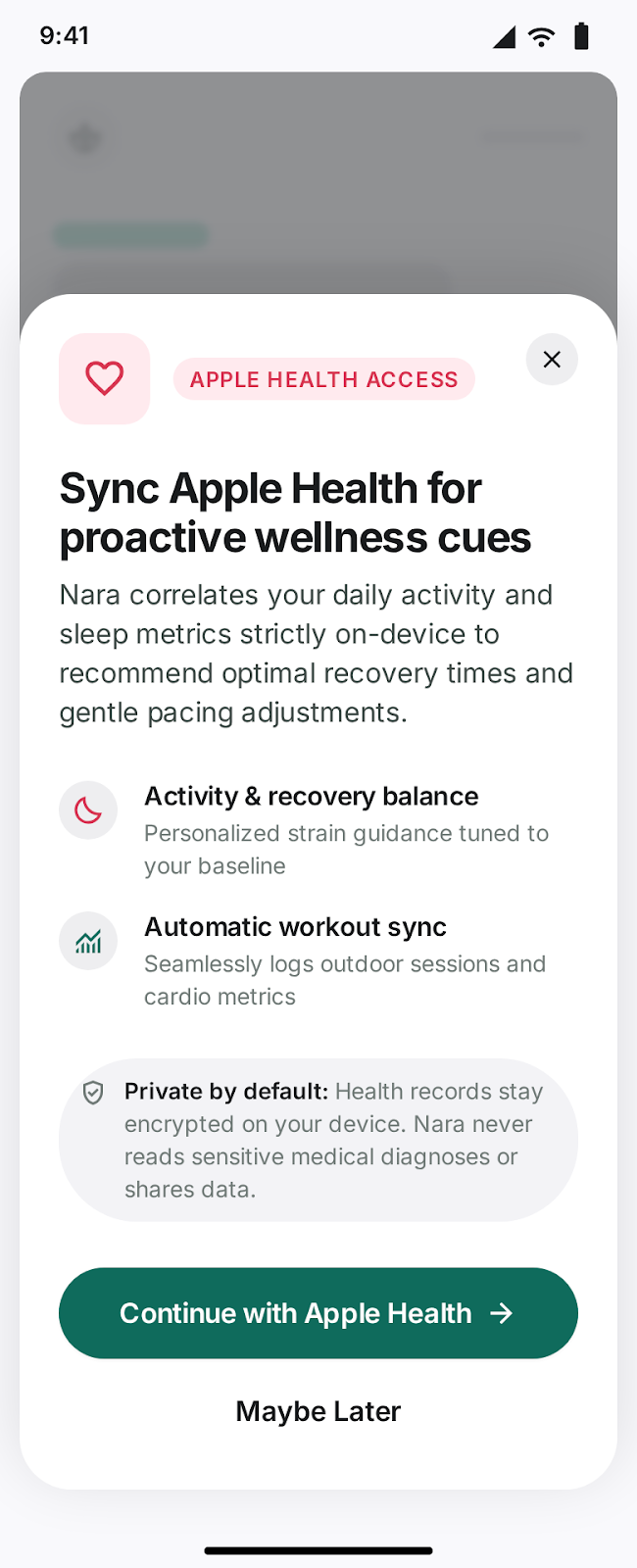
Design the onboarding modal that explains why the app needs a sensitive permission, like location or health data, before the system prompt appears. It sits on top of the current onboarding screen and must read fast on a phone.
The dialog should make the request feel specific, not vague: name the permission, say what it unlocks, and connect it to a clear user benefit. Users should understand why they are being asked without hunting for details.
Keep the action choice simple. One button should continue to the system permission prompt, the other should back out cleanly and leave the user in onboarding without losing their place.
This is a trust moment, so the tone, hierarchy, and spacing matter. The dialog needs to feel calm, honest, and easy to dismiss, while still making the value of granting access obvious.
What to deliver
- Design the modal layout, including title, body copy, and permission label.
- Create confirm and cancel button states with clear visual hierarchy.
- Show how the dialog adapts for different permission types, such as location or health data.
- Include a variant for longer explanatory copy without breaking the layout.
Use a concrete example in the body copy, such as ‘find nearby clinics’ or ‘track your daily steps,’ so the permission feels tied to a real feature instead of a generic request.