Gallery
See what others have created

pariisaui
@pariisaui
Screen Recording HUD
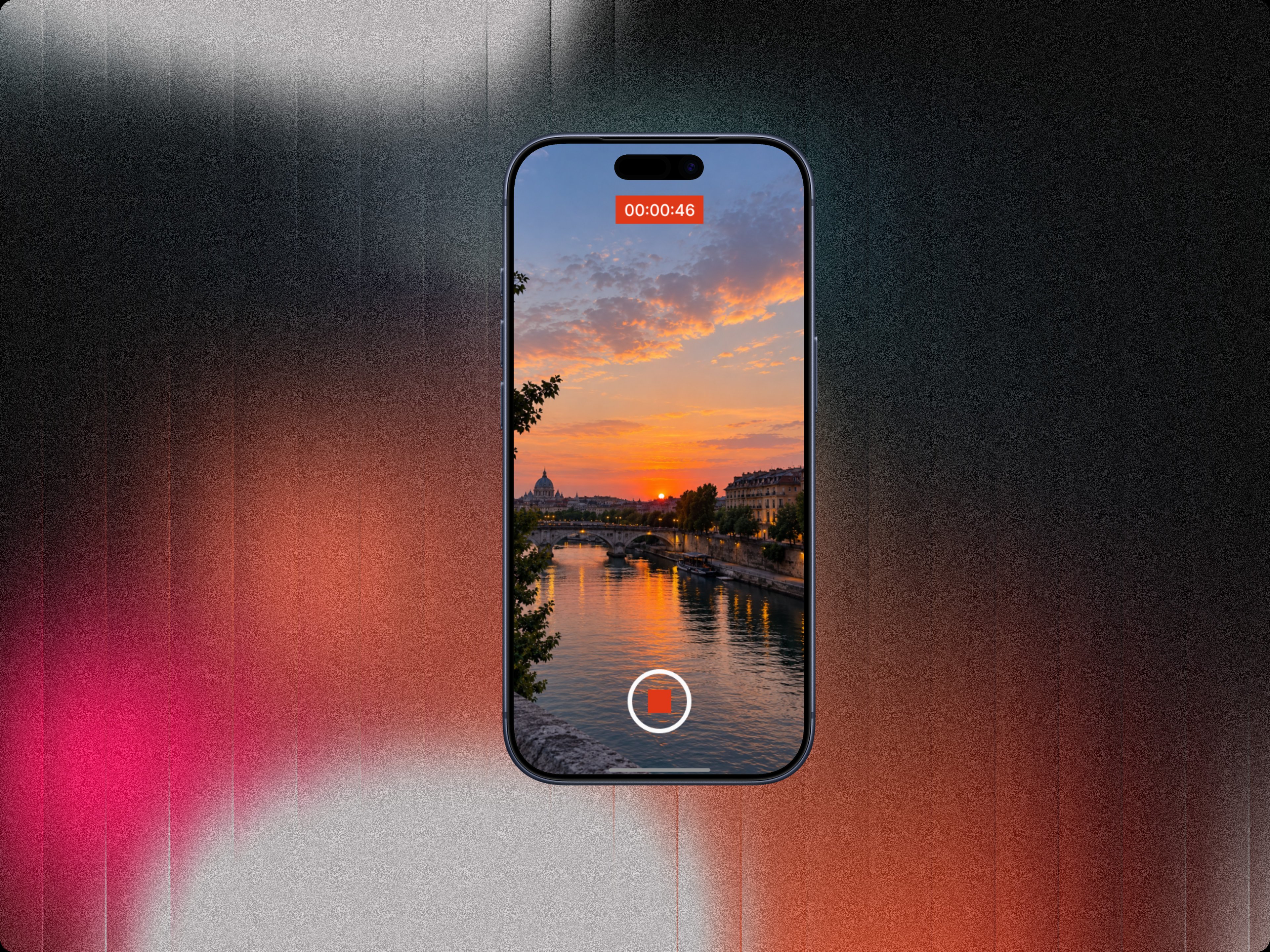
Design the in-recording HUD that sits on top of a live mobile screen capture. It needs to show that recording is active without blocking the app underneath.
The core controls are a status pill with an elapsed timer, a stop button, and a mic toggle. Treat this as a floating system overlay, not a full-screen panel.
The HUD has to work while the user is navigating any app, so spacing, contrast, and touch targets matter more than decoration. Keep the recording state readable at a glance.
The interesting part is balancing visibility and restraint: the user should know recording is live, know how long it has run, and be able to stop or mute fast without hunting for controls.
What to deliver
- Design the default active HUD with timer, stop, and mic toggle.
- Show the mic-on and mic-muted states.
- Place the HUD in a safe, non-blocking screen position.
- Define touch feedback for stop and mic controls.
- Include a compact variant for smaller screens or narrow app headers.
Anchor the timer and stop action together so the user can confirm both the live state and the exit path in one glance.