Gallery
See what others have created

pariisaui
@pariisaui
Auto-Arrange/Stack Feature
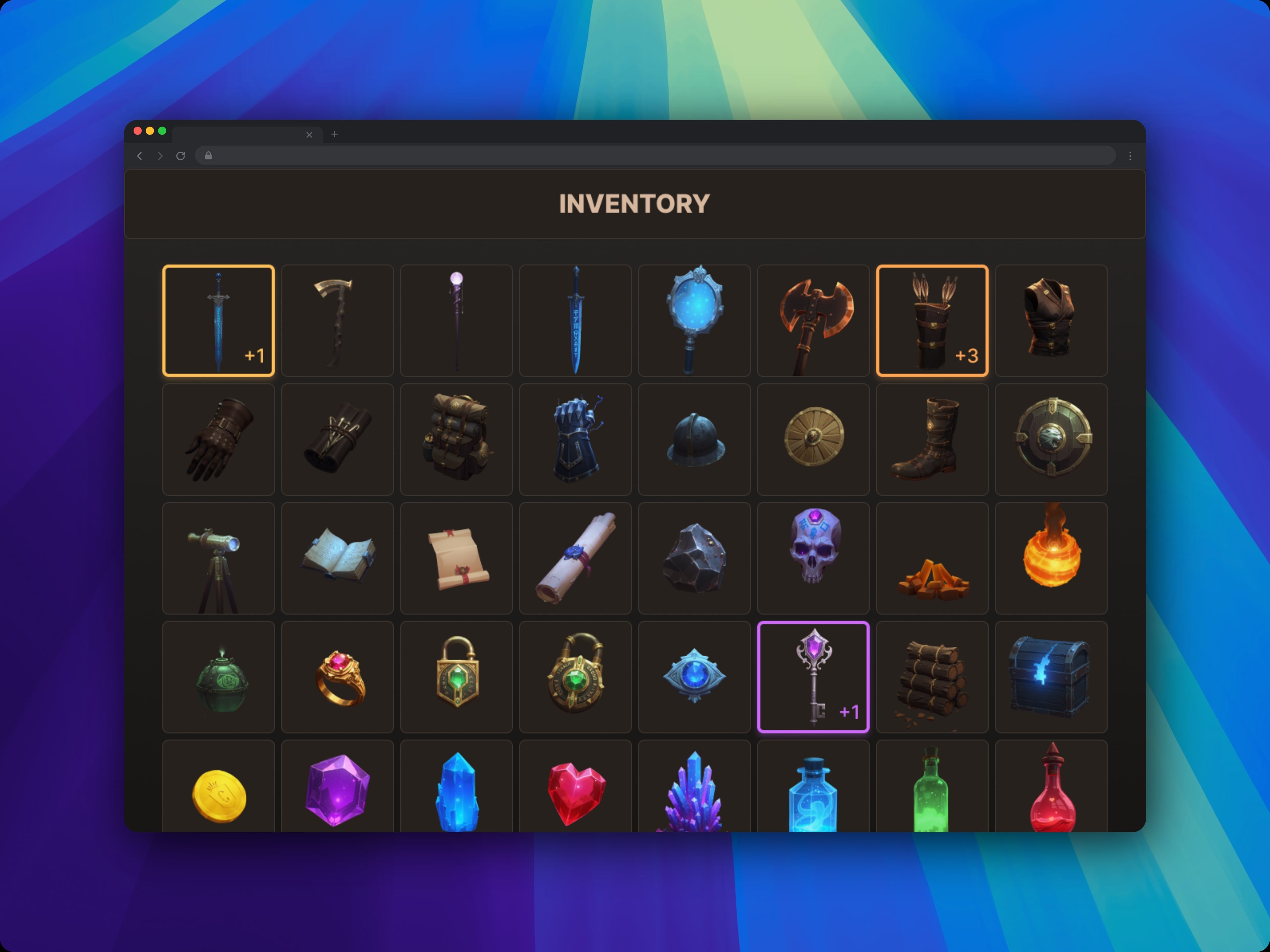
Design the one-tap Auto-Arrange action for a game inventory screen. It groups identical items into stacks and reorders the bag so the layout feels cleaned up, not random.
The control lives alongside other inventory actions, so it has to read fast and feel safe to use from a crowded loadout/inventory view. Players should understand what will change before they tap.
Show the before-and-after logic in the UI: stacked quantities, moved items, and any items that cannot be stacked stay visible and understandable.
The feature should feel useful in a moment of clutter, where the player wants a quick tidy-up without losing track of gear they care about.
What to deliver
- Design the Auto-Arrange button in the inventory action bar.
- Show the inventory state before arranging, with mixed loose items and partial stacks.
- Show the result after arranging, with clear stack counts and sorted placement.
- Include a brief confirmation or toast that explains what changed.
- Handle items that cannot stack or should remain fixed in place.
Use a short preview label or summary count on the button itself, like how many stacks will merge and whether any items stay untouched.