Gallery
See what others have created

designbyvasanth
@designbyvasanth
Live Filter Carousel
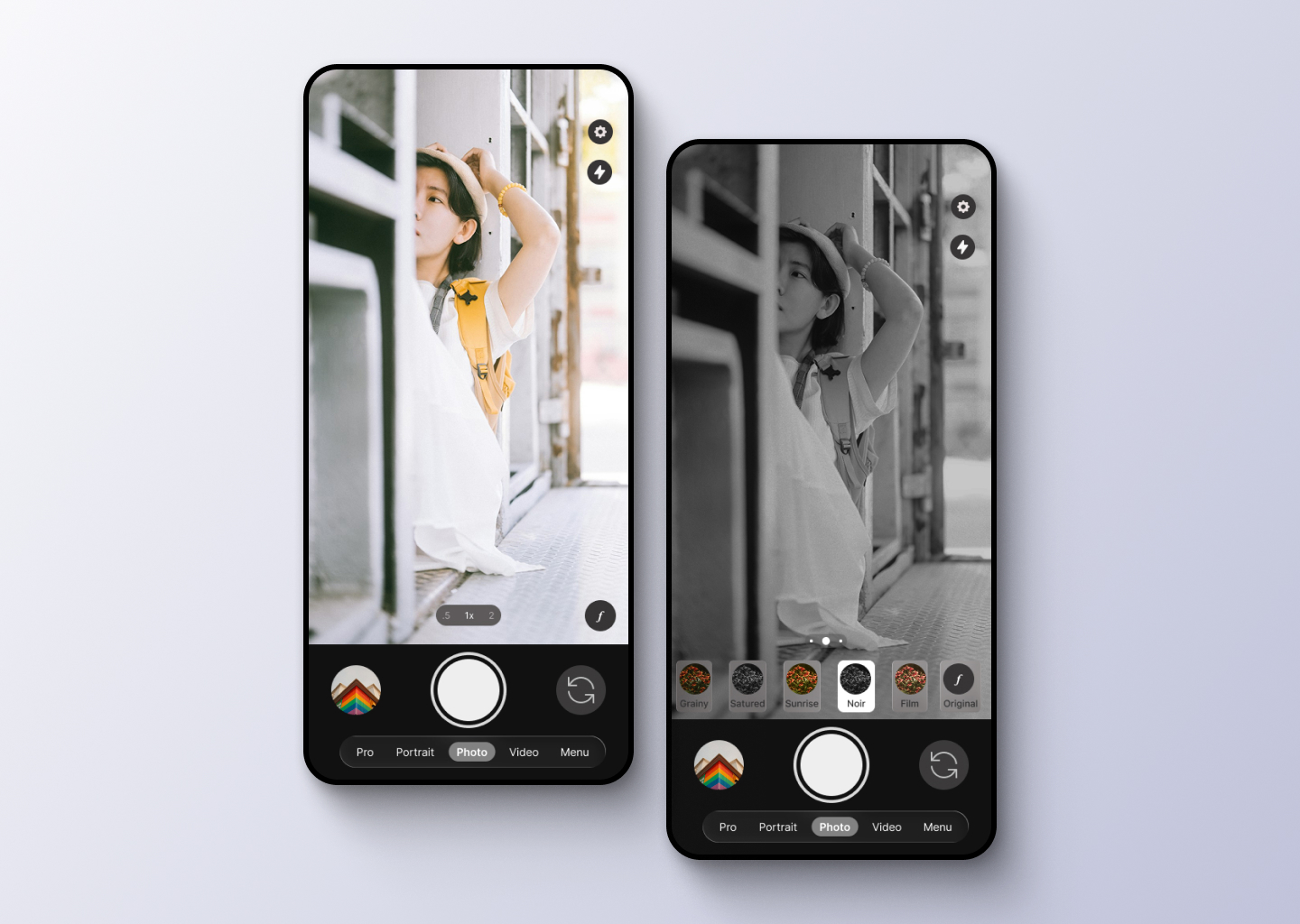
Design the camera viewfinder with a live filter carousel sitting over the preview. The user should see the current color treatment on the scene as they swipe through options.
The active filter name needs to stay visible without blocking the viewfinder. Treat it like a camera control, not a gallery picker.
This is a fast, thumb-driven interaction: one swipe changes the look, and the preview updates immediately so the effect can be judged in motion.
Keep the focus on comparing looks in-context. The carousel should feel native to a camera app, with the preview remaining the main surface and the filter selector secondary.
What to deliver
- Design the default camera viewfinder with live filter applied.
- Design the swipeable filter carousel with active, adjacent, and offscreen items.
- Show the active filter name in a way that stays legible over the preview.
- Include a clear affordance for changing filters by swipe.
- Design one alternate state for no filter selected or returning to the base camera look.
Use a strong active-state treatment in the carousel so the selected LUT is readable even when the preview behind it is busy or dark.