Gallery
See what others have created
lila
@lila
Schedule
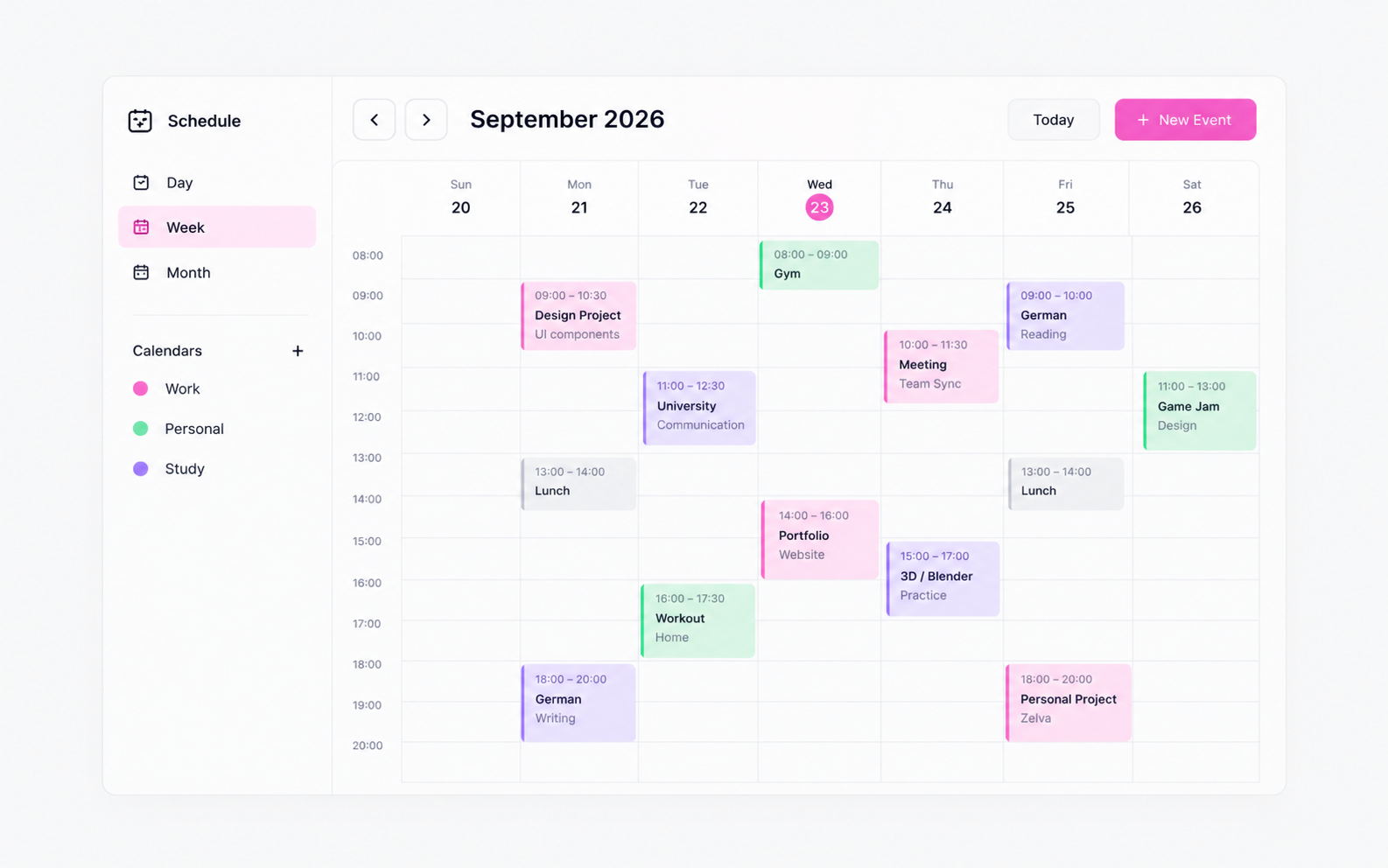
Design a scheduling screen for booking and managing time, not a generic calendar. The main job is to help someone find an open slot, inspect what is already booked, and commit an event without losing context. Treat availability as the primary content, with the calendar as the frame around it.
Show at least three time scales: day, week, and month. The user should be able to switch views, scan occupied blocks, and see which slots are open, tentative, or blocked. If you include color, make it carry meaning consistently; do not rely on it alone to explain event type or status.
Include the full edit path: create event, choose time, adjust duration, add reminder, save. Also show what happens when there is a conflict, no open slots, or a sync issue with another calendar. Those states should offer a clear next step, not just a message.
Use realistic controls that feel usable in a product: time picker, dropdowns, quick-add action, and inline edit affordances. The screen should read like a working scheduling tool someone could use to book a meeting, class, appointment, or personal task in a few deliberate steps.
What to deliver
- Design a calendar screen with day, week, and month views.
- Show slot selection, event creation, and event editing flows.
- Include drag-to-reschedule or direct time editing.
- Add reminders, conflict warnings, and sync/account connection states.
- Show empty, busy, and no-availability states.
Employ subtle animations or transitions when switching views or selecting dates to provide a delightful and seamless user experience.