Gallery
See what others have created
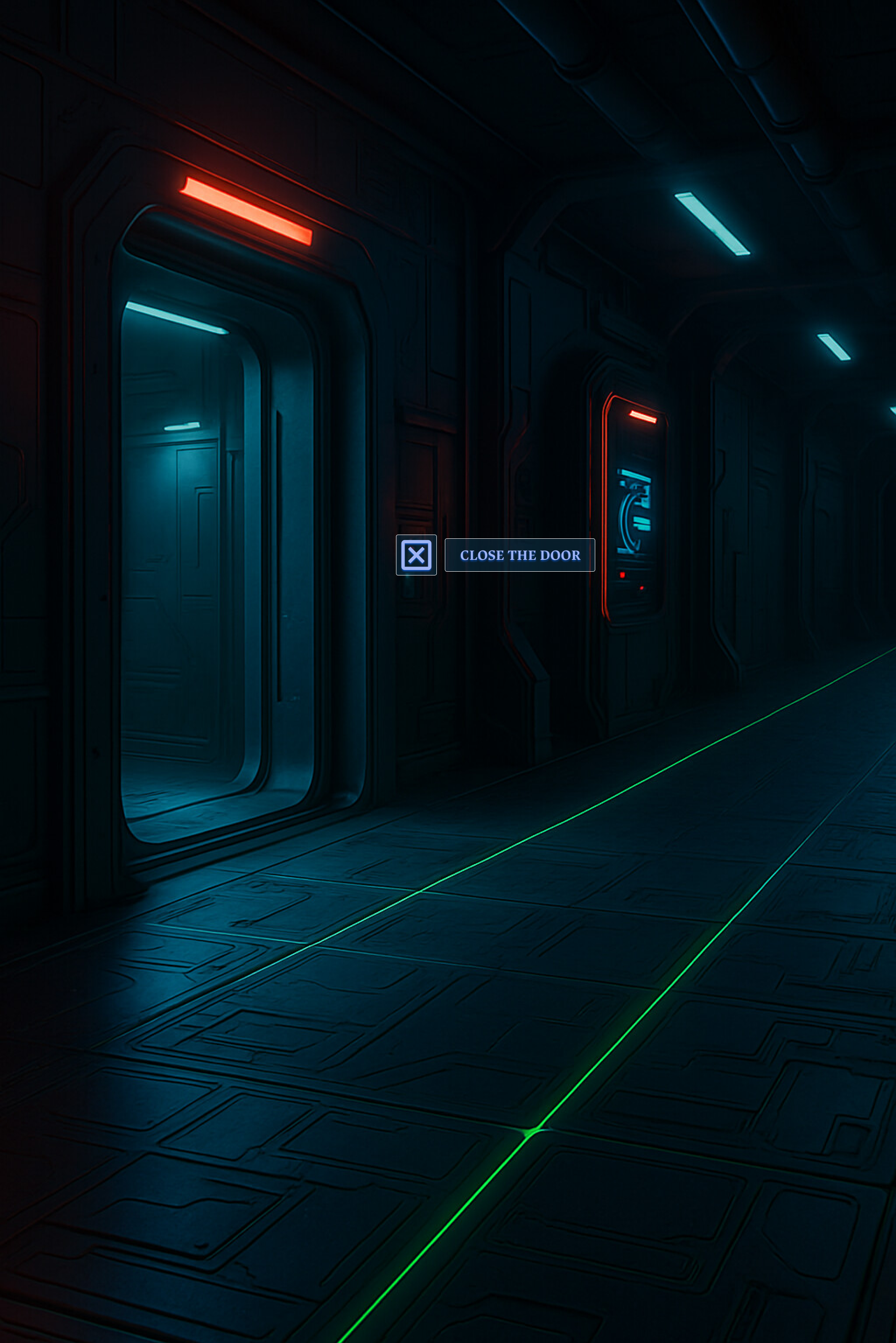
considerable_motorcar
@considerable_motorcar
Interaction Prompt UI
Design the in-world prompt that appears beside an object the player can interact with, like a door, lever, chest, or terminal. It should read as part of the game world, not a detached HUD widget.
The prompt needs to show the input button and the action in the same glance, so the player knows exactly what will happen before they commit. Keep the wording short and specific to the object.
Build for the default idle state first: the object is in range, the prompt is visible, and nothing is being pressed yet. The prompt should be easy to spot without covering the object or blocking movement cues.
Make it feel responsive to context changes. If the target changes, the action label should update immediately, and the prompt should stay anchored to the correct object as the player moves around it.
What to deliver
- Design the default in-range prompt state.
- Design at least two object-specific prompt variants.
- Show how the prompt positions itself near the interactable without hiding it.
- Show the prompt updating when the target changes.
- Show the prompt disappearing cleanly when the player leaves range.
Treat the button icon as the anchor and the action text as the payload; if space gets tight, shorten the verb before shrinking the input cue.