Gallery
See what others have created
languiddouble_dealing
@languiddouble_dealing
Column views
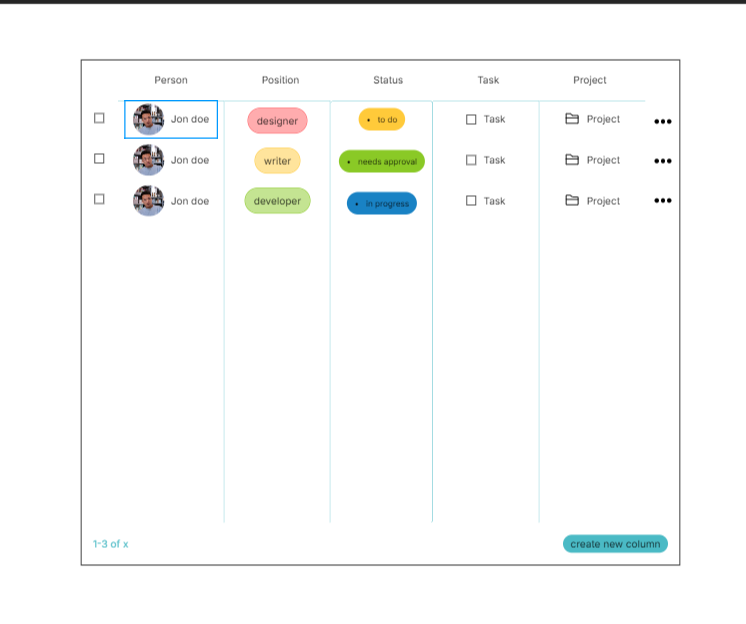
Design a column-based browser for nested content: think categories, items, and details, all visible at once. The left column sets context, the middle column lets users drill in, and the right column shows the active selection or preview. This is for people who need to compare related records quickly without opening separate pages.
Each column should scroll independently and keep its own header visible. Show the active path clearly so users always know where they are in the hierarchy. Selection should update the next column in place, not reset the whole view. If content is long, use sticky section labels, subtle dividers, and a clear selected row state to keep the scan path obvious.
Design the responsive behavior too. On narrower screens, the columns should collapse into a step-by-step flow or stacked panels with a strong back affordance. Preserve the current selection, keep nearby actions reachable, and make it easy to return to a previous column without losing context. Include empty, loading, and no-results states for each column so the layout still feels complete when data is sparse.
What to deliver
- Design a 3-column content browser with independent scroll areas.
- Show a selected item state that reveals detail without leaving the view.
- Provide a collapsed or stacked layout for smaller screens.
- Include column headers, counts, and clear affordances for switching context.
- Add empty, loading, and no-results states for each column.
Incorporate keyboard navigation shortcuts for power users to switch between columns quickly, enhancing the usability and accessibility of your design.