Gallery
See what others have created

esakki
@esakki
Swipeable Tab Labels
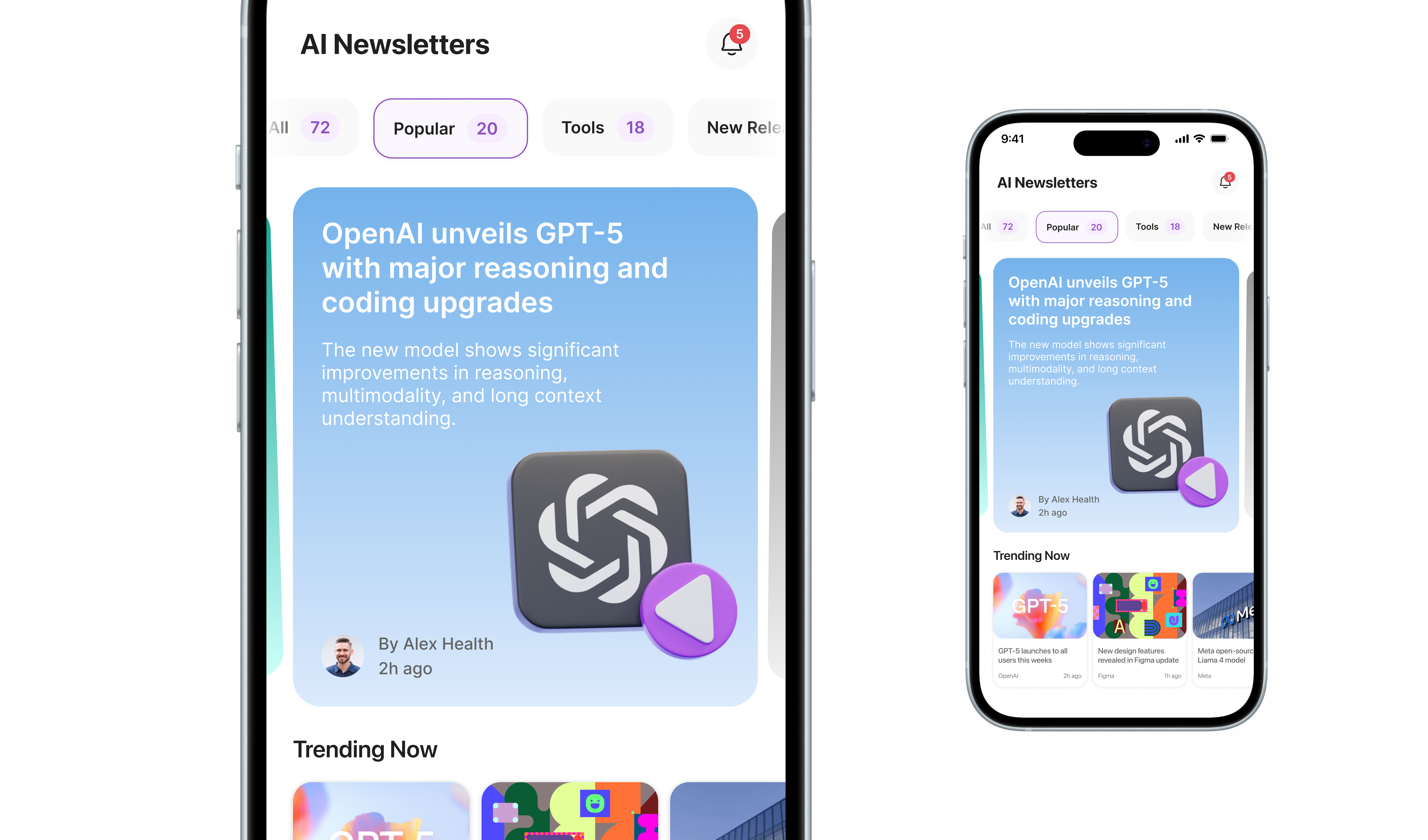
Design a mobile top tab bar where the labels themselves can be swiped horizontally to reveal more categories. This is not a page of content; the tab strip is the product. The screen should make the swipe affordance obvious without stealing attention from the active tab.
Treat the bar like a compact navigation rail at the top of the app. Visible labels should show there are more options offscreen, and the active tab needs to stay anchored while the row moves under the finger.
Think about what the user sees before and during the swipe: partial labels at the edges, a clear selected state, and enough spacing that the row feels draggable rather than clipped. The interaction should read as navigation, not a carousel.
The interesting part is balancing discoverability with density. The design has to fit many categories into a small mobile header while still making the current location easy to read and tap.
What to deliver
- Design the default tab bar with several visible labels and one active tab.
- Show the horizontal swipe state with partially revealed labels on both sides.
- Define the selected, idle, and pressed states for tab labels.
- Include the indicator treatment for the active tab while the strip scrolls.
Use a subtle edge fade or clipped label preview so offscreen tabs feel reachable without adding arrows or extra chrome.