Gallery
See what others have created
weeping_mausoleum
@weeping_mausoleum
Controller-Friendly Settings
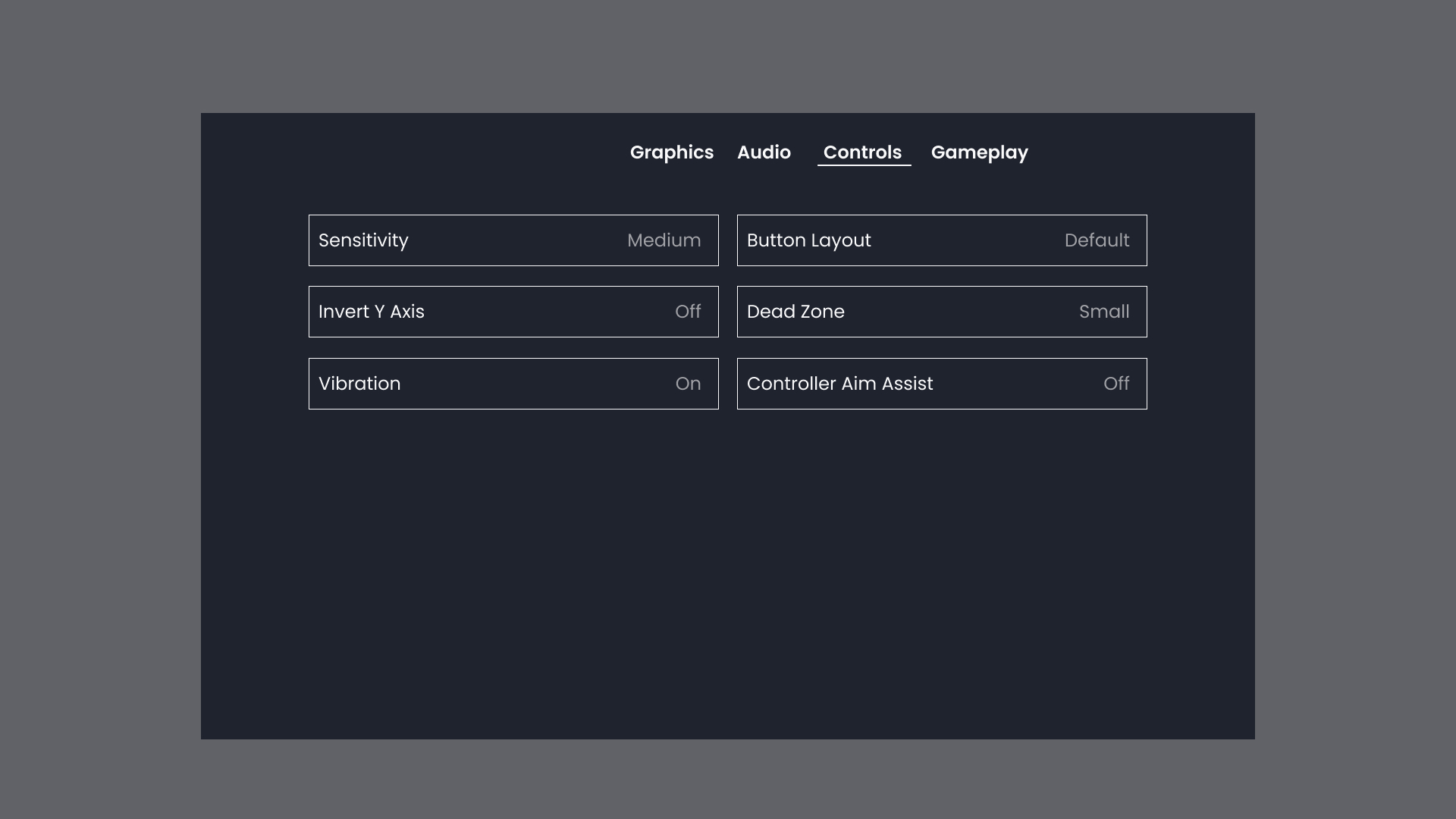
Design the in-game Settings menu for controller-first navigation. The screen should feel built for a gamepad, not adapted from mouse input, with tabs, clear focus states, and predictable movement between sections.
The menu should let players move through categories with the stick or d-pad, switch tabs without losing their place, and adjust options with minimal friction. Focus needs to be easy to track at a glance, especially when rows, toggles, sliders, and submenus share the same screen.
Think about how the layout behaves when the player opens Settings from pause or from the main menu. The current tab, selected row, and any changed values should remain legible so the player always knows where they are and what will happen next.
This is a menu challenge, so the interaction design matters as much as the visual treatment. The focus ring, selected state, and spacing between controls should make rapid controller input feel safe and deliberate, even when the player is moving quickly through options.
What to deliver
- Design the Settings screen layout with controller-first tab navigation.
- Create focused, selected, and inactive states for tabs, rows, toggles, sliders, and buttons.
- Show how focus moves when switching tabs and entering a submenu.
- Include a visual pattern for changed-but-unsaved settings, if applicable.
- Define the back/cancel behavior and where it lands the player.
Design the tab bar and the first focusable row so the player can move horizontally and vertically without dead ends; the focus path should feel like a grid, not a list with traps.