Gallery
See what others have created
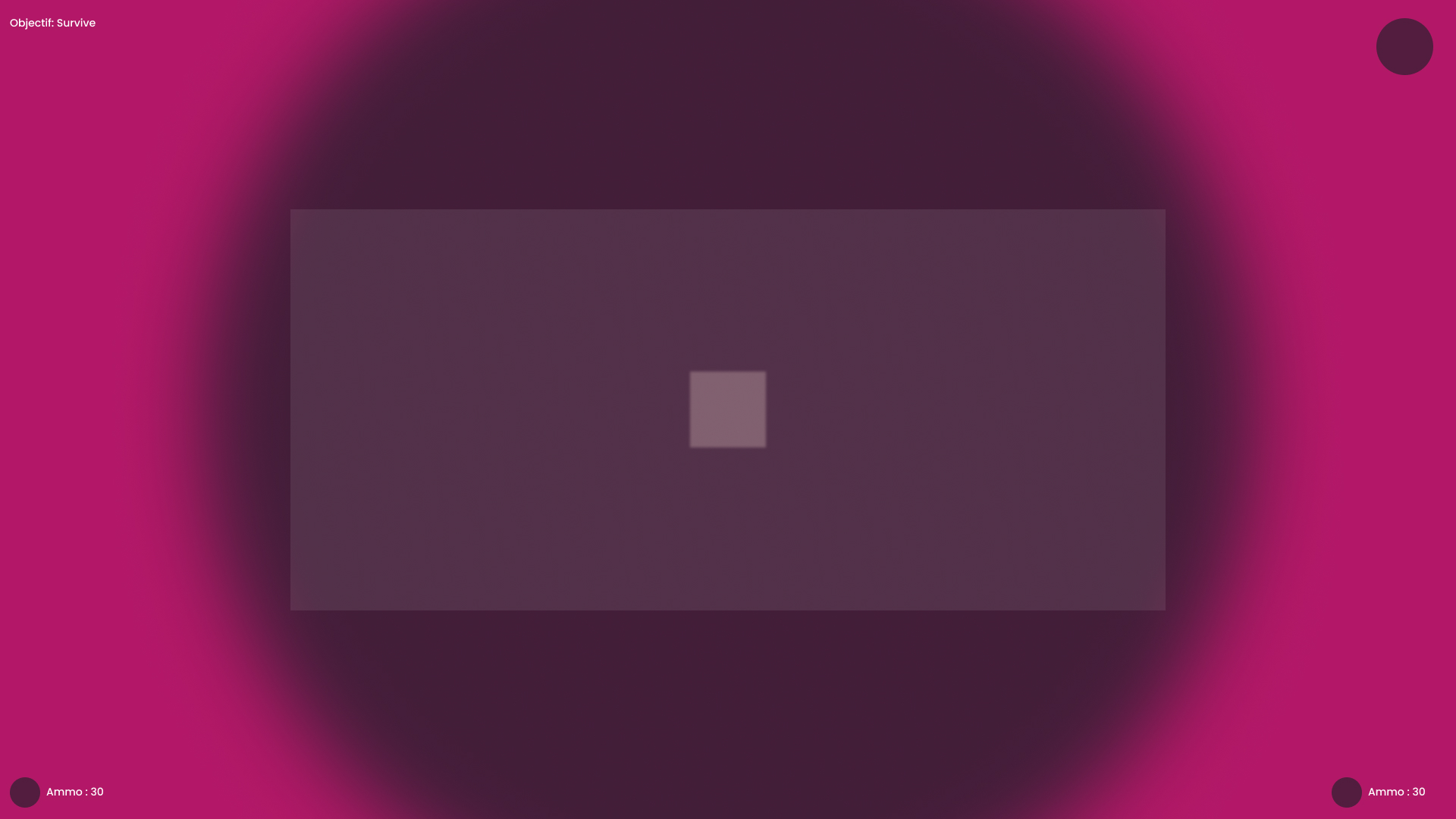
weeping_mausoleum
@weeping_mausoleum
Low Health Vignette
Design the low-health screen-edge vignette for an in-combat HUD. This effect should sit behind gameplay UI and wrap the playfield, not cover the center of the screen.
The vignette starts subtle at moderate damage and ramps up as health drops toward critical. The player should feel the danger without losing sight of enemies, hazards, or aim point.
Treat it as a live feedback layer tied to health state, not a one-off warning. The transition needs to read quickly during movement, combat flashes, and camera motion.
Make the progression obvious across a few health bands: barely there, clearly alarming, and near-death. The effect should be strong enough to communicate urgency but still leave the scene playable.
What to deliver
- Design the full-screen idle state with no vignette.
- Design at least 3 health thresholds showing increasing intensity.
- Show the near-critical state where the effect is most urgent.
- Include a quick transition example between two adjacent health levels.
- Place the effect in a gameplay HUD context with other on-screen elements.
Keep the strongest color and opacity at the edges only; let the center stay clean so the player can still track targets and read the world.