Gallery
See what others have created
sheeshable
@sheeshable
Drag and drop
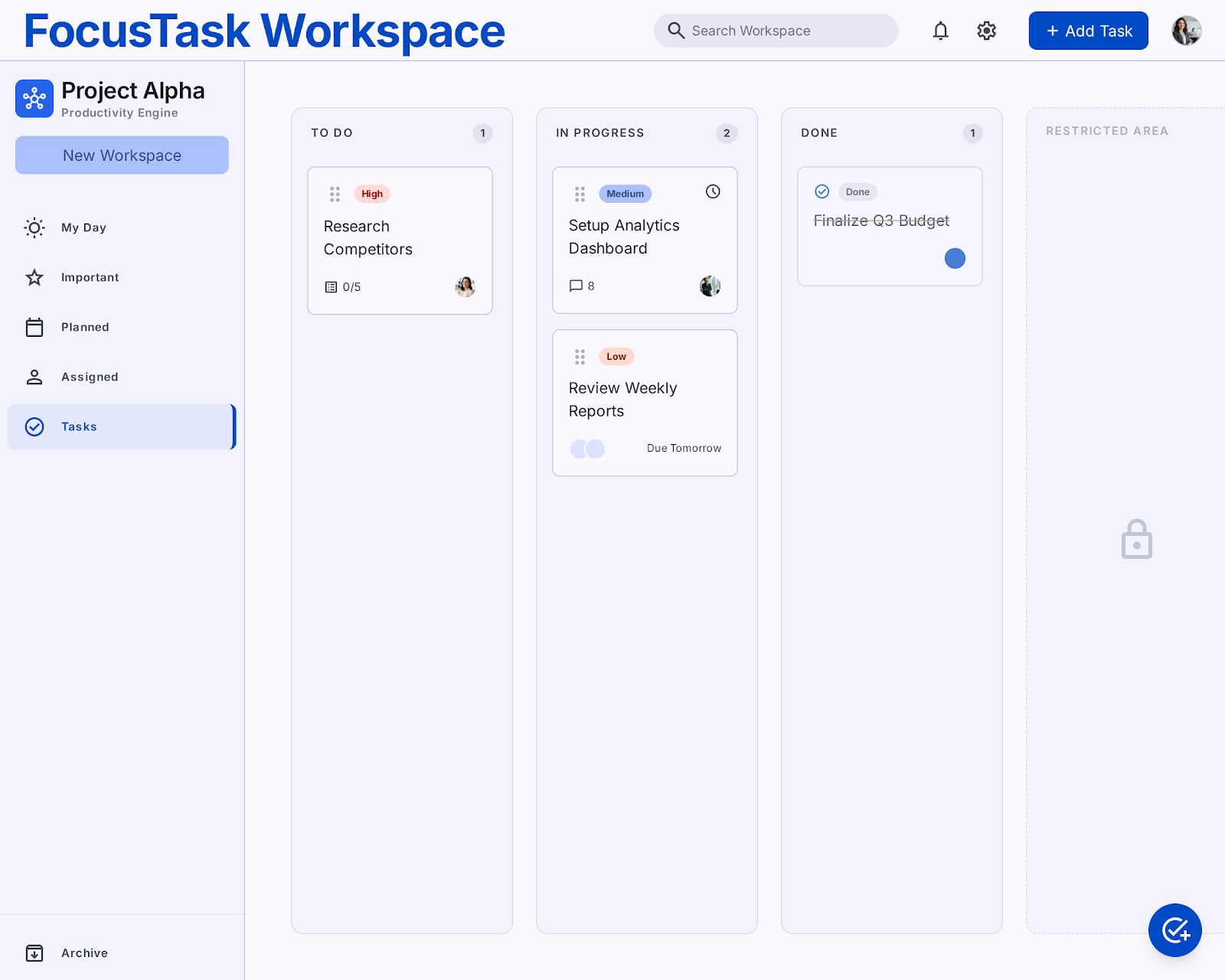
Design a drag-and-drop workspace for rearranging a list of items. Treat this as a real product surface, not a demo: users need to see what can be dragged, where it can land, and what happens while they move it around.
Show the default list state, the lifted item state, and the active drop target state. Make the insertion point obvious as the user drags. If the item can be moved between groups or columns, show at least one cross-container drop state so the rules are clear.
Include the important interaction outcomes: successful drop, invalid drop, and cancel/revert. Keep the original item context visible during drag, and make the final reordered result easy to scan after the action completes.
What to deliver
- Design a draggable item list with clear grab handles.
- Show at least one active drop target state.
- Include a drag preview or lifted item state.
- Add reorder feedback for insertion position while moving.
- Show cancel and successful drop outcomes.
Make your 'Drag and Drop' design delightful by animating the 'lift' and 'drop' moments. Subtle scale changes or shadow adjustments can significantly enhance the user experience and make the interaction feel alive.