Gallery
See what others have created
reassuring_pallet
@reassuring_pallet
Avatar & Profile Setup
Design the onboarding screen where a new user picks an avatar and fills in basic profile details on mobile. It should feel like part of a first-run flow, not a settings page.
The avatar area needs to support choosing a preset image or uploading one, with the preview updating as soon as the image changes. That preview is the anchor of the screen.
Below it, add the core profile fields needed to finish setup. Keep the form light and mobile-friendly: short labels, clear input affordances, and space for the keyboard.
The interesting part is the relationship between image and identity. The screen has to make the avatar feel immediate and personal while the rest of the profile stays quick to complete.
What to deliver
- Design the avatar picker with preset choices and an upload option.
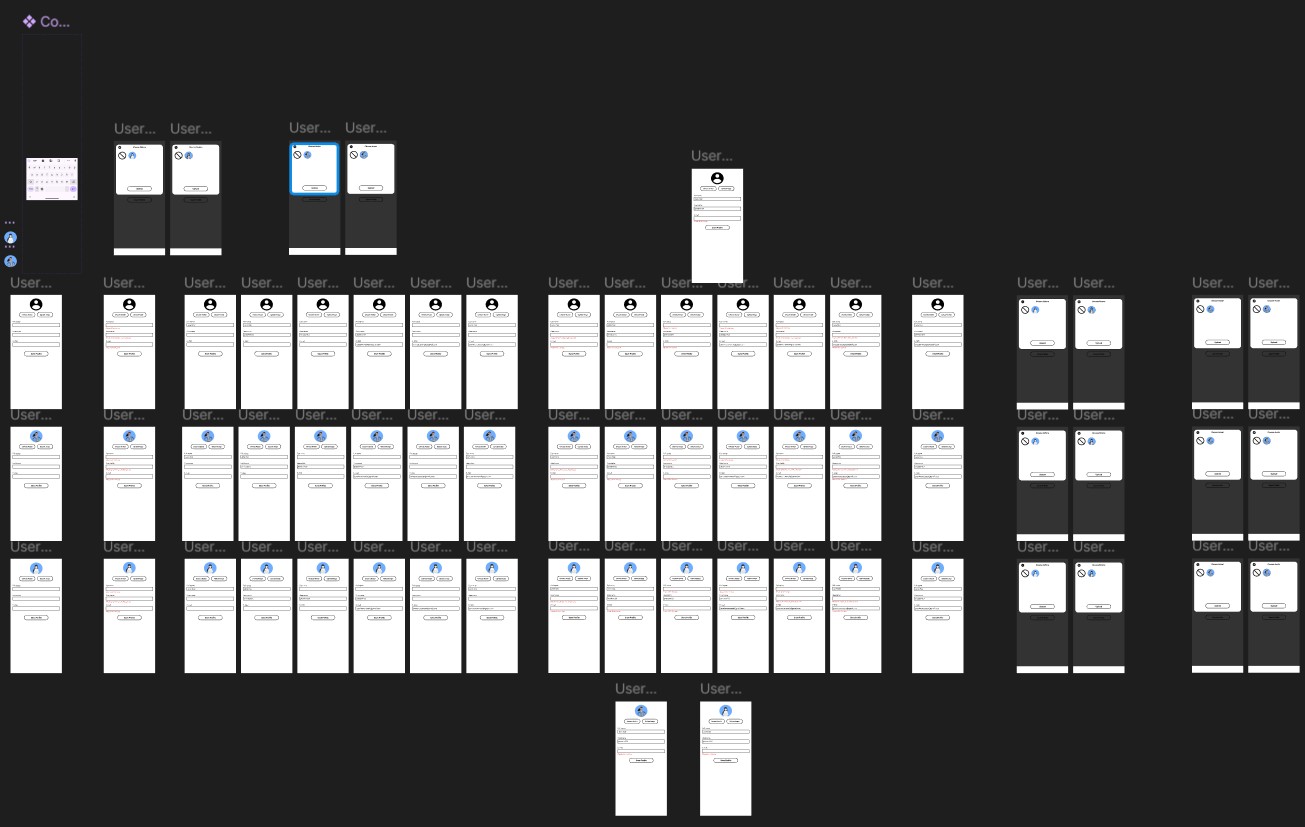
- Show the live image preview in its default, updated, and failed-upload states.
- Design the basic profile form fields and their filled, focused, and invalid states.
- Place the primary continue action so it stays reachable with the keyboard open.
- Include a back or skip path that fits the onboarding flow.
Make the live preview large enough to judge crop and framing before the user commits; if upload fails, keep the last good avatar visible and explain what happened near the picker.