Gallery
See what others have created
uibyazer
@uibyazer
Drawing
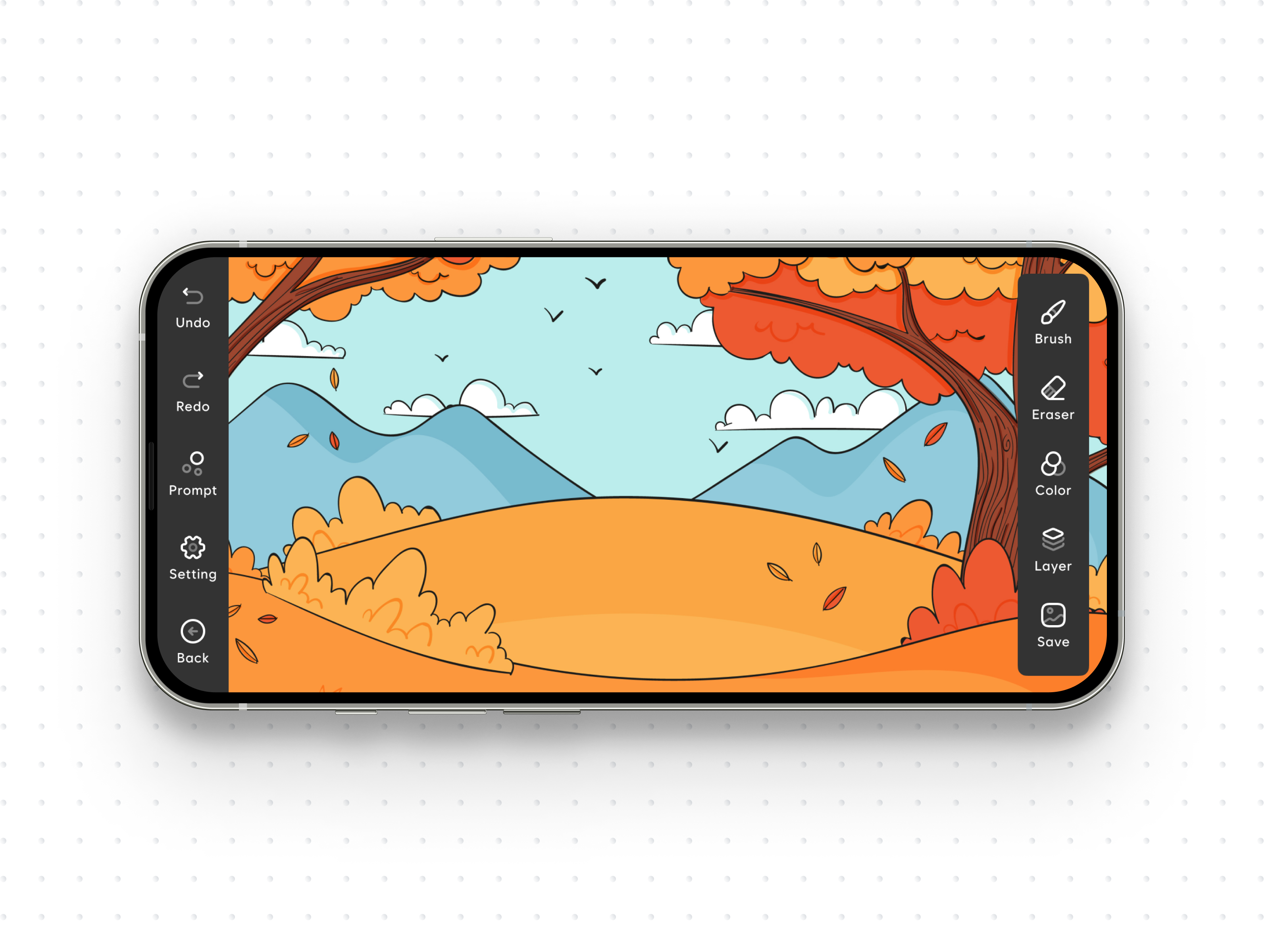
Design the flow for creating a digital drawing from a blank canvas to a saved or shared result. This is not a tool catalog; it should feel like a working editor with a clear path through setup, drawing, and finishing.
Start with the main canvas view. Show the active brush, current color, brush size, and any layer or eraser controls the user needs to begin drawing. The interface should make it obvious where to tap or click first, and what will happen when a stroke is made.
Then show the key editing moments: switching brushes, adjusting size or opacity, undoing a mistake, and clearing or restarting the canvas. Keep the current state visible while the user changes tools so the drawing never feels disconnected from the controls.
Finish with save and share states. Show what happens when the drawing is exported, including format or destination choices, and make the completed state feel distinct from the in-progress canvas.
What to deliver
- Design the drawing canvas entry state with tool palette, color controls, and layer access
- Show how a user selects a brush, changes size, and starts the first stroke
- Design undo, redo, clear, and save actions with clear placement and feedback
- Show autosave or manual save state after edits are made
- Design share/export confirmation with file format or destination choices
Surprise users by including delightful micro-interactions, like a brush selection that blooms like a flower, to add a touch of whimsy to the drawing flow.