Gallery
See what others have created

misaka
@misaka
Camera Mode Carousel
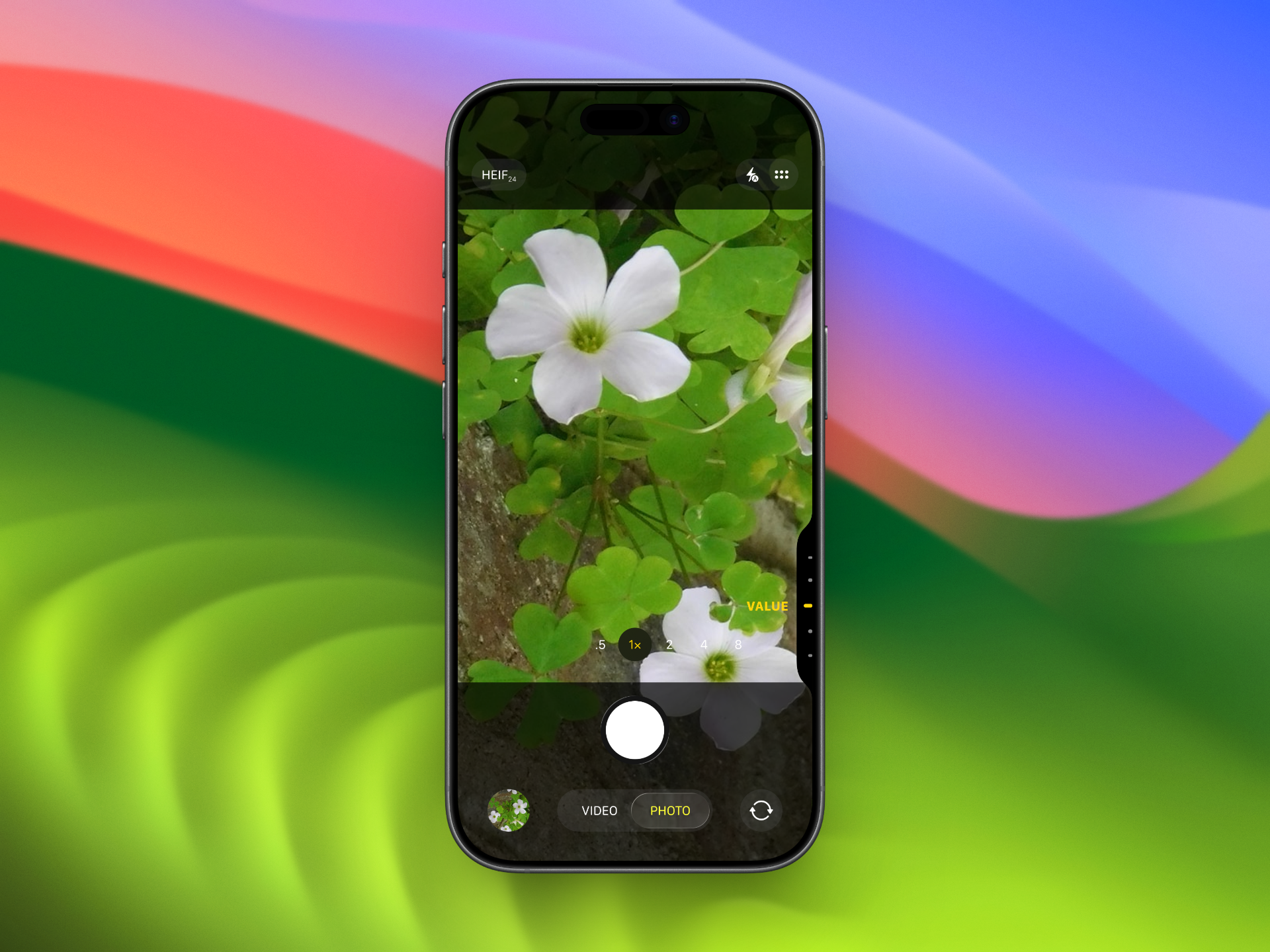
Design the camera viewfinder with a swipeable mode carousel anchored at the bottom. The live preview stays full-bleed behind it; the mode strip sits close to the shutter so thumb movement feels natural.
The carousel includes Photo, Video, Portrait, and Pano, with one mode clearly active and the neighboring modes partially visible. The active label should read first, but the rest of the strip should still hint that it can be swiped.
This is not just a picker; it changes how the camera feels. Each mode has different framing behavior, so the selector needs to communicate motion and focus without stealing attention from the scene.
Keep the rest of the capture UI believable for a real camera screen: shutter, gallery shortcut, and any small capture controls should coexist with the mode strip without crowding it.
What to deliver
- Design the live camera preview with the mode carousel overlaid at the bottom.
- Show the default active state for one mode, with adjacent modes peeking in.
- Place the shutter and nearby capture controls around the carousel in a realistic camera layout.
- Indicate swipe direction and snapping behavior in the selector.
- Include a clear visual treatment for the active mode versus inactive modes.
Use scale and opacity together on the active mode, and let the strip snap so the selected label always lands centered after a swipe.