Gallery
See what others have created
sad_hayseed
@sad_hayseed
Cart & Bag
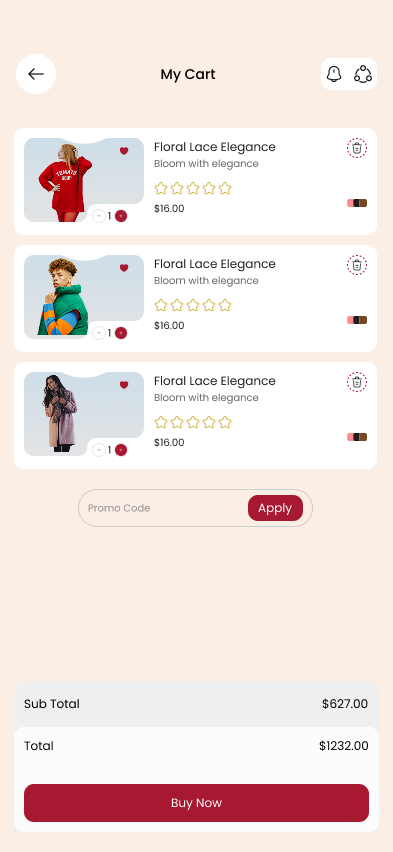
Design the cart and bag step for an e-commerce purchase. Show a list of selected items with thumbnail, name, variant, price, and quantity controls. Each row should support quick edit and remove actions without losing context.
Build a summary panel that keeps subtotal, shipping, tax, discounts, and final total visible. If shipping or promo input exists, place it near the total so the cost changes are easy to read.
Make checkout the primary action. Add a secondary path for continuing shopping, but keep it visually weaker. If the cart is empty, show a clear empty state with a direct way back to shopping.
Include trust cues where the decision happens: payment security, return policy, and delivery timing. Keep the tone factual, not promotional, and make sure the cart still works cleanly on a narrow screen.
What to deliver
- Design a cart screen with item list, quantity controls, and item removal.
- Show subtotal, shipping, tax, and final total in a fixed summary area.
- Add a clear primary action to proceed to checkout.
- Include empty, loading, and item-removed states.
- Place trust details near checkout, not buried in copy.
Incorporate visual cues like color contrast for the bag/cart icon to indicate when items are added, fostering a sense of accomplishment.