Gallery
See what others have created

misaka
@misaka
Post Detail
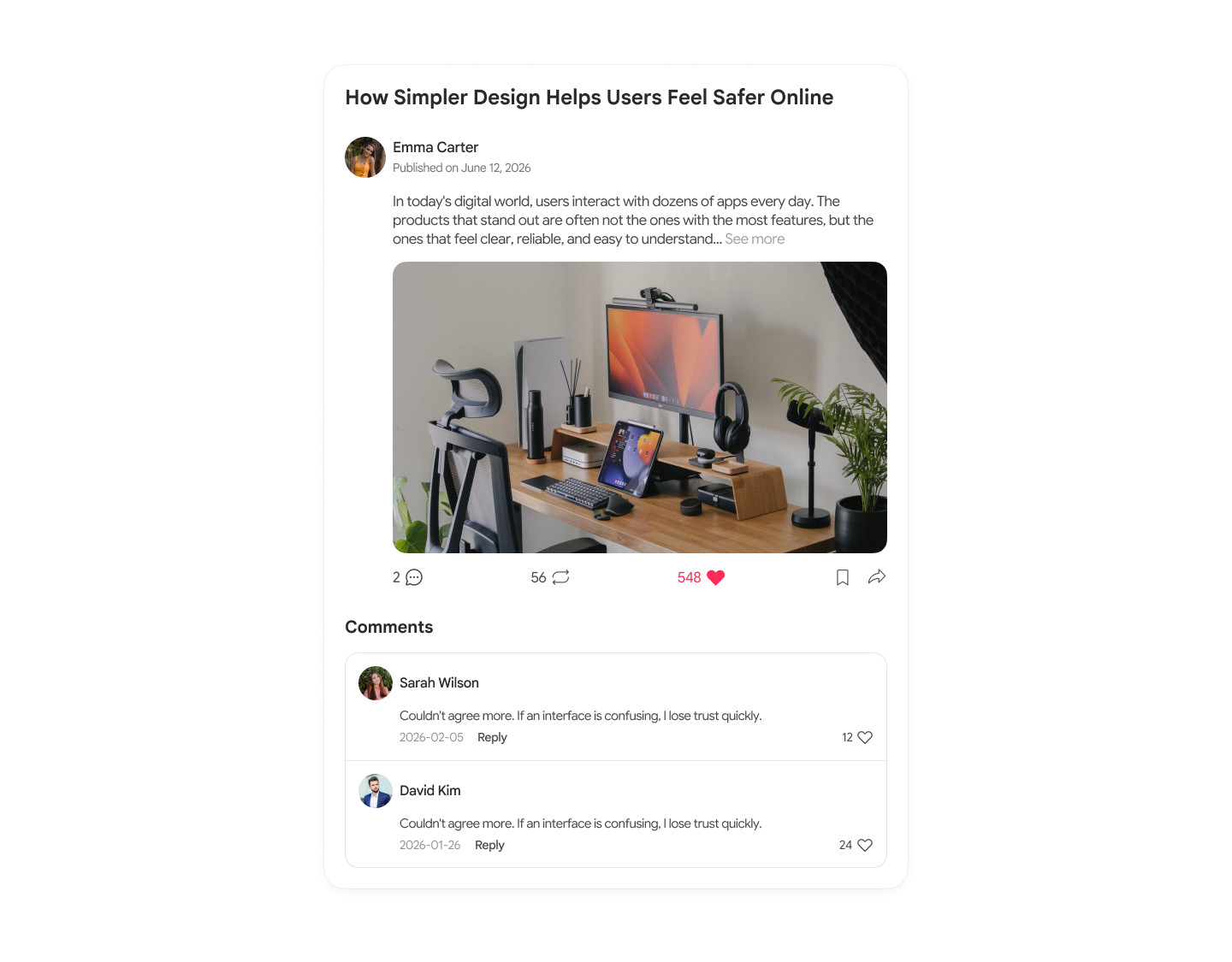
Design a post detail page for a social or content app. This is the screen users open after tapping a post from a feed, search result, or topic page. The page should make the post itself feel central, with supporting metadata and actions arranged around it.
Start with a clear header: author avatar and name, timestamp, and any lightweight context like category or read time. The post title should lead into the body content without visual noise. If the post includes images, video, or embeds, show how they sit within the article flow and how captions or credits are handled.
Place engagement controls where they are easy to find but do not interrupt reading. Include like, comment, share, and save states, plus a visible comment section that supports sorting, replying, and adding a new comment. If the page includes related posts or next/previous navigation, make that section feel like a natural end point rather than a separate module.
What to deliver
- Design the post header with title, author, date, and reading metadata.
- Lay out the full article body with text, media, and pull quotes.
- Add the interaction row for like, share, save, and comment actions.
- Design the comments area with sort, reply, and add-comment states.
- Include related posts or next/previous navigation at the end of the page.
Incorporate elements that encourage engagement, like prominent call-to-action buttons for sharing or commenting.