Gallery
See what others have created

misaka
@misaka
Document Scanner
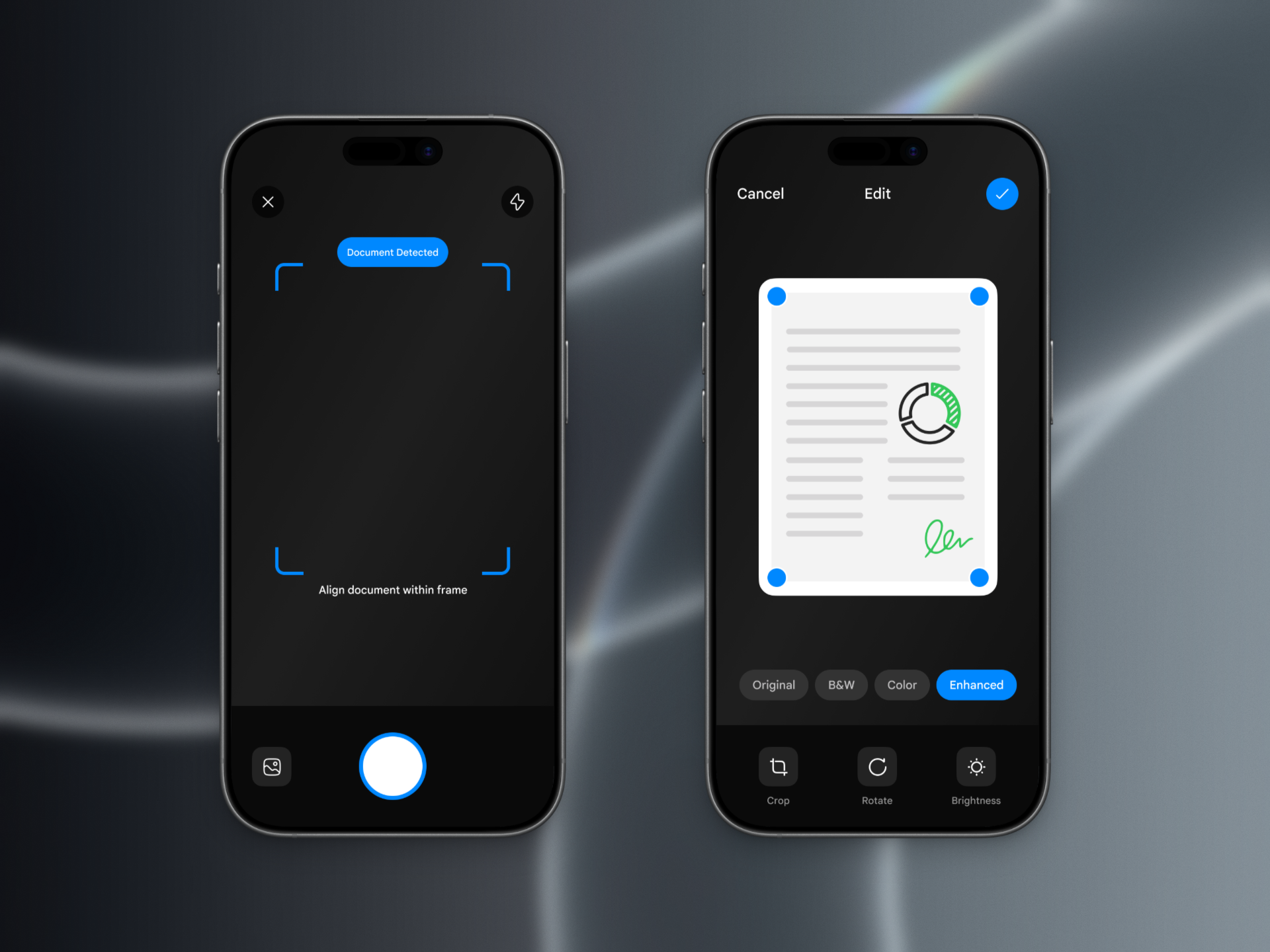
Design the live document scanner camera screen on mobile. The viewfinder is open on a desk, page, receipt, or form, and the app is trying to find a flat document before the user taps capture.
Auto-detected edges should draw a clear quadrilateral on top of the camera feed. It needs to feel like a real detection state, not just a decorative frame: show when the app is confident, when it is searching, and when the target is partially visible or skewed.
The capture action stays available, but the main interaction is the detected crop. After capture, the user should be able to adjust the perspective crop using the same four corners without losing context from the original photo.
This is interesting because the UI has to balance live camera feedback, trust in the detection, and precise correction. The user should understand what will be scanned before taking the shot, and how much control they still have after capture.
What to deliver
- Design the live scanner camera screen with edge detection overlay
- Show capture controls and any helper actions around the viewfinder
- Design at least three detection states: searching, locked, and partial/uncertain
- Design the post-capture perspective crop editor with draggable corners
- Include a clear confirm action and a way to retake or discard the scan
Make the detection box feel anchored to the paper, not to the screen: use subtle motion and state changes so the quadrilateral looks like it belongs to the document as the camera moves.