Gallery
See what others have created
sheeshable
@sheeshable
Multi-Touch Shortcut Gesture
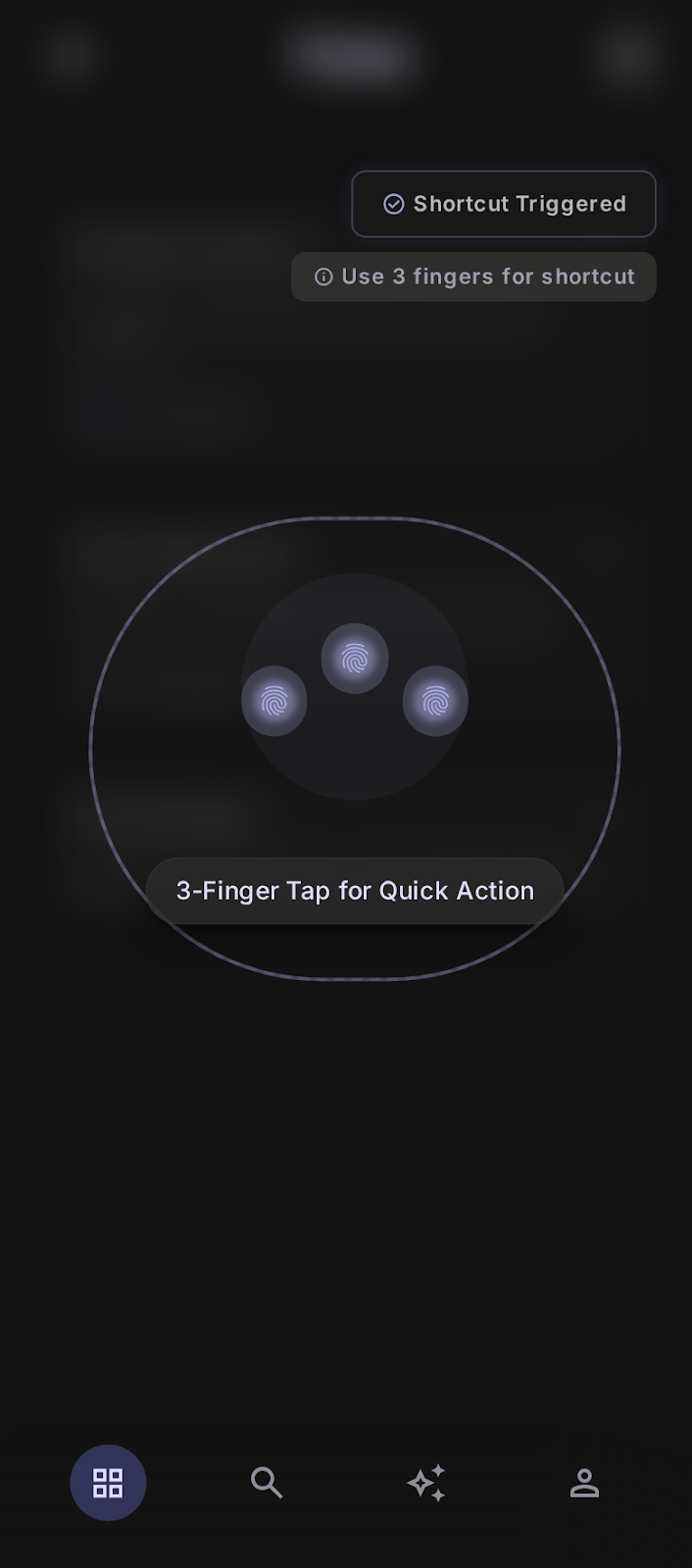
Design the default in-app gesture hint for a hidden shortcut triggered by a three-finger tap. This lives inside a mobile app, not a settings page or tutorial, so it should feel like a subtle discovery moment in normal flow.
The screen needs to explain the gesture without turning into a blocking walkthrough. Show the three-finger tap as something a user can notice, remember, and try later while still keeping the app content in view.
Make the gesture feel intentional and app-specific. The UI should suggest that this action is special, quick, and hard to trigger by accident, while still being understandable at a glance on a small screen.
Think about how the hint appears alongside the content it affects: the user should know where to tap, what counts as a successful gesture, and what happens afterward without extra clutter.
What to deliver
- Design the default gesture hint state over the live app screen.
- Show the three-finger tap cue and target area clearly.
- Include the post-gesture confirmation state for the hidden action.
- Add a subtle fallback message for accidental or incomplete touches.
Use a small finger cluster or ripple cue anchored to the target area, so the gesture reads as a deliberate three-finger input rather than a generic tap animation.