Gallery
See what others have created
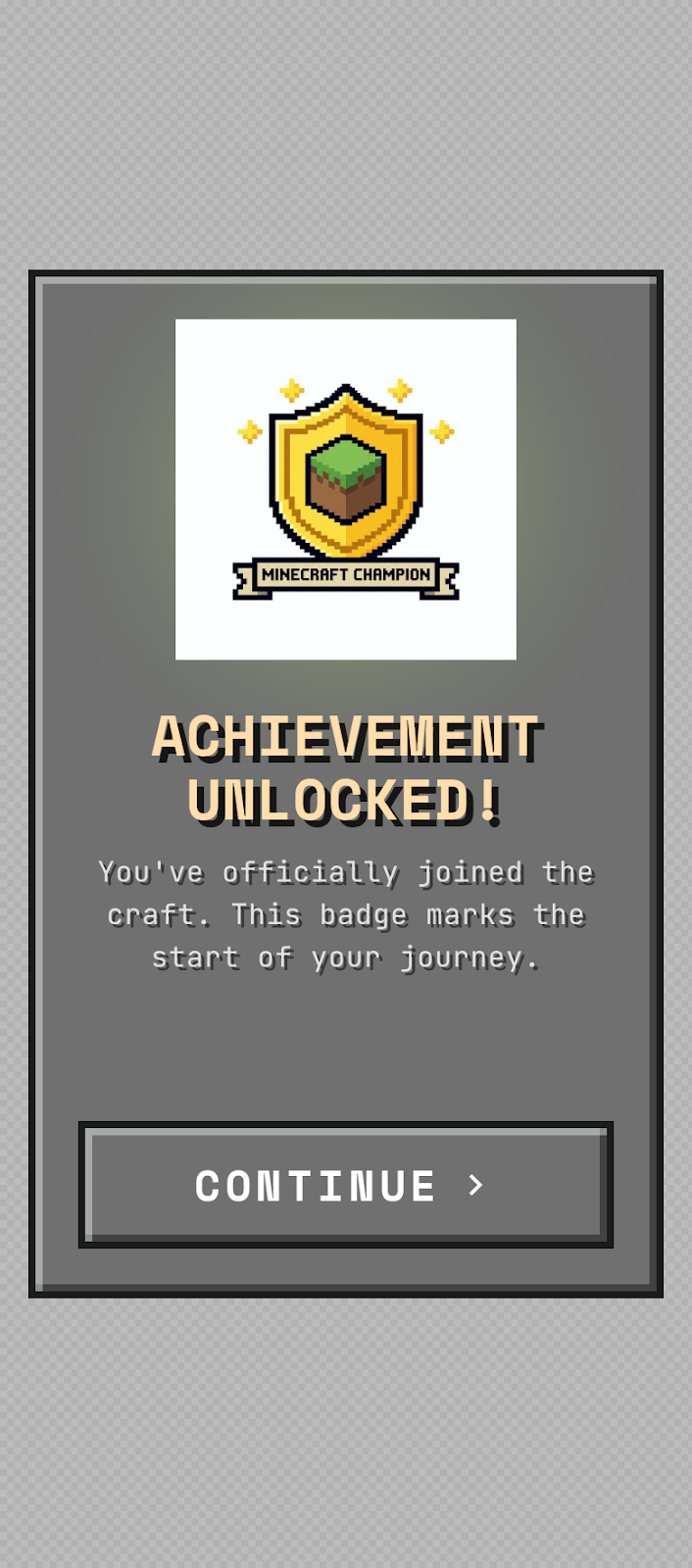
sheeshable
@sheeshable
Welcome Badge Screen
Design the mobile onboarding screen that introduces a new achievement or welcome badge. It should feel like a small celebration, not a reward ceremony: a clear badge graphic, a short title, and a supporting line that explains what the badge means.
This lives in the first-run flow, so the user is still orienting themselves. The layout should make the badge the focal point while keeping the surrounding UI calm enough that the message lands fast on a phone screen.
Treat it as a lightweight moment after a milestone or account setup step. The screen may be a full-screen interstitial or a modal-style dialog, but it should still read as part of onboarding and not as a separate feature page.
The interesting part is balance: make it feel special without blocking progress. The composition should support a quick acknowledgment and a clear way to continue into the app.
What to deliver
- Design the badge screen in its default state.
- Show the badge graphic, title, and explanatory copy.
- Place the primary continue action in a clear spot for one-handed tapping.
- Include a secondary dismissal or skip treatment if your layout uses one.
- Define the visual treatment for the celebratory moment on a mobile screen.
Use scale and spacing to make the badge feel earned; even a simple icon can feel celebratory if the title and body text are tightly grouped and the primary button sits just below them.