Gallery
See what others have created
sheeshable
@sheeshable
Two-Finger Rotate Gesture
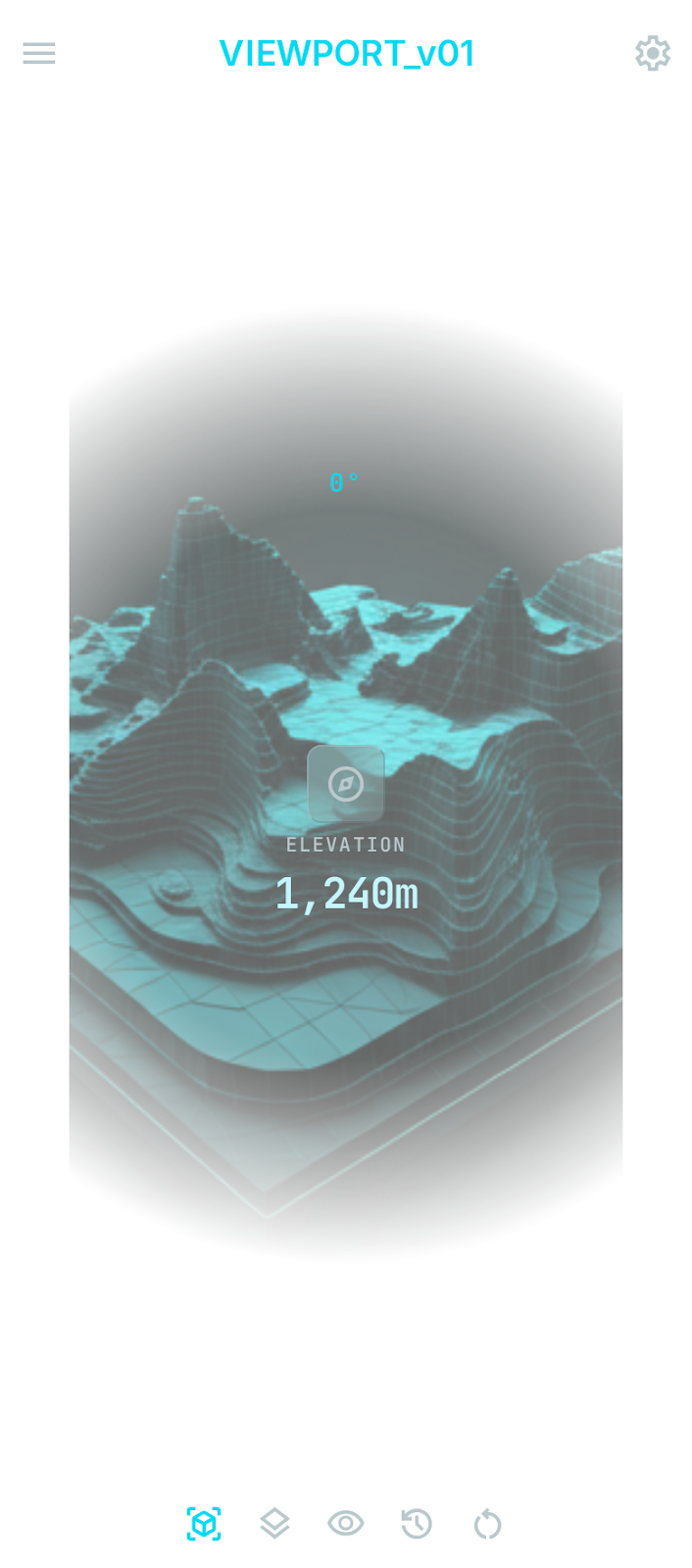
Design the default mobile canvas for a graphic that can be rotated with two fingers. The object should feel ready to manipulate at rest, with the rotation affordance visible without shouting.
This lives on a map or image viewer, so the focus is on the content itself, not chrome. Show enough surrounding UI to explain that the object is movable by gesture, while keeping the graphic dominant.
The interesting part is making the first touch readable: the user should understand that two fingers on the object will rotate it, and see the result track their movement in real time.
Design for the in-progress rotation state as well as the settled state after release. The object should preserve orientation feedback clearly, with any angle indicator or compass cue staying tied to the content.
What to deliver
- Design the default viewer state with the rotatable graphic centered.
- Add a subtle rotation affordance that is visible before interaction.
- Show the active two-finger rotation state with clear angle feedback.
- Show the post-gesture resting state after the object is released.
- Include any minimal controls needed to reset or re-center the view.
Use a subtle on-canvas cue near the object, not a modal hint, so the gesture is discoverable without blocking the view.